




Here's how it works

01. Edit your compass group w2 login online
Type text, add images, blackout confidential details, add comments, highlights and more.

02. Sign it in a few clicks
Draw your signature, type it, upload its image, or use your mobile device as a signature pad.

03. Share your form with others
Send compass group w2 via email, link, or fax. You can also download it, export it or print it out.
How to use or fill out w2 reprints compass usa com with our platform

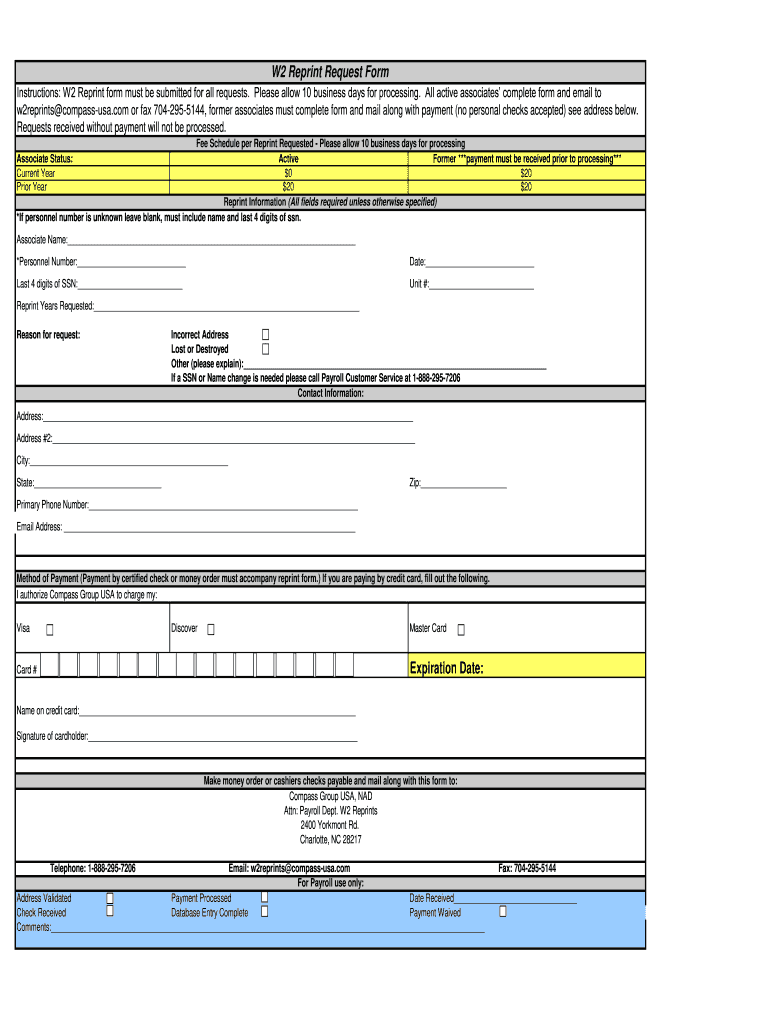
- Click ‘Get Form’ to open the W2 Reprint Request Form in the editor.
- Begin by filling in your Associate Name and, if known, your Personnel Number. If you do not know your Personnel Number, leave that field blank but ensure to include the last four digits of your SSN.
- Select your Associate Status (Current Year or Prior Year) and specify the Reprint Years Requested.
- Indicate the reason for your request by checking one of the options: Incorrect Address, Lost or Destroyed, or Other. If you select 'Other', provide a brief explanation.
- Complete your Contact Information including Address, City, State, Zip Code, Primary Phone Number, and Email Address.
- If applicable, fill out the Method of Payment section. Ensure to authorize payment details if using a credit card.
- Review all entered information for accuracy before submitting via email or fax as instructed.
Start using our platform today to streamline your W2 reprint requests effortlessly!
Fill out w2 reprints compass usa com online
It's free
See more w2 reprints compass usa com versions
We've got more versions of the w2 reprints compass usa com form. Select the right w2 reprints compass usa com version from the list and start editing it straight away!
| Versions | Form popularity | Fillable & printable |
|---|---|---|
| 2011 | 4 Satisfied (26 Votes) |
Security and compliance
At DocHub, your data security is our priority. We follow HIPAA, SOC2, GDPR, and other standards, so you can work on your documents with confidence.
Learn more


Related forms
Hawaii sheet complaint
The document is an instruction sheet for filing a complaint with the Hawaii Department of Labor and Industrial Relations ...

16226 Wausau Ave, South Holland, IL 60473 - Property
The document is an employment application form for the Village of South Holland, Illinois. It outlines the necessary inf ...

Nj incapacidad
El documento proporciona información sobre el Fondo de Segunda Incapacidad en Nueva Jersey, creado para ofrecer benefici ...
Letter verify employment sample
The document outlines the requirements for a Letter to Verify Employment, which must be submitted on company letterhead. ...
Town of Waukesha Fire Department, Waukesha, WI - W250s3567
The document is an employment application for the Village of Waukesha Fire Department, outlining personal information, e ...
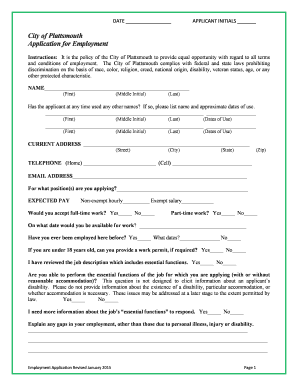
Employment Application Revised with Veterans Preference January 2015 docx - plattsmouth
The document is an employment application for the City of Plattsmouth, outlining the process and requirements for applic ...

Travel to Tara - Tara Anglican School for Girls Website
The document is an application for admission to Tara Performing Arts High School, which emphasizes experiential educatio ...
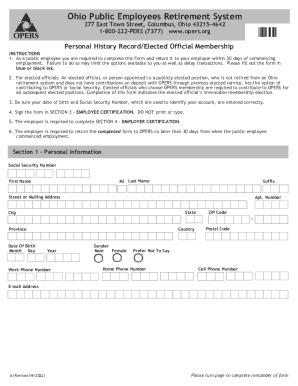
Ohio Public Employees Retirement System Membership Form
The document outlines the requirements for public employees and elected officials in Ohio to complete a Personal History ...