




01. Edit your wh514 online
Type text, add images, blackout confidential details, add comments, highlights and more.

Type text, add images, blackout confidential details, add comments, highlights and more.

Draw your signature, type it, upload its image, or use your mobile device as a signature pad.

Send wh 514 via email, link, or fax. You can also download it, export it or print it out.

Start using our platform today to easily fill out your WH 514a form online for free!
We've got more versions of the wh514 form. Select the right wh514 version from the list and start editing it straight away!
At DocHub, your data security is our priority. We follow HIPAA, SOC2, GDPR, and other standards, so you can work on your documents with confidence.
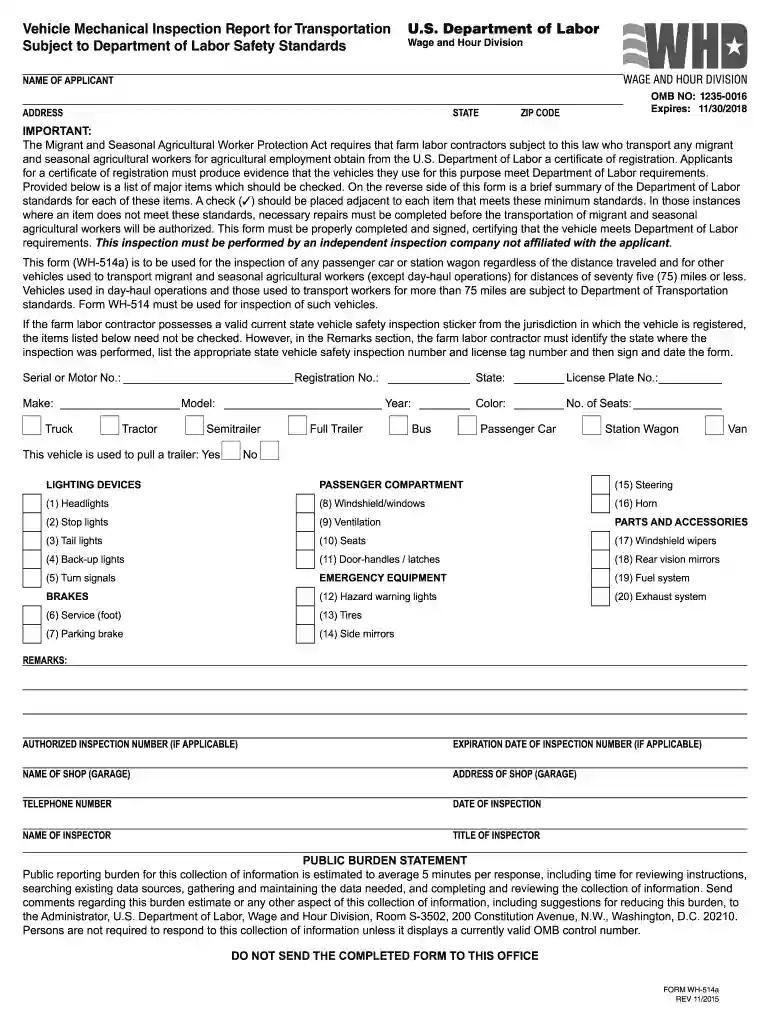
This form (WH-514a) is to be used for the inspection of any passenger car or station wagon regardless of the distance traveled and for other vehicles usedRead more
The laser diode in the optical pick-up block may suffer electro- static breakdown because of the potential difference generated by.Read more
Site: WH Cairn 9A, Al-Mafraq Governorate, Jordan. Date Found: 19581959; Current Location: In situ; Subject: Genealogy; Old OCIANA ID: #0011289


