




01. Edit your form online
Type text, add images, blackout confidential details, add comments, highlights and more.

Type text, add images, blackout confidential details, add comments, highlights and more.

Draw your signature, type it, upload its image, or use your mobile device as a signature pad.

Send it via email, link, or fax. You can also download it, export it or print it out.
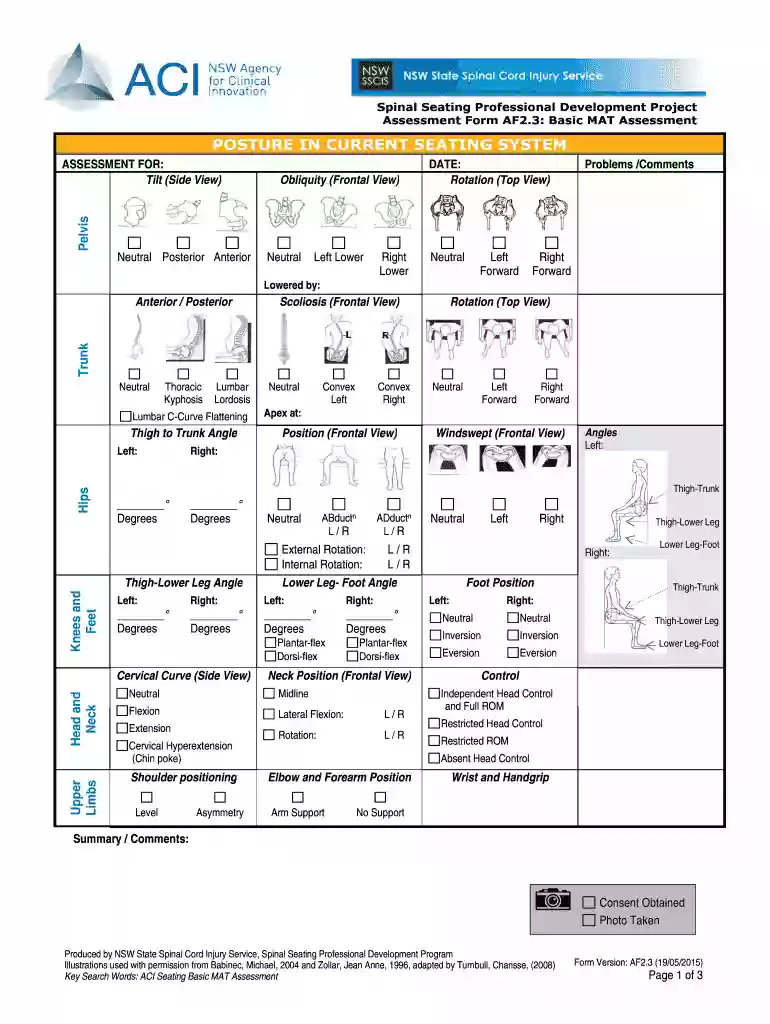
The AF2 3 MAT Assessment Doc, commonly referred to as the AF2.3 Basic MAT Assessment, serves as an essential tool in evaluating the posture and seating of individuals, especially in professional settings like medical facilities or therapy sessions. This form is integral in understanding a person's seating position, with a focus on posture in existing seating systems. The evaluation covers various aspects such as obliquity from a frontal view and rotation from a top view, providing insights into any adjustments needed to enhance comfort and health outcomes. These assessments are vital in tailoring seating solutions that meet individual needs.
To effectively utilize the AF2 3 MAT Assessment Doc, it is crucial to follow a structured approach. Begin by closely examining the current seating posture, noting any imbalances or misalignments. Pay special attention to the sections designated for obliquity and rotation assessments, documenting any observations or comments related to the pelvis position.
Completing the AF2 3 MAT Assessment Doc involves several steps to ensure thorough evaluation:
The AF2 3 MAT Assessment Doc is structured to capture a comprehensive analysis of an individual's seating posture. The key components include:
Understanding critical terminology in the AF2 3 MAT Assessment Doc is essential for accurate and effective use:
Practical applications of the AF2 3 MAT Assessment Doc include:
The AF2 3 MAT Assessment Doc carries significant legal considerations, particularly in healthcare and ergonomics documentation. It serves as:
DocHub supports various software integrations to facilitate the seamless processing of forms like the AF2 3 MAT Assessment. This includes compatibility with:
By maintaining software compatibility, professionals across different sectors can ensure efficient and secure processing of the AF2 3 MAT Assessment Doc.
At DocHub, your data security is our priority. We follow HIPAA, SOC2, GDPR, and other standards, so you can work on your documents with confidence.


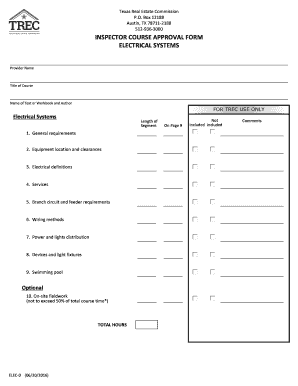


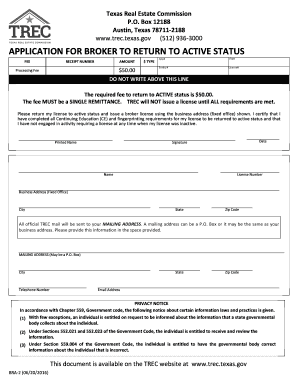
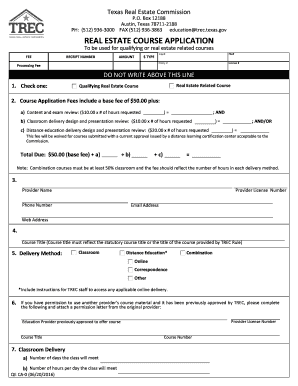

All forms will download as a PDF. Please refer to the list of mailing addresses for the appropriate forms. For income tax form orders, please use this contactRead more
Mar 15, 1971 This is the third eJitioll ot th~ APS logical architectULe by the. Poughkeepsie Aavanced system~ G~oup. It is a refinement and.Read more
by SMBA Turzo 2023 Cited by 9 All AF2 predictions were done by setting the template date for homologs to 1900-01-01. This removed the influence of homologous templates on theRead more


