Type text, add images, blackout confidential details, add comments, highlights and more.

02. Sign it in a few clicks
Draw your signature, type it, upload its image, or use your mobile device as a signature pad.

03. Share your form with others
Send it via email, link, or fax. You can also download it, export it or print it out.

How to use or fill out medicaid 2010 form with DocHub
Ease of Setup
DocHub User Ratings on G2
Ease of Use
DocHub User Ratings on G2
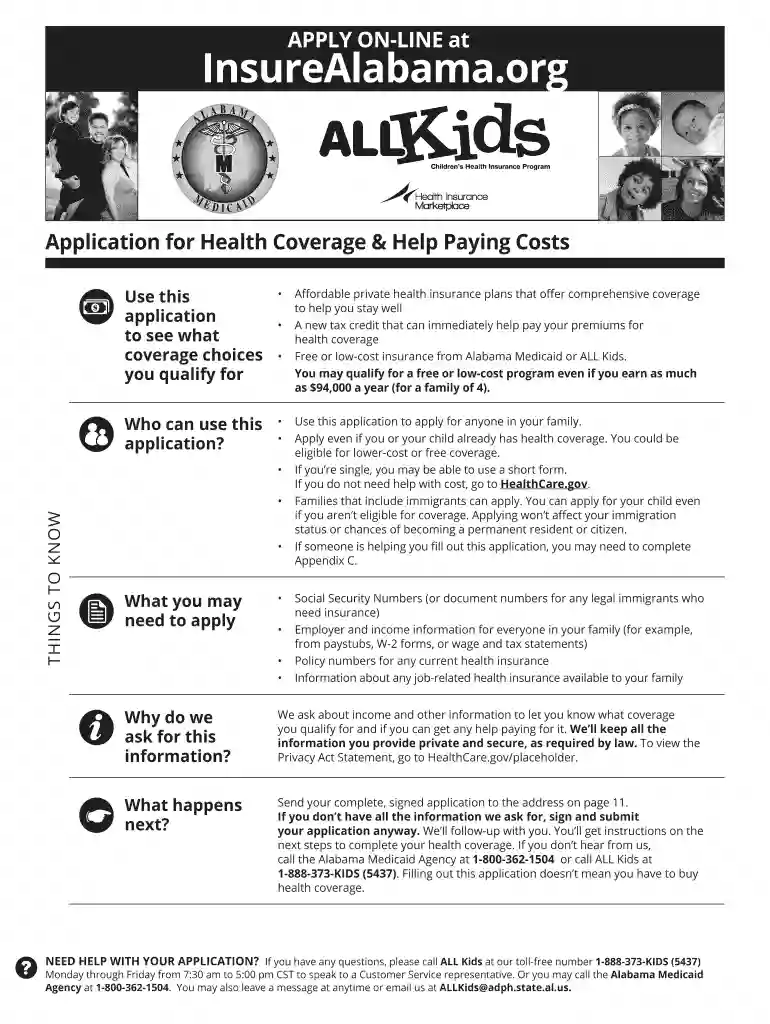
Click ‘Get Form’ to open the Medicaid 2010 form in our editor.
Begin by filling out the applicant's information, including first name, middle name, last name, and contact details. Ensure all fields are completed clearly.
Proceed to section 2 for pregnant women. Provide a statement from a doctor confirming pregnancy and expected due date.
In section 3, indicate any unpaid medical bills incurred in the last three months. List names and dates of care received.
Complete section 4 regarding health insurance coverage. If applicable, provide details about existing policies and their coverage.
For household members, list each individual’s relationship to the applicant along with their social security numbers and birth dates in section 8.
Finally, review all entries for accuracy before signing the application at the end of the form. Use our platform's tools to ensure everything is correct.
Start filling out your Medicaid 2010 form online for free using our platform today!
Printable medicaid 2010 formMedicaid 2010 form pdfHow to fill out medicaid 2010 formMedicaid 2010 form downloadMedicaid 2010 form onlineCms 588i formMedicare provider Name change form pdfForm hcfa 1513
Security and compliance
At DocHub, your data security is our priority. We follow HIPAA, SOC2, GDPR, and other standards, so you can work on your documents with confidence.
by JB Doe The revised CMS-1500 (02/12) replaced the former CMS-1500 (08/05). Use of the revised form was required as of April 1, 2014. A sample form is attached for yourRead more
Cookie consent notice
This site uses cookies to enhance site navigation and personalize your experience.
By using this site you agree to our use of cookies as described in our Privacy Notice.
You can modify your selections by visiting our Cookie and Advertising Notice.