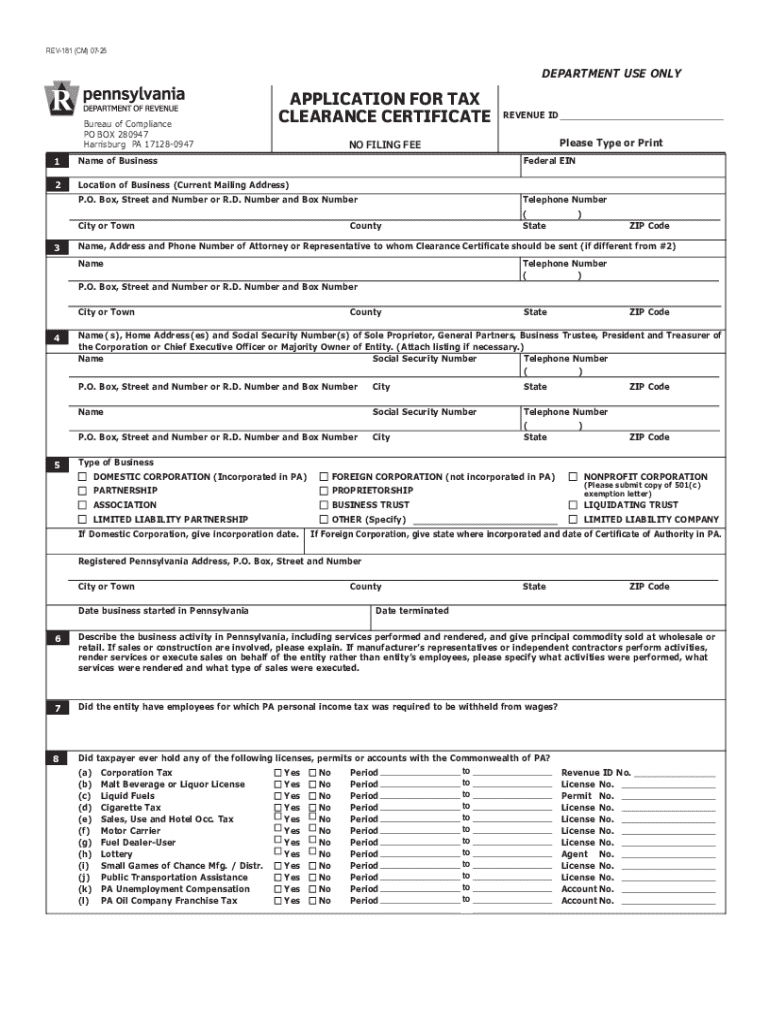







Understanding the Form Online
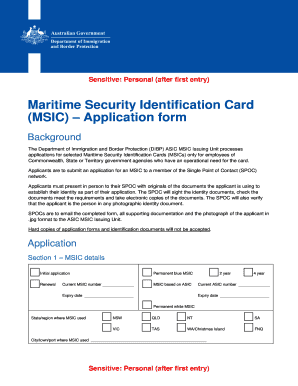
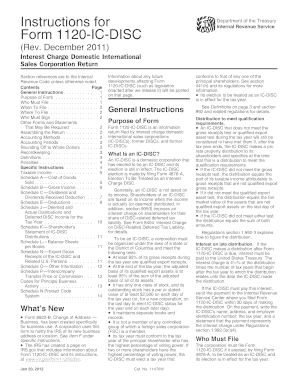
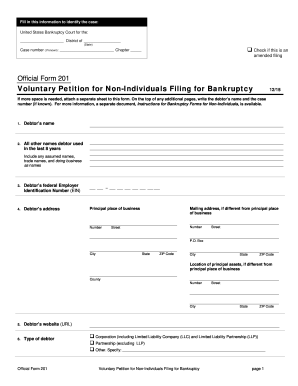
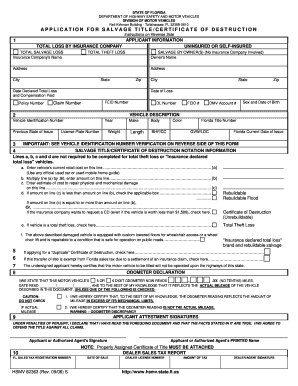
The phrase "form online" refers to the process of digitizing and accessing various types of forms through the internet. This encompasses government documents, business applications, and legal paperwork that can be filled out and submitted online without the need to print or mail. By making forms available online, users benefit from streamlined processes, immediate access, and greater convenience. For businesses and individuals alike, this digital option reduces the paperwork burden and accelerates document handling.
Steps to Complete the Form Online
Completing an online form entails a series of intuitive steps.
- Access the Form: Locate the necessary form through a relevant website, such as DocHub, where you can directly upload and begin working with your document.
- Fill Out Required Fields: Use DocHub’s tools to fill in required fields, ensuring accuracy by double-checking your entries.
- Attach Supporting Documents: If necessary, upload additional documents to substantiate the information.
- Review and Edit: Verify all entered information for completeness and accuracy.
- Sign Electronically: Utilize DocHub’s signature options to execute legally-binding digital signatures.
- Submit the Form: Once satisfied with your entry, submit the form via the platform or download it for alternative submission methods.
Key Elements of the Form Online
An effective online form has several key elements designed for ease of use and accurate data collection:
-
User Interface: Clear and organized layout for easy navigation.
-
Mandatory and Optional Fields: Highlight and require essential fields to ensure complete submissions.
-
Validation Checks: Built-in systems to prevent entry errors and provide instant feedback.
-
Accessible Design: Compatibility with various devices, including desktops and mobile browsers, to accommodate all user needs.
Who Typically Uses Forms Online
The demographic for online forms is broad, spanning several user groups:
-
Businesses: To process tax-related documents, invoices, or client agreements.
-
Individuals: For personal taxes, applications, or registrations.
-
Educational Institutions: For student admissions or administrative purposes.
-
Government Agencies: To facilitate faster public access to essential services and documentation.
Legal Use of Form Online
Forms completed online hold legal weight, provided they comply with regulation standards such as the ESIGN Act for electronic signatures.
-
Verification: All submitted digital documents often include an audit trail.
-
Authentication: Users are authenticated using secure logins to ensure document integrity.
-
Compliance: Adhering to legal provisions ensures that online forms are accepted in judicial or official capacities.
Advantages of Using Forms Online
Using forms online offers several benefits:
-
Efficiency: Immediate access and submission save time and reduce processing delays.
-
Cost-Effective: Eliminates printing and mailing expenses.
-
Environmental Impact: Reduction in paper use helps promote sustainable practices.
-
Secure Data Handling: Protected data through SSL encryption and other security protocols.
Form Submission Methods
Online forms offer flexible submission options to accommodate various circumstances:
-
Direct Internet Submission: Forms are submitted instantly upon completion through platforms like DocHub.
-
Email Attachment: Download the form and attach it to an email for submission.
-
Hybrid Submission: Download a completed form for physical submission, catering to situations where online submission isn't possible.
Software Compatibility
Online forms are often compatible with various software systems like Google Workspace, enhancing user experience and workflow integration:
-
Google Drive and Gmail: Direct interactions allow importing and exporting documents, ensuring streamlined data flow.
-
Integration with Accounting Software: Forms completed online can often interface with systems like QuickBooks for financial consistency.