




01. Edit your form online
Type text, add images, blackout confidential details, add comments, highlights and more.

Type text, add images, blackout confidential details, add comments, highlights and more.

Draw your signature, type it, upload its image, or use your mobile device as a signature pad.

Send it via email, link, or fax. You can also download it, export it or print it out.
Understanding the term "form online" involves recognizing it as an integral part of the digital document process. It refers to any electronic form available through the internet, used for collecting and submitting information without requiring paper. These forms provide a digital alternative to traditional paper forms, facilitating various tasks such as applications, data collection, and consent acknowledgments in a more efficient manner.
Online forms are crucial in a digital-first world, as they streamline the exchange of information. They reduce the need for physical storage and mitigate the risks associated with manual handling errors. Additionally, online forms can be enhanced with features like data validation, conditional logic, and integration with databases, offering a richer user experience and more accurate data. This technological evolution supports a wide range of uses, from personal transactions like buying a car to complex business and legal processes.
Using an online form effectively begins with familiarizing oneself with the platform or website hosting the form. Generally, the process involves accessing the form through a provided link or a specific section on a website. Once located, users typically follow these steps:
Access the Form: Navigate to the platform or website where the form is hosted. This might involve logging into an account or simply clicking a direct link.
Input Information: Fill out the required fields carefully. Online forms often include interactive elements like dropdown menus, checkboxes, and file upload options to help you input the correct information.
Verify Accuracy: Ensure all entered data is accurate to prevent errors. Many forms offer real-time validation to notify users of mistakes or missing information.
Submit the Form: After completing all necessary fields and reviewing the information, submit the form. This often involves clicking a "Submit" or "Send" button.
Receive Confirmation: Post-submission, you may receive an email or on-screen confirmation, verifying that the form has been successfully sent and providing details on any next steps or reference numbers.
Online forms offer speed and convenience unparalleled by their paper counterparts, with the added benefit of automated error checking to improve overall accuracy.
Accessing forms online typically involves simple navigation steps. Users can find these forms on official websites linked to the organizations requiring them, whether these are governmental, educational, or corporate entities. Here’s a general guide to obtaining online forms:
Identify the Source: Determine which organization or platform provides the form. Common sources include government websites, company portals, or educational institution sites.
Navigate to the Correct Section: Use the website’s navigation tools, such as menus or a search bar, to locate the page dedicated to forms.
Select the Right Form: Ensure you have identified the correct form type and version to prevent errors in submission.
Download or Directly Fill Online: Depending on the platform, you may either download the form for offline completion or fill it online in a web-based interface.
While acquiring forms online, it's essential to ensure the source's legitimacy to prevent data exposure to unsecured systems or fraudulent websites.
Successfully completing an online form involves multiple steps designed to ensure accuracy and data integrity. Here’s a structured approach to guide users through the process:
Preparation: Gather all necessary information and documents before beginning. This might include personal identification numbers, addresses, and documents that need to be uploaded.
Form Navigation: Begin at the top of the form, moving systematically to ensure each section is completed. Many online forms provide a progress indicator for longer documents.
Field Completion: Carefully input information into each field. Required fields are often marked with asterisks or highlighted.
Upload Documents: If the form requires documents, follow the upload instructions, ensuring they meet size and format requirements.
Review: Before submitting, review all entered information to catch and correct any mistakes. Some forms provide a summary page for this purpose.
Submission and Confirmation: Submit the form and wait for confirmation. Some systems also provide a reference number that you should note for future inquiries or follow-ups.
This structured approach ensures that all necessary form fields are completed accurately and allows for a smooth submission process.
Online forms consist of several key elements that help guide users in providing accurate information. Understanding these components can make form completion more efficient:
Input Fields: Areas where users enter data, such as names, addresses, and other necessary details.
Dropdown Menus: Provide users with predefined options to select from, minimizing errors related to open-text fields.
Checkboxes and Radio Buttons: Allow users to make single or multiple selections from available options.
File Uploads: Enable users to attach necessary documents as part of the submission process.
Validation Indicators: Real-time feedback mechanisms alerting users to incorrect or incomplete entries.
These elements are designed to guide users naturally through the form, ensuring information is gathered in a consistent and structured manner.
Using online forms legally requires understanding the specific regulations surrounding electronic document submissions. Most forms adhere to guidelines set by pertinent laws, such as the ESIGN Act for electronic signatures in the U.S., ensuring that online submissions are legally binding.
When submitting online forms, it’s important to:
Ensure Authenticity: Use official sources to obtain forms to maintain data integrity.
Understand Consent: Acknowledge terms and conditions if required, as this often constitutes a legal agreement.
Use Electronic Signatures: When applicable, electronic signatures on forms must follow legal standards to be recognized as legitimate.
Overall, maintaining compliance with legal standards ensures that these forms serve their intended purpose legally and effectively.
Ensuring that online forms are compatible with widely-used software programs is essential for accessibility and ease of use. Compatibility with software tools like Adobe Acrobat, web browsers, and integrated systems like Google Workspace facilitates smooth operation and enhanced functionality:
Web Accessibility: Most forms are accessible via major web browsers like Chrome, Firefox, and Safari, with adaptive features for mobile devices.
Integration with Document Software: Forms downloaded in formats such as PDF should work seamlessly with document viewers like Adobe Reader or PDF/A for official documentation.
Cloud Integration: Many platforms support direct integration with cloud services (e.g., Google Drive) for easy file sharing and submissions.
Compatibility with these tools enhances user experience and efficiency in managing online forms, making them accessible to a wider audience.
There are many practical uses for online forms across different sectors. Here are some common examples:
Job Applications: Employers often use online forms to collect applicant information, resumes, and supporting documents.
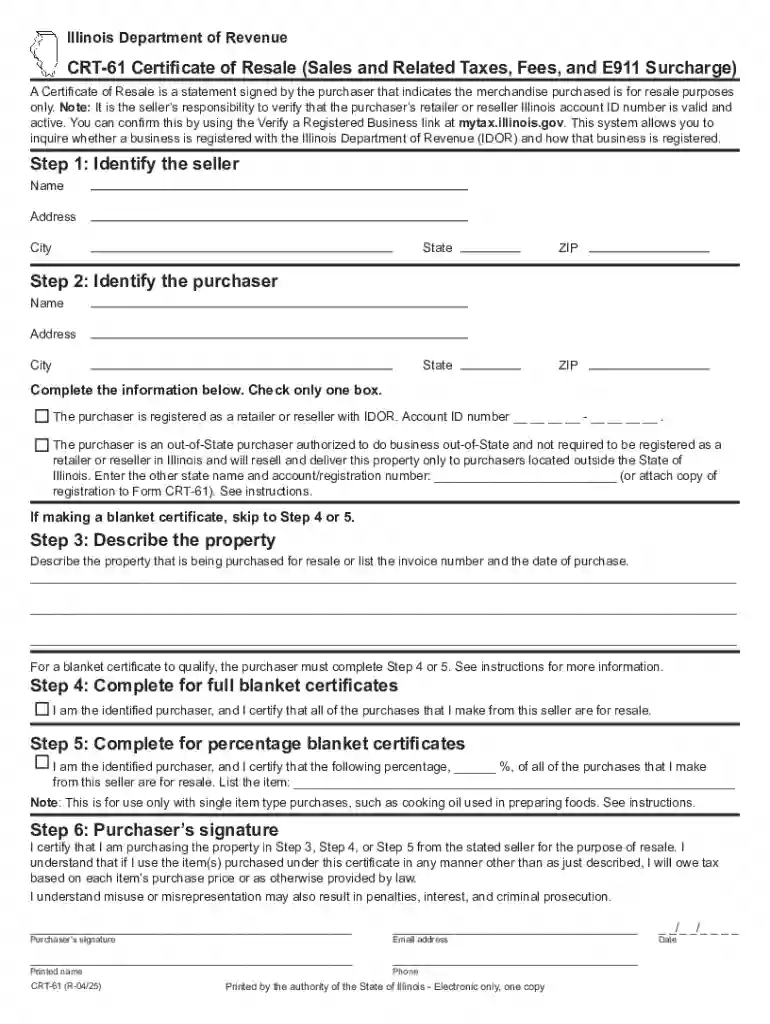
Government Services: Forms like the CRT-61 allow individuals and businesses to submit necessary information for regulatory purposes online.
Customer Feedback: Businesses often employ online forms to collect consumer feedback after interactions or purchases.
Educational Enrollment: Schools and universities use online forms for everything from student enrollment to course registration.
These examples demonstrate the versatility and importance of using online forms to streamline processes and capture data effectively.
At DocHub, your data security is our priority. We follow HIPAA, SOC2, GDPR, and other standards, so you can work on your documents with confidence.
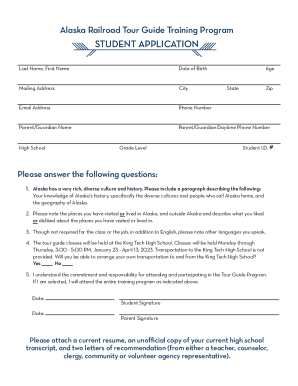
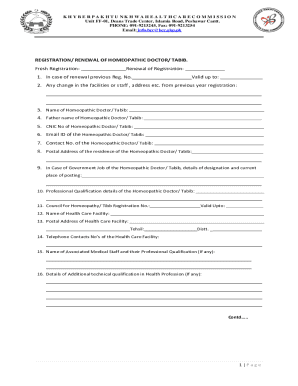
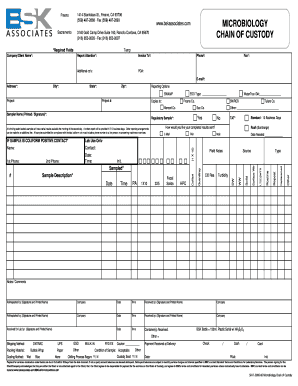
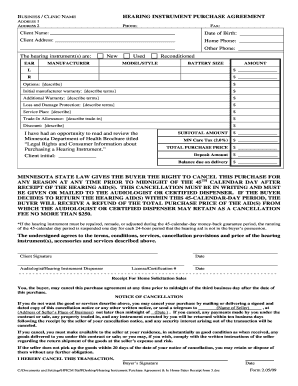
Formstack is a no-code online form builder with AI-powered, enterprise-grade features, automating data collection and workflows, and offering touchless form
The law requires you to report the accident using the attached form. Q: What happens after this report is filed? A: An uninsured persons driver license and/orSee more


