




01. Edit your form online
Type text, add images, blackout confidential details, add comments, highlights and more.

Type text, add images, blackout confidential details, add comments, highlights and more.

Draw your signature, type it, upload its image, or use your mobile device as a signature pad.

Send it via email, link, or fax. You can also download it, export it or print it out.

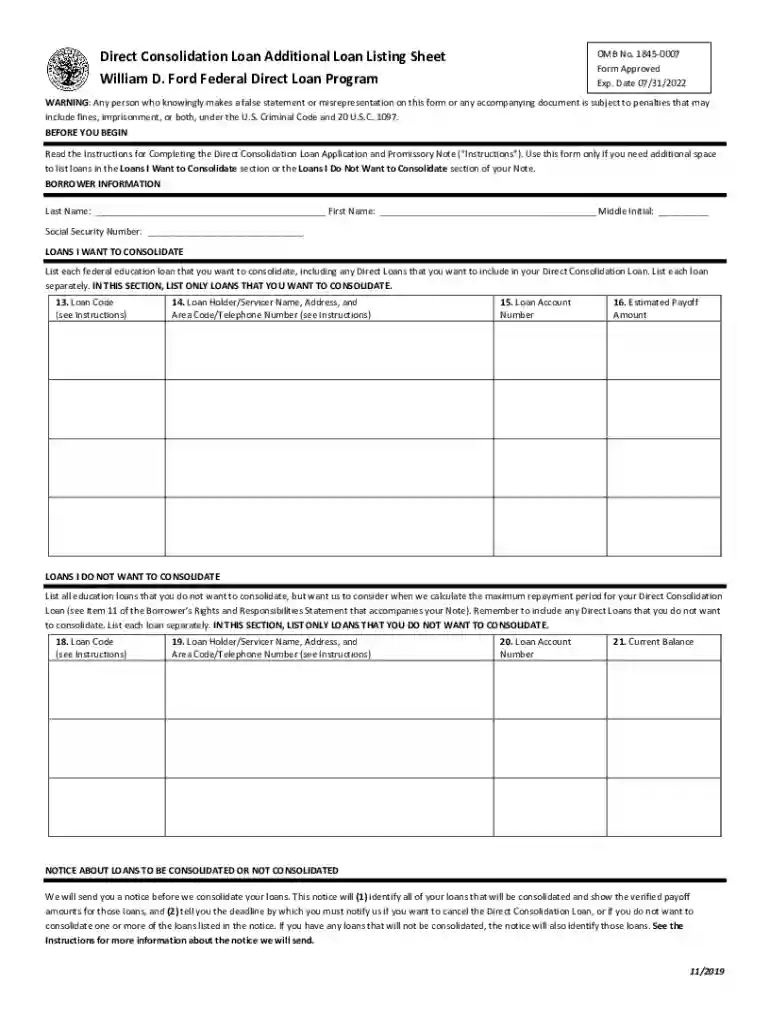
Start using our platform today to fill out your Direct Consolidation Loan Additional Loan Listing Sheet for free!
We've got more versions of the Direct Consolidation Loan Additional Loan Listing Sheet form. Select the right Direct Consolidation Loan Additional Loan Listing Sheet version from the list and start editing it straight away!
Electronic document signing demands a software solution that works in compliance with data security and eSignature regulations. DocHub is a great tool for that, because it fulfills all the above mentioned requirements. Whatever method you like to sign your Direct Consolidation Loan Additional Loan Listing Sheet in DocHub, your eSignature will be legally binding and court-admissible.
If you are looking for a state-specific Direct Consolidation Loan Additional Loan Listing Sheet sample, you will find it in our DocHub Forms & Templates catalog. Use the search field, key in your form’s name, and search through the results for your state. You may also filter out irrelevant results while searching our catalog by groups.
At DocHub, your data security is our priority. We follow HIPAA, SOC2, GDPR, and other standards, so you can work on your documents with confidence.
Modification, extension and consolidation agreements (MECAs) are transactions in which an institution obtains loans from another institution without actually.Read more
A federal consolidation loan may help make payments more manageable for some by combining several federal student loans into one loan with one monthly payment.Read more


