






Definition and Meaning of "Form Online"
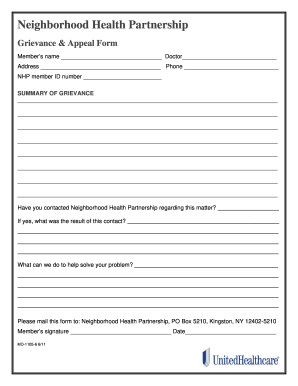
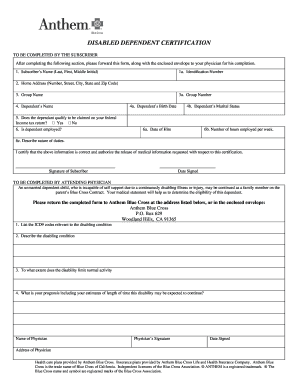
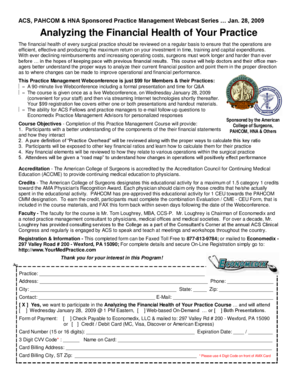
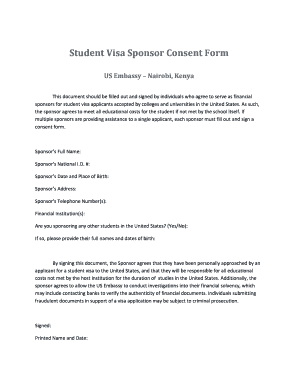
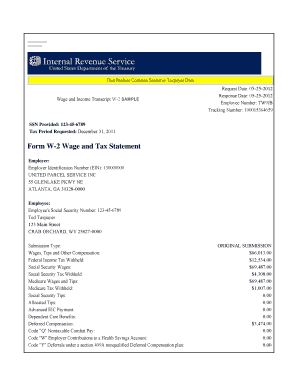
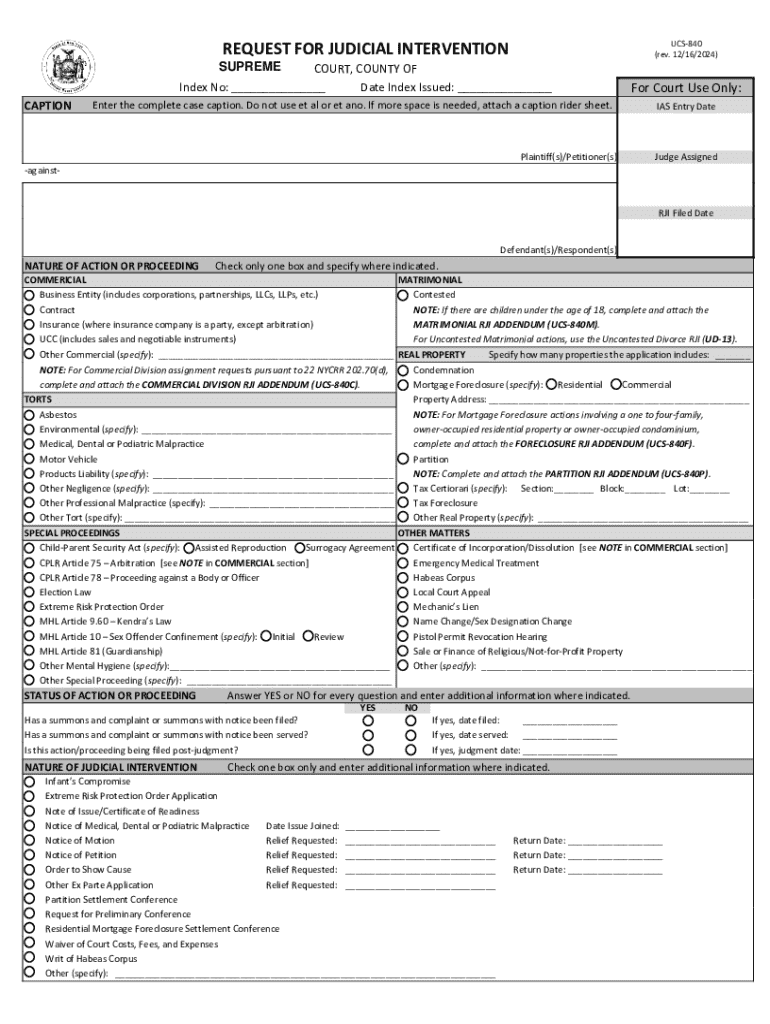
"Form online" refers to the process of completing and submitting forms via the internet, rather than using traditional paper-based methods. This digital approach leverages web-based applications, enhancing accessibility and efficiency. Forms online are generally hosted on cloud platforms, making them easily accessible from various devices. The term encompasses a wide range of forms used in different sectors, including legal, tax, and commercial industries. Through the online environment, users can save time, reduce errors, and improve data accuracy by utilizing automated fields and guides embedded in the forms.
Types of Forms Commonly Used Online
- Legal Forms: Documents like NDAs, contracts, and affidavits.
- Tax Forms: Various local, state, and federal tax submission forms.
- Application Forms: College applications, job applications, and permits.
- Survey Forms: Market research, customer feedback, and opinion polls.
- Registration Forms: Event sign-ups and membership registrations.
How to Use "Form Online"
Using an online form involves several steps, aimed at ensuring a smooth and accurate process.
-
Access the Form: Begin by navigating to the website hosting the form. Often, these forms are found on official sites of government bodies, businesses, or specialized platforms like DocHub.
-
Read Instructions Carefully: Understanding the form's instructions is crucial as they contain specific directions on how each section should be completed.
-
Fill in Required Fields: Input the necessary information, making sure to enter data in all mandatory fields marked with an asterisk (*) or highlighted in some way.
-
Attach Required Documents: Upload any additional files or documents necessary for the form submission. These could include identification copies, proof of residence, or financial statements.
-
Review for Errors: Check all entries for spelling mistakes or typographical errors. Many platforms offer real-time validation to highlight errors as they occur.
-
Submit the Form: Once all sections are completed and reviewed, submit the form electronically. A confirmation or reference number is generally provided upon successful submission.
Steps to Complete the Form Online
Completing a form online effectively requires attention to detail and methodical input of information:
-
Preparation: Gather all necessary documents and information before starting the online form. This can include previous form entries, identification details, and reference numbers.
-
Data Entry: Begin filling out the form, usually starting with personal information followed by specific sections according to the form's nature. Ensure that each entry complies with the format specified (e.g., dates, currency).
-
Digital Signature: If required, sign the document using an electronic signature tool. Platforms like DocHub provide options to draw, type, or upload a signature image.
-
Payment Handling: If the form includes a transaction, manage payments through secure online payment gateways.
-
Follow-Up: After submission, look for a confirmation email or receipt. Some forms may require additional actions or responses from the form issuers, so check for instructions in the confirmation details.
Why You Should Use Online Forms
Online forms offer significant benefits over traditional paper forms, making them a preferred choice in many situations.
- Efficiency: Reduced time in form completion and submission processes.
- Accessibility: Forms can be accessed from any device with internet connectivity.
- Cost-Efficiency: Eliminates printing, postage, and storage costs inherent in paper forms.
- Accuracy and Consistency: Built-in checks reduce common data entry errors, improving data reliability.
- Environmental Impact: Significantly reduces paper consumption, contributing to eco-friendly practices.
Who Typically Uses Forms Online
Forms online are utilized by a myriad of users, each benefiting from the convenience and efficiency they offer.
- Businesses: For contracts, invoices, and employee onboarding paperwork.
- Tax Professionals: Submitting tax-related forms for clients.
- Government Agencies: Managing permits, applications, and licenses.
- Educational Institutions: Handling admissions, registrations, and surveys.
- Legal Practitioners: Preparing and filing legal documents quickly and securely.
Important Terms Related to "Form Online"
Understanding terminology is crucial in effectively using and understanding online forms.
- Digital Signature: Legal equivalent of a handwritten signature, used for authenticating identity online.
- Intuitive Interface: User-friendly design that guides form completion through easy navigation and accessible tools.
- Cloud Storage: Secure, remote storage system for accessing and saving online forms.
- Responsive Design: A flexible form design that adjusts to different devices and screen sizes for optimal usability.
Legal Use of Form Online
Online forms must comply with various legal standards to ensure validity and enforceability.
- Electronic Signatures in Global and National Commerce Act (ESIGN Act): Establishes the legality of electronic signatures, ensuring online forms are as valid as their paper counterparts.
- Data Protection Regulations: Compliance with laws like the GDPR in Europe, impacting multinational entities.
- Confidentiality and Privacy: Secure handling of personal data according to legal standards and policies.
- Audit Trails: Provide a record of form submission and modifications, supporting transparency and accountability.
Key Elements of the Form Online
Certain core components are critical to the structure and functioning of online forms.
- Mandatory Fields: Essential sections that must be completed to successfully submit the form.
- Interactive Features: Elements like dropdown menus, checkboxes, and date pickers that enhance user experience.
- Validation Checks: Automatic reviews to ensure data accuracy and compliance with given rules.
- User Permissions: Options for controlling who can view or edit the form, often seen in collaborative environments.
Examples of Using Forms Online
Online forms are utilized across various real-world scenarios, reflecting their versatility and utility.
- Recruitment Process: HR departments streamline recruitment by using online application forms to collect resumes and candidate information.
- E-commerce: Customers fill out order forms with product selections, quantities, and payment details for a seamless purchasing experience.
- Event Management: Event organizers utilize online registration forms to manage attendee lists and collect participant data.
- Healthcare Providers: Patient intake forms online ensure efficient management of health records and appointment scheduling.
This comprehensive coverage of "form online" provides in-depth insights into its use, benefits, and application across different scenarios.