






Definition & Meaning
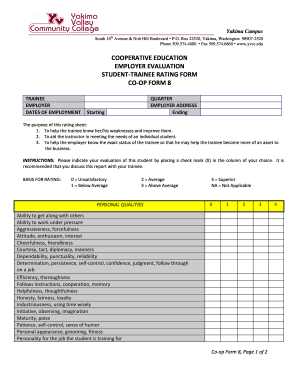
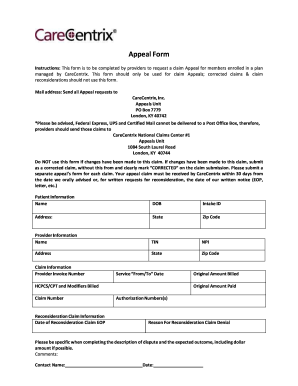
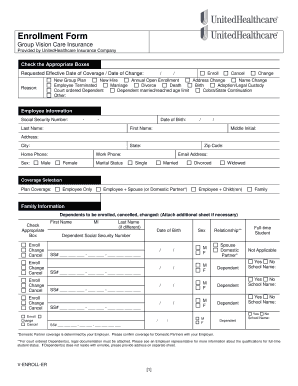
The concept of a "form online" refers to a digital format of a document that can be filled, submitted, and processed via the internet. This method bypasses the traditional paper-based system, enabling a more convenient, efficient, and eco-friendly approach to document management. Forms online can range from simple surveys to complex legal documents and contracts, offering various interactive fields like text inputs, checkboxes, and dropdowns. They are widely used across industries such as healthcare, education, and finance, reflecting a shift towards digital transformation in document handling.
How to Use the Form Online
Using a form online involves several straightforward steps that enhance user experience and ensure accuracy. To begin, access the form through a web browser on your computer or mobile device. Familiarize yourself with required fields, denoted by asterisks or specific instructions. Input data directly into the form fields, ensuring that all necessary information is accurate and up to date. Tools such as drop-down menus and radio buttons facilitate ease of use and guide users through the required selections. Upon completion, review all entries for accuracy. Most online forms feature a "Submit" button, which you can click to send your data electronically to the intended recipient or database for processing.
Steps to Complete the Form Online
- Access the Form: Use a supported web browser to navigate to the form's URL.
- Read Instructions Carefully: Before filling out the fields, go through any guidelines or instructions provided at the top or side of the form.
- Enter Information: Complete each field as instructed. Mandatory fields must be filled out, while optional ones can be skipped if not applicable.
- Use Correct Formats: Ensure that data such as dates, phone numbers, and amounts are in the correct format to avoid errors.
- Review for Accuracy: Double-check all entries for spelling and numerical accuracy.
- Submit the Form: Press the submit button to electronically send your form. A confirmation message or email will typically follow.
Why Should You Form Online
Filling forms online offers significant advantages over traditional paper-based methods. Firstly, it reduces the time and resources spent on manually printing, distributing, and storing documents. Additionally, online forms are often designed to prevent errors with built-in validation rules, ensuring that information entered is complete and correct. The immediacy of submission means data can be received and processed in real-time, which is particularly beneficial for urgent applications or compliance requirements. Furthermore, online forms support an eco-friendly initiative by minimizing paper waste and carbon footprint associated with physical mailings.
Important Terms Related to Form Online
- Interactive Field: Sections within an online form where users can enter or select data, often including text boxes, checkboxes, and radio buttons.
- Validation: A system process that checks form inputs for accuracy and completion before submission.
- Responsive Design: A design approach ensuring online forms are accessible and user-friendly across different device screens and resolutions.
- Real-time Processing: The ability to submit and process form data immediately upon user submission.
Legal Use of the Form Online
Online forms legally replicate the functions of their paper counterparts when completed correctly. Forms can include legal documents, such as contracts, agreements, or affidavits, which require electronic signatures to authenticate user consent and approval. In the United States, the ESIGN Act provides a legal framework ensuring that electronic signatures and digital forms hold the same legal weight as handwritten ones. This legal recognition underscores the importance of maintaining data integrity and security, with encryption and secure access protocols safeguarding sensitive information during electronic submission and storage.
Key Elements of the Form Online
- Interactive Fields: Enable users to input data accurately and efficiently.
- Instructional Guides: Help users understand and correctly fill out each section.
- Submit and Reset Options: Offer a way to either submit the form for processing or reset fields to start over.
- Security Features: Include SSL encryption and user authentication to protect data integrity and confidentiality.
- Real-time Validation: Checks inputs to ensure compliance with required formats and completeness.
State-Specific Rules for the Form Online
The rules governing online form submissions can vary significantly from state to state, particularly in contexts like legal filings, applications for state-specific benefits, or compliance reporting. For example, certain states may require additional identifiers or documents for processing while others may have unique data privacy laws affecting how collected data can be used or shared. Understanding these state-specific nuances is crucial for ensuring that your form submission meets all required legal and procedural guidelines, thereby avoiding potential delays or legal challenges.