
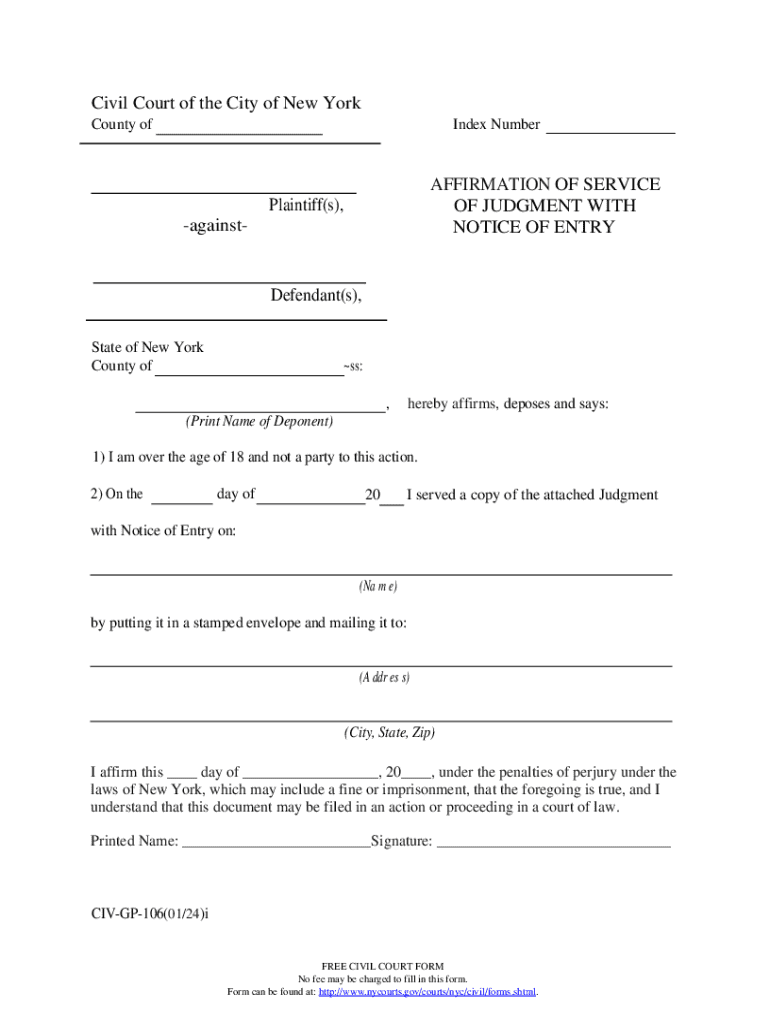







Definition and Meaning of the Form Online
The term "form online" refers to digital versions of documents that can be completed and submitted over the internet. These forms are typically used to collect information, which can include legal agreements, tax filings, application forms, surveys, and more. This digital format facilitates ease of access and submission, allowing users to interact with the form from any location with internet access. Online forms eliminate the need for physical paperwork, streamlining processes for both individual users and organizations by reducing administrative burdens and speeding up data collection and processing.
How to Use the Form Online
Completing a form online generally involves several straightforward steps:
-
Accessing the Form: Users can access online forms typically through a website or an email link. They may need to download the form onto their device or fill it directly in a web browser.
-
Filling Out the Form: Once accessed, users can fill in the required fields. These fields often include text boxes, checkboxes, drop-down menus, and digital signature options.
-
Review and Save: After entering all necessary information, users should review their entries to ensure accuracy. Many platforms allow users to save their progress, which is crucial for longer forms that may take more than one session to complete.
-
Submit the Form: After confirming that the information is correct, the next step is to submit the form. This is typically done by clicking a “Submit” button that sends the form to the intended recipient or processing system.
-
Confirmation of Submission: Many online forms provide a confirmation message or email once the form has been successfully submitted, assuring users that their information has been received.
How to Obtain the Form Online
Obtaining online forms can be done in several ways, depending on the platform or service. Here are some common methods:
-
Download from Websites: Forms are often available for download directly from specific websites, particularly those of government agencies or service providers like DocHub.
-
Email Distribution: Organizations may distribute forms via email, sending them as attachments or links.
-
Cloud Storage Platforms: Forms can also be accessed through cloud storage services like Google Drive or Dropbox. Users can then download or edit these forms directly from their cloud storage account.
-
In-Platform Generation: Platforms like DocHub allow users to generate and customize forms directly within the service, which can then be saved or shared as needed.
Steps to Complete the Form Online
To complete a form online efficiently, follow these steps:
-
Understand Requirements: Before starting, read through any instructions or requirements provided with the form to understand what is needed.
-
Gather Necessary Information: Compile any documents or details you might need to fill out the form completely, such as identification numbers, addresses, or financial data.
-
Fill Out the Form: Methodically complete each section of the online form, ensuring to input the correct data in each field.
-
Attach Additional Documents: If additional documentation is required, use the form's uploading features to attach files such as identification or proof of address.
-
Review Entries: Check that all information entered is correct and complete to avoid delays or rejection.
-
Submit the Form: Follow the submission instructions to send the completed form, utilizing any available success indicators or submission confirmations.
Why You Should Use Forms Online
Utilizing online forms comes with several advantages:
-
Efficiency: Online forms reduce paperwork and streamline data collection, making the process faster than traditional methods.
-
Accuracy: Digital forms often incorporate validation checks that ensure data is entered correctly and completely before submission.
-
Accessibility: Online forms can be accessed and submitted from virtually anywhere, offering convenience for users who are mobile or remote.
-
Cost-effective: By eliminating the need for physical documents and postage, online forms can significantly reduce costs associated with traditional form management.
Who Typically Uses the Form Online
Online forms are used across a wide range of demographics and industries:
-
Individuals: For personal applications, survey responses, tax filings, or educational purposes.
-
Businesses and Corporations: To gather customer information, process transactions, or manage employee data and workflows.
-
Government Agencies: For citizens to complete necessary documentation related to taxes, permits, or licenses.
-
Educational Institutions: Schools and universities use online forms for admissions, course registrations, or feedback collection.


Important Terms Related to Form Online
Understanding key terms related to online forms can enhance the user's experience and capability:
-
Digital Signature: An electronic form of a signature that provides a secure and verifiable method of signing documents online.
-
Form Field: Sections of the form that require user input, such as text boxes, drop-down menus, and checkboxes.
-
Submission Confirmation: Notification or acknowledgment received after successfully submitting a form, confirming its receipt.
-
File Formats: Common file extensions for online forms, like PDF, DOCX, or HTML, which determine how the form can be interacted with and stored.
Legal Use of the Form Online
Online forms carry the same legal standing as paper forms when appropriately signed and submitted:
-
Compliance: Digital signatures collected through online forms comply with legislative acts like the ESIGN Act, ensuring that electronic documents are legally recognized.
-
Security: Platforms offering online forms apply stringent security measures to protect sensitive information, such as SSL encryption and access control protocols.
-
Audit Trails: Secure platforms often provide an audit trail that records all actions taken on the form, such as viewing or signing, which can be critical for compliance audits.
Online forms provide a robust and versatile means of collecting data, significantly enhancing efficiency, accuracy, and accessibility in a wide array of applications.




