






Definition & Meaning of Form Online
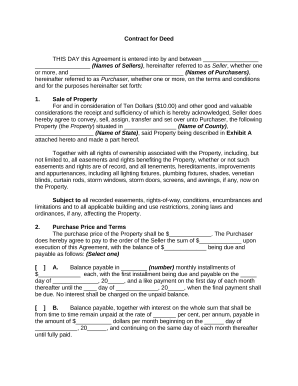
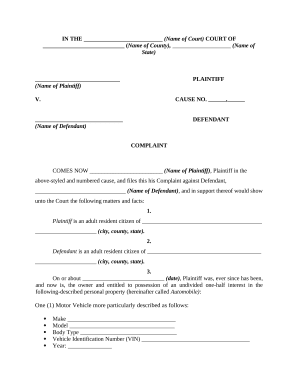
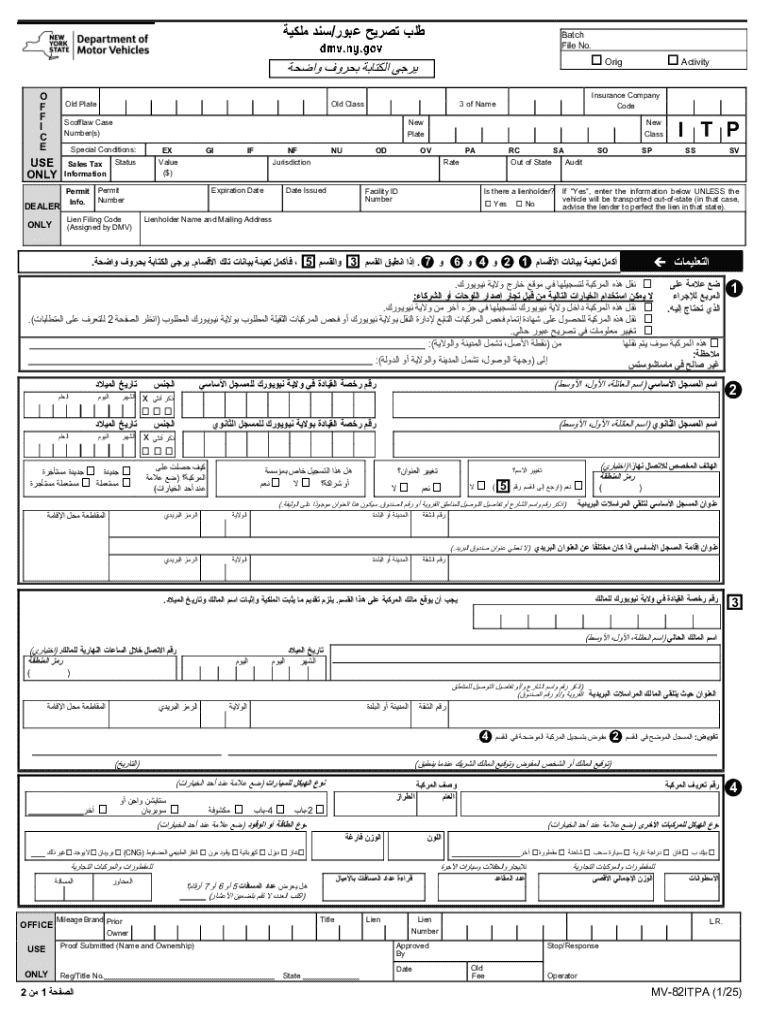
The term "form online" refers to any electronic document that can be completed, submitted, and processed over the Internet instead of being sent in paper form. These forms can be related to various domains such as tax filings, applications for permits, or registrations. Online forms offer ease of access and convenience, allowing users to fill out and submit them from any location with an internet connection. For example, a vehicle registration renewal can be completed online without the need to physically visit a Department of Motor Vehicles office.
How to Use the Form Online
Using forms online is straightforward and user-friendly compared to traditional paper forms. The process generally involves accessing the required form via a designated platform like DocHub. Users can then fill out the fields using their keyboard or other input devices. Key tools include text boxes, drop-down menus, and checkboxes to facilitate data entry. Once completed, the user can review the information for accuracy before submitting the form. Digital signatures can often be applied directly through the interface, legally binding the document as if it were signed by hand.
Practical Steps for Form Usage:
- Access the form through the appropriate website or online portal.
- Review the sections to understand the information required.
- Enter data into each field, ensuring accuracy.
- Attach any necessary supporting documents, if applicable.
- Apply an electronic signature if required.
- Submit the form by following the on-screen instructions, usually by clicking a "Submit" or "Send" button.
How to Obtain the Form Online
Forms online can typically be obtained through official websites of the issuing agency or organization. For instance, government websites often host forms related to taxes, business licenses, or vehicle registrations in downloadable PDF or fillable format. Users can simply visit these websites, search for the specific form, and download or begin filling it out directly on the site.
Sources for Online Forms:
- Government agency portals (e.g., IRS, DMV websites)
- Specific service providers like DocHub
- Corporate intranets for employee-centric forms
Steps to Complete the Form Online
Completing an online form involves a structured approach to ensure all necessary information is provided. Here’s a typical step-by-step guide:
- Identify Requirements: Determine what information and documents are necessary for the form.
- Fill Out Personal Information: Enter details such as name, contact information, and identification numbers.
- Provide Specific Data: Input the specified data such as financial figures, vehicle details, or personal history.
- Attach Files: Upload any supporting documentation if required, such as proofs of identity or receipts.
- Review All Entries: Thoroughly check all entered information for accuracy and completeness.
- Apply Signature: Add a digital signature to authenticate the form.
- Submit Form: Follow instructions to submit, and save a copy for personal records.
Importance of Using Forms Online
The use of online forms presents numerous advantages over traditional paperwork. Primarily, it saves time and resources by reducing the need for physical forms, printing, and manual submissions. Online forms support faster processing, easier data management, and improved accessibility. Users can access online forms without geographical restrictions, which is particularly valuable for international applications or updates, such as renewing a driver's license while out of state.
Who Typically Uses the Form Online
A wide array of individuals and organizations utilize forms online. These include:
- Individual Taxpayers: Filing taxes or applying for refunds.
- Businesses: Managing employee records, client onboarding, or regulatory filings.
- Government Agencies: Distributing forms related to public services.
- Educational Institutions: Handling applications, enrolments, and alumni data.
- Healthcare Providers: Managing patient information, insurance claims, and consent forms.


Key Elements of the Form Online
Online forms consist of multiple interactive elements designed for efficient data collection and processing:
- Text Boxes: For inputting personal information or detailed responses.
- Drop-Down Menus: To provide options for standardized responses.
- Checkboxes and Radio Buttons: To select one or multiple options.
- Date Pickers: For entering dates accurately without format errors.
- Digital Signatures: Offering a method for securely authorizing documents.
State-Specific Rules for Form Online
Different states may have unique regulations and requirements for forms online, especially for documents like tax returns or vehicle registrations. Users must ensure compliance with local laws. For example, some states require additional information or forms for vehicle registration compared to others. Checking with the relevant state department’s website or contact center can provide guidance on these specific requirements.