Family dollar letterhead 2026

Get Form
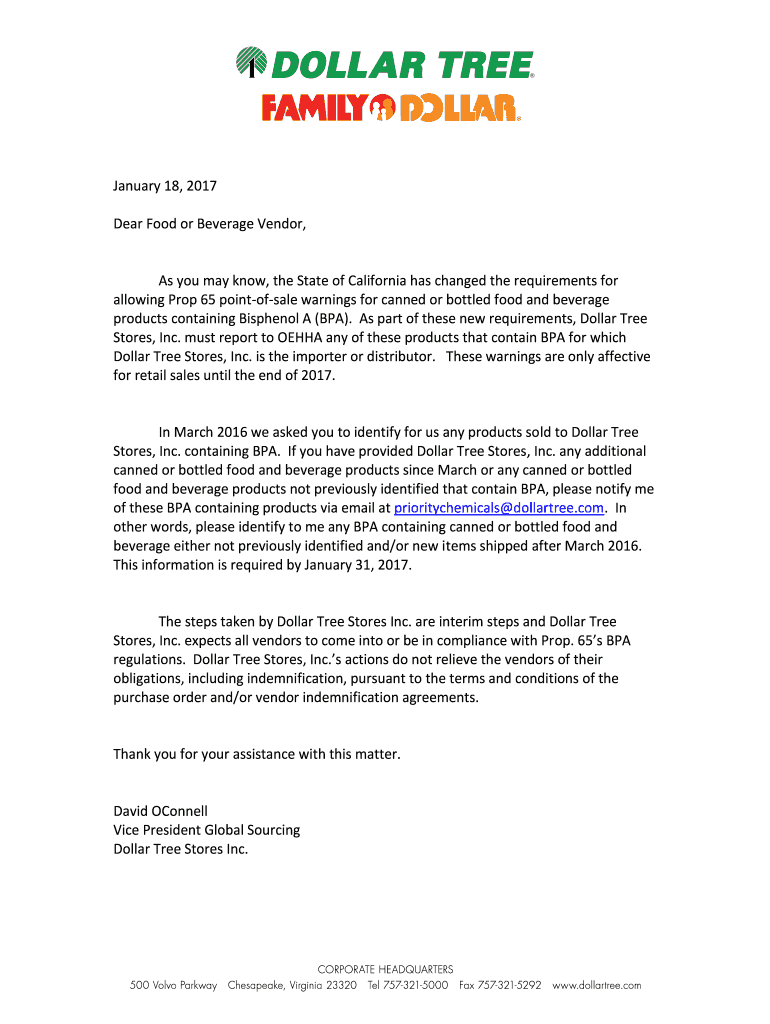
family dollar letterhead Preview on Page 1

Here's how it works

01. Edit your family dollar letterhead online
Type text, add images, blackout confidential details, add comments, highlights and more.
02. Sign it in a few clicks
Draw your signature, type it, upload its image, or use your mobile device as a signature pad.
03. Share your form with others
Send it via email, link, or fax. You can also download it, export it or print it out.

How to use or fill out family dollar letterhead with our platform

Form edit decoration
9.5
Ease of Setup
DocHub User Ratings on G2
9.0
Ease of Use
DocHub User Ratings on G2
  1. Click ‘Get Form’ to open the family dollar letterhead in the editor.
  2. Begin by entering the date at the top of the letterhead. This is crucial for record-keeping and should reflect the current date.
  3. In the salutation section, address your recipient appropriately. For example, 'Dear Food or Beverage Vendor,' is a standard greeting for this type of correspondence.
  4. Proceed to fill in the body of the letter. Clearly state any important information regarding Prop 65 requirements and BPA-containing products as outlined in your communication.
  5. Ensure you include a call-to-action, prompting vendors to respond by a specific deadline, such as January 31, 2017, for compliance.
  6. Finally, sign off with your name and title at the bottom of the document. This adds professionalism and accountability to your correspondence.

Start using our platform today to streamline your document editing and ensure compliance effortlessly!

be ready to get more

Complete this form in 5 minutes or less

Get form

Got questions?

We have answers to the most popular questions from our customers. If you can't find an answer to your question, please contact us.
Contact us
Family Dollar is headquartered in Matthews, a suburb of Charlotte, North Carolina. The chain employs 1,400 people. Family Dollar Distribution Center in Matthews, North Carolina is the largest facility in the Family Dollar chain of stores in the United States.
How to fill out the Family Dollar Employment Verification Instructions? Gather your Social Security Number. Visit .theworknumber.com. Enter the Family Dollar employer code: 10909. Provide your PIN and create a salary key. Share the salary key with the verifier.
What should be included in employment verification letters? Employer address. Name and address of the company requesting verification. Employee name. Employment dates. Employee job title. Employee job description. Employee current salary. Reason for termination (If applicable)
Charlotte, NC Family Dollar / Headquarters
If youre looking for employment verification and youre a current employee, please go to MyHR for Me to find the verification options and processes. Former Employees: If youre a former employee looking for employment verification, please email Employee Central employeecentralcases@paypal.com.

Security and compliance

At DocHub, your data security is our priority. We follow HIPAA, SOC2, GDPR, and other standards, so you can work on your documents with confidence.

Learn more
ccpa2
pci-dss
gdpr-compliance
hipaa
soc-compliance

People also ask

During an 8 hour shift, two 15 minute breaks and 30 minute lunch. However, others in the department, expressed working up to 4 hours overtime to complete their required daily tasks, no mention of additional breaks.. and appeared as OT was Mandatory. They do give a break for a 3 hour shift.

Related links