



01. Edit your form online
Type text, add images, blackout confidential details, add comments, highlights and more.

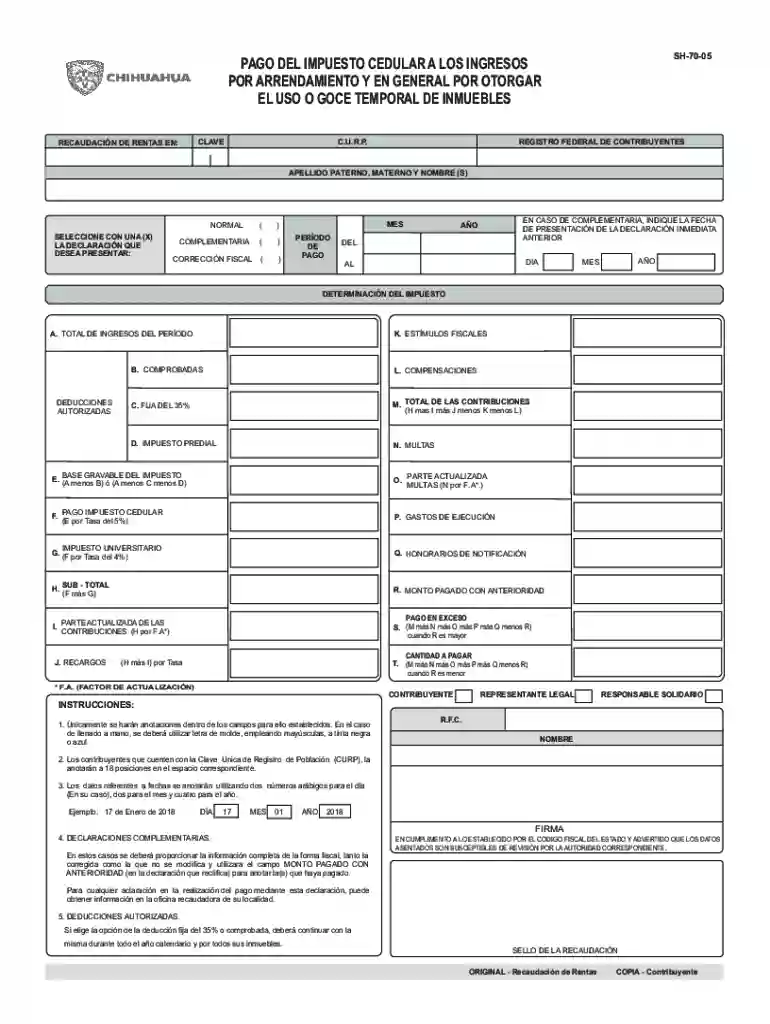
Type text, add images, blackout confidential details, add comments, highlights and more.

Draw your signature, type it, upload its image, or use your mobile device as a signature pad.

Send it via email, link, or fax. You can also download it, export it or print it out.
Completing a form online can streamline your processes, but it's crucial to follow the correct steps for success. Here's an in-depth guide:
Access the Form: Locate the form on the appropriate website, which could be a government site or a service like DocHub. Ensure you are accessing the most current version of the form.
Prepare Necessary Information: Gather all required documentation and information before starting the form. This could include personal identification, financial data, or any other relevant documents.
Fill in the Required Fields: Begin entering your information carefully in each field. The online form might have mandatory fields marked with an asterisk that you cannot skip. It's critical to provide accurate data to avoid errors.
Review and Edit: Double-check all the information for accuracy. Many platforms, like DocHub, allow you to easily edit your entries without starting from scratch.
Use the Annotation Tools: If the form requires signatures or additional markup, utilize annotation tools to add digital signatures or comments.
Complete Additional Sections: Some forms will have optional or supplementary sections that may need to be filled out based on your circumstances.
Submit the Form: After verifying all entries, submit the form online. Ensure you receive confirmation of submission either via email or an on-screen notification to confirm the process is complete.
Filling forms online offers numerous advantages, including:
Understanding the critical components of an online form is essential for accurate completion:
Legal aspects govern the use of online forms:
Real-world applications include:
Dependencies for completing a form online generally include:
Online form platforms like DocHub offer compatibility with various software systems:
Comparing digital and paper forms show distinct benefits for digital usage:
A wide range of users benefit from online forms:

We've got more versions of the SH-70-05 Income Tax Form form. Select the right SH-70-05 Income Tax Form version from the list and start editing it straight away!
At DocHub, your data security is our priority. We follow HIPAA, SOC2, GDPR, and other standards, so you can work on your documents with confidence.



Environmental Transformation Products of Nitroaromatics and Nitramines formed.
List the organizations five current highest compensated employees (other than an officer, director, trustee, or key employee) who received reportableRead more
The penalty will be 5% of the tax due per month, up to 25% total. The penalty is calculated on the tax due on the return less any amounts paid on or before theRead more


