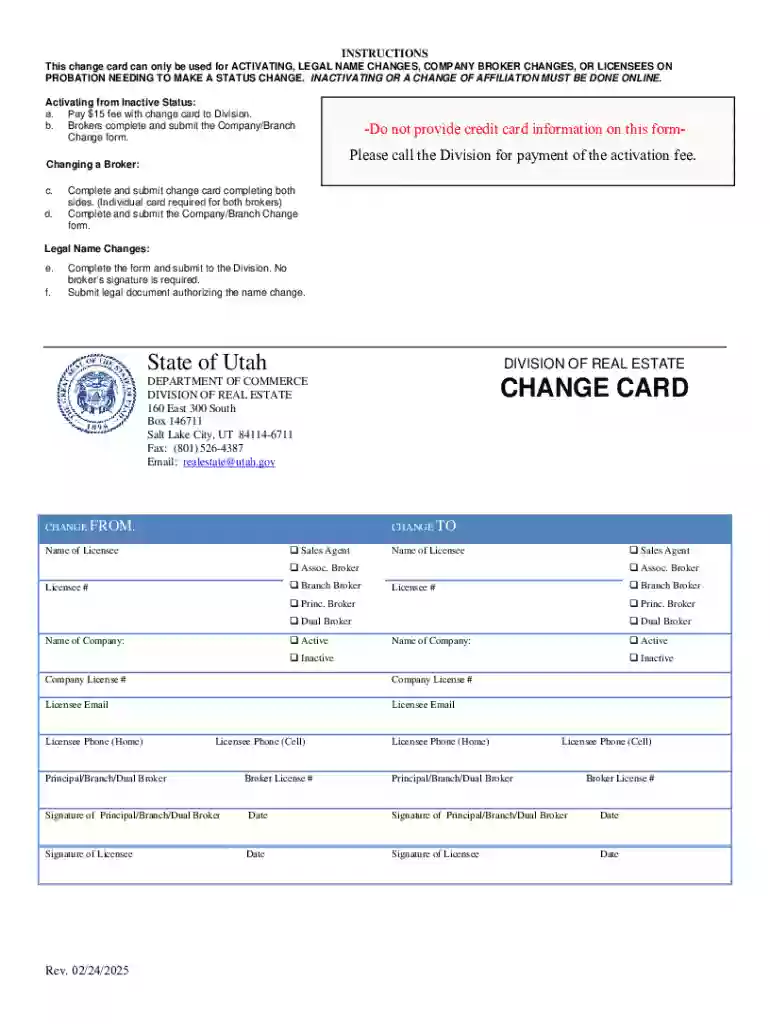
Definition and Meaning of "Form Online"
The term "form online" refers to a digital version of a document used to collect or provide information over the internet. These forms are designed to streamline processes by reducing paperwork, enhancing accessibility, and enabling efficient data collection and management. Unlike paper forms, online forms can be submitted instantly via the internet, improving speed and convenience for both the sender and receiver. They are often used for various purposes, including applications, registrations, surveys, and feedback collections, where ease and speed are critical advantages.
How to Use the Form Online
Using a form online involves interacting with a digital interface to input, modify, or update information. Here's a basic guide:
- Access the Form: Visit the website where the form is hosted. Forms are often found in the resources or services section of an organization's website.
- Fill in Details: Input your information in the provided fields. These fields may include text boxes, dropdown menus, checkboxes, and more.
- Review and Edit: Before submission, review all entered data for accuracy. Most platforms allow you to edit your entries before finalizing.
- Submit the Form: Click the submit button to send your information. You may receive an email confirmation or a screen message indicating successful submission.
- Save or Print Confirmation: If provided, save or print a confirmation page or email for your records.
Online forms typically offer an intuitive, user-friendly interface compatible with both desktop and mobile devices, providing flexibility in how they are accessed and completed.
How to Obtain the Form Online
Obtaining an online form generally involves the following steps:
- Visit the Official Website: The organization providing the form will host it on their official website. Navigate to the relevant section — often labeled as "Forms", "Applications", or "Resources".
- Download or Access: Depending on the form type, you may either download a digital copy or access an interactive version directly on the website.
- Check Requirements: Ensure that you meet any prerequisites for form access, such as creating an account or agreeing to terms of service.
- Technical Requirements: Some forms may require specific software, like PDF readers or specific web browsers, to function correctly. Check compatibility before proceeding.
Steps to Complete the Form Online
Completing an online form involves several steps to ensure all required information is accurately provided:
- Identify Required Fields: Pay attention to fields marked as mandatory, often indicated by an asterisk (*).
- Fill Out the Form: Enter your details in each section, ensuring that the information is correct and formatted as requested.
- Attach Documents: If necessary, upload any required documents or supplementary materials. Supported formats usually include PDF, DOC, and JPG.
- Use Built-in Tools: Utilize any available tools for assistance, such as spell-check or guidance notes, to prevent errors.
- Verify Information: Double-check all entries and attachments to prevent delays or rejections due to inaccuracies.
- Submit the Form: Use the submission button to finalize your form entry, and watch for any confirmation messages to ensure successful completion.
Importance of Using Form Online
Online forms are vital in modern digital workflows for several reasons:
- Efficiency: Streamlines the process of data entry and submission, reducing the need for physical paperwork.
- Accessibility: Can be used across different devices and from various locations, enhancing user access.
- Data Accuracy: Reduces human error with automated validation checks and guided inputs.
- Environmentally Friendly: Cuts down on paper usage, promoting sustainability efforts.
- Cost-Effective: Decreases administrative costs by minimizing storage needs and processing time.
Overall, using online forms supports streamlined operations, timely submissions, and enhanced data collection accuracy.
Key Elements of the Form Online
When dealing with online forms, several key elements are typically featured to facilitate user interaction:
- User Interface: Includes intuitive navigation, clear instructions, and easily accessible help options.
- Interactive Fields: Encompasses text entry boxes, dropdown lists, radio buttons, and checkboxes to tailor inputs to the form's needs.
- Validation Features: Automatically checks inputs for errors or omissions, prompting users for corrections.
- Security Measures: Protects user data through encryption and secure authentication methods.
- Progress Indicators: Helps users track completion and understand which sections are left to fill out.
- Submission Confirmation: Provides a completion acknowledgment to the user, often through email or web notification.
These elements ensure that forms are both user-friendly and capable of collecting accurate, complete information.
Legal Use of Form Online
The legality of using online forms is upheld through compliance with specific regulations and standards, such as:
- Electronic Signatures: Online forms often accommodate electronic signatures, which are legally binding under laws like the ESIGN Act and UETA.
- Data Protection Laws: Compliance with data privacy regulations, including GDPR and CCPA, ensures the secure and compliant handling of personal information collected via online forms.
- Accessibility Standards: Many online forms are designed to meet web accessibility standards, allowing individuals with disabilities to interact effectively with the content.
Adhering to these legal frameworks underscores the secure, compliant usability of online forms for personal and business purposes.
State-Specific Rules for the Form Online
While online forms offer uniformity in application, state regulations may dictate specific requirements:
- Regional Regulations: Certain states may impose unique rules on electronic submissions, particularly in sectors like real estate or healthcare.
- Additional Documentation: Some jurisdictions require supplementary documentation or attestations alongside form submissions.
- Specific Filing Procedures: States may have distinct digital submission platforms or require physical copies in tandem with electronic filing.
- Deadline Variances: Filing deadlines may differ by state, influencing submission timelines and expediting processes.
Understanding these state-specific nuances ensures compliance and prevents processing delays or legal complications.