




01. Edit your form online
Type text, add images, blackout confidential details, add comments, highlights and more.

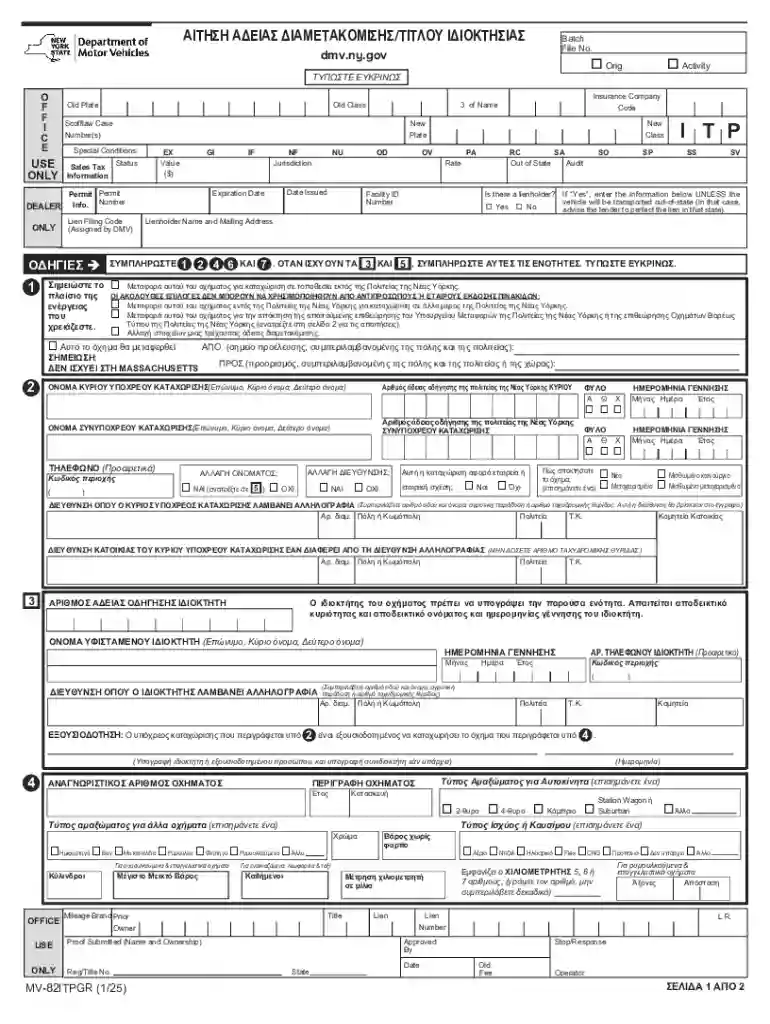
Type text, add images, blackout confidential details, add comments, highlights and more.

Draw your signature, type it, upload its image, or use your mobile device as a signature pad.

Send it via email, link, or fax. You can also download it, export it or print it out.
In the context of online forms, "form online" refers to digitally accessible documents designed to gather, process, and store information over the internet. Unlike traditional paper forms, online forms offer immediate interaction and submission capabilities, streamlining the data collection process. Users can access these forms via web browsers, fill them out interactively, and submit them instantly, which reduces paperwork and increases data accuracy. "Form online" is especially significant in administrative tasks such as applications, registrations, and feedback collections, where efficiency and access are prioritized over physical documentation.
Using a form online typically involves a series of straightforward steps that enhance user engagement and data accuracy. First, the user should locate the online form on the respective platform, which is often accessible through a designated URL or embedded link. Upon accessing the form, the user will encounter a series of fields that need to be filled out. These fields may include text boxes for written input, dropdown menus for selections, checkboxes for multiple choices, and signature fields for authorization.
Online forms are designed to be intuitive, often featuring error checks and prompts to assist users in correctly completing the form. Additionally, for more complex forms, there may be help sections or tooltips providing guidance on specific fields.
Completing an online form involves several key steps, each of which plays a crucial role in ensuring the accuracy and efficacy of the data collected. These steps are meticulously designed to facilitate ease of use and eliminate potential errors:
Given these steps, it's clear that attention to detail and thoroughness is crucial for completing online forms accurately and efficiently.
Choosing to complete forms online offers several advantages, primarily centered around efficiency, accessibility, and reliability. Online forms reduce the need for physical paperwork, which not only saves time but also minimizes the risk of losing or misplacing documents. Moreover, filling out forms online allows for instantaneous submission, which accelerates processing times and facilitates quicker responses or approvals from the receiving entity.
Online forms also provide enhanced data security through encryption and secure submission protocols, protecting sensitive information from unauthorized access. Furthermore, the adaptability of online forms allows them to be filled out at any time and from any location with internet access, thus offering immense flexibility for users.
When dealing with online forms, there are several key terms users should be familiar with to better understand the process:
Understanding these terms can considerably enhance one's ability to effectively and efficiently engage with online forms.
Online forms, especially those associated with governmental or official transactions, often vary based on state-specific regulations and requirements. For instance, the process for filing certain legal documents or submitting applications can differ significantly from one state to another in the United States. This variation emphasizes the need for users to be aware of particular state guidelines and provisions that may affect their submissions.
Adhering to these state-specific guidelines ensures compliance and avoids potential rejection of submitted forms.
Online forms often carry significant legal weight, particularly when used for official purposes such as applications, contracts, and legal disclosures. To ensure legality and compliance, these forms must adhere to strict guidelines regarding data privacy, electronic signatures, and proper authentication protocols.
These regulations ensure that the information gathered through online forms is secure, private, and legally binding.
Online forms are employed in a myriad of professional and personal scenarios, each tailored to meet specified needs and facilitating commerce, communication, and convenience:
These examples illustrate the flexibility and widespread applicability of online forms across various sectors, demonstrating their integral role in modern digital interactions.
We've got more versions of the New York Vehicle Title Transfer Form form. Select the right New York Vehicle Title Transfer Form version from the list and start editing it straight away!
| Versions | Form popularity | Fillable & printable |
|---|---|---|
| 2025 | 4.2 Satisfied (29 Votes) |
At DocHub, your data security is our priority. We follow HIPAA, SOC2, GDPR, and other standards, so you can work on your documents with confidence.


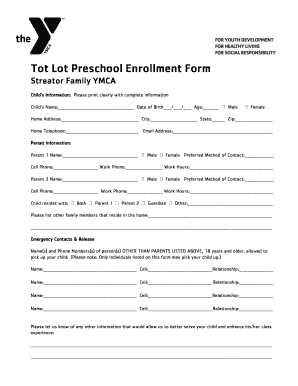

Use this form to register a vehicle, renew a vehicle registration, change a registration, replace a lost or damaged item, transfer plates or get a title.
Auto dealers can register and title vehicles, and issue plates (and charge a fee for this). See the NYS DMV website for detailed instructions. Car InsuranceRead more


