
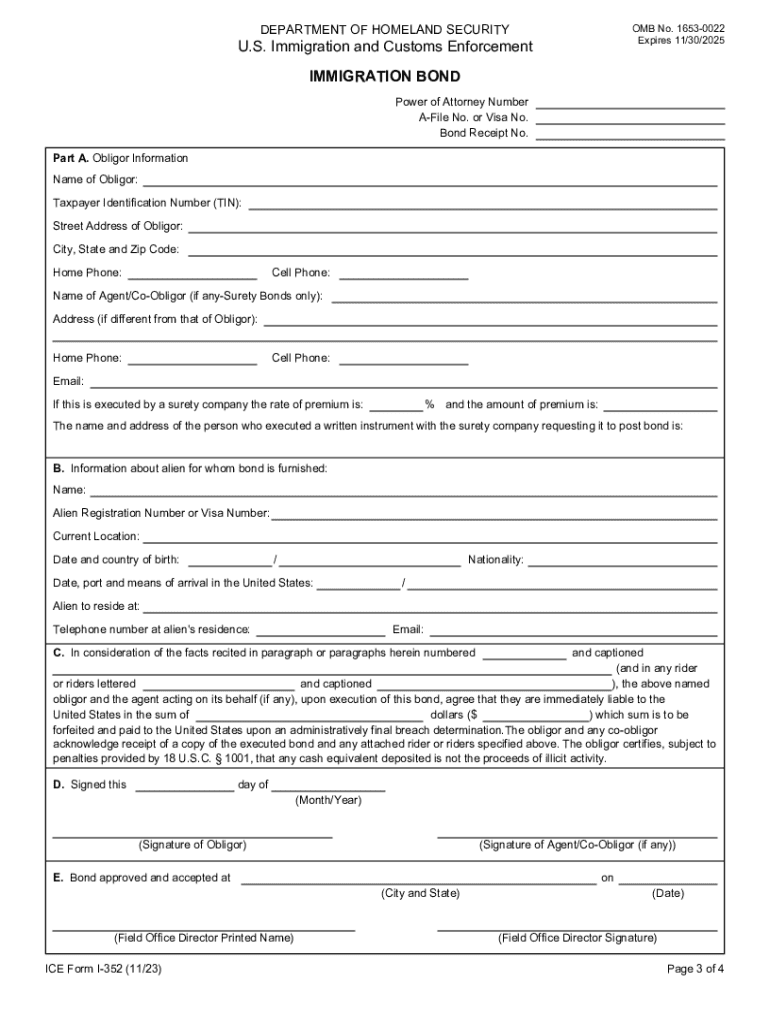







Definition and Meaning of "Form Online"
The term "form online" refers to a digital version of traditional paper-based forms that can be filled out and submitted through the internet. These online forms are utilized for a wide array of purposes, such as applications, surveys, and registrations, providing a convenient and efficient alternative to hard copy documents. The essence of using forms online aligns with modern digital transformation goals, simplifying data entry and submission while eliminating geographical and temporal barriers. Online forms are especially effective in enabling the collection and processing of information with speed and accuracy, making them indispensable across numerous sectors such as education, business, healthcare, and government.
Steps to Complete the Form Online
Completing an online form involves several straightforward steps designed to ensure user-friendly interaction and accurate data capture. Here's a typical process:
- Access the Form: Navigate to the platform hosting the form. This could be directly from a website or a link received via email.
- Read Instructions: Carefully read any instructions or guidelines that accompany the form to understand the requirements and expectations.
- Enter Personal Information: Fill in personal details such as name, address, and contact information as required by the form.
- Answer Specific Questions: Respond to any specific questions or sections pertinent to the form's purpose, such as employment details in a job application.
- Review and Edit: Double-check all entries for accuracy and completeness. Use any provided tools to edit sections as necessary.
- Submit: Once satisfied with the completeness and correctness of the form, submit it via the provided button or link.
- Confirmation: Look out for a confirmation message or email indicating successful submission, and keep a record for future reference.
How to Use the Form Online
Utilizing an online form is typically an intuitive process, enhanced by user-centric design that reduces complexity. The usage primarily involves:
- Intuitive Navigation: Most online forms guide users through sections seamlessly, often with progress indicators that show completion levels.
- Interactive Elements: These forms include interactive fields such as dropdowns, checkboxes, and radio buttons to facilitate easy and dynamic response entry.
- Auto-fill Capabilities: Forms may offer auto-fill options based on user data already available to streamline the form completion process.
- Real-time Validation: As users fill out the form, real-time validation checks for errors or omissions, ensuring that only accurate and complete data is submitted.
- Mobile Accessibility: Given the rise of mobile usage, forms are designed responsively to function seamlessly on smartphones and tablets, making data submission convenient from any location.
Importance of Using Forms Online
Opting to use forms online offers numerous benefits that enhance both personal and organizational efficiency:
- Efficiency and Speed: Online forms facilitate faster data collection and processing compared to traditional methods, reducing turnaround time significantly.
- Cost-Effective: They eliminate the costs associated with paper forms, such as printing, mailing, and storage.
- Environmental Benefits: Reducing paper usage aligns with ecological sustainability goals, minimizing environmental impact.
- Improved Data Management: Online forms simplify data management and analysis, allowing for easy electronic storage, retrieval, and reporting.
- Enhanced Security: These forms offer improved data security through encryption and secure access protocols, protecting sensitive information.
Key Elements of the Online Form
Online forms comprise several critical elements that facilitate their functionality and usability:
- Input Fields: Essential for capturing user information, often including text boxes, number fields, and dates.
- Feedback Features: Provide immediate feedback to guide users on required fields or errors that need correction.
- Submission Confirmation: Acknowledge receipt of the form, often with a follow-up email or on-screen confirmation number.
- Data Privacy Statement: A crucial component that informs users about how their data will be used, stored, and protected.
- User Support: Assistance in the form of FAQs, help buttons, or live chat support to guide users through the submission process.
Legal Use of the Form Online
The legal application of online forms is pivotal in ensuring compliance with relevant laws and regulations:
- Complying with Data Protection Laws: Online forms must adhere to statutes like the General Data Protection Regulation (GDPR) or the California Consumer Privacy Act (CCPA), if applicable, ensuring users' privacy rights are respected.
- Electronic Signature Validity: For forms requiring user consent or signatures, adherence to laws such as the ESIGN Act ensures the legality of electronic signatures.
- Accuracy and Accountability: Users and issuers must ensure the correctness of information provided to uphold legal integrity and avert future disputes.
- Terms and Conditions: Forms must include comprehensive terms and conditions outlining the legal obligations of all parties involved.
State-Specific Rules for Using Forms Online
The use of online forms is subject to state-specific regulations that may influence their design and implementation:
- Data Sharing Policies: Different states have varying regulations relating to the sharing and storage of personal information collected through forms.
- Digital Signature Laws: State laws can dictate the acceptability of digital signatures for specific documents and purposes.
- License and Certification Requirements: Forms related to professional licenses or certifications may have additional state-specific criteria that must be met.
- Taxation and Financial Reporting: States have different tax and financial reporting requirements that affect how financial forms must be configured and completed.
Examples of Using Forms Online
Online forms have a plethora of practical applications across various domains:
- Job Applications: Streamlining the hiring process by allowing candidates to apply for positions online.
- Surveys and Feedback: Collecting customer opinions or employee feedback through structured questionnaires.
- Event Registrations: Managing event participation by enabling attendees to register online swiftly.
- Permit Applications: Facilitating online submission of applications for permits, making bureaucratic processes easier and quicker.
Required Documents for Online Form Submission
Certain online forms necessitate the attachment of specific documents to validate the data submitted:
- Identification Proof: Copies of ID cards or passports may be needed to verify identity.
- Supporting Documents: Additional documents such as resumes, cover letters, or financial statements might be required depending on the form's purpose.
- Legal Documents: For legal or governmental forms, supporting legal documents may be necessary to ensure compliance with regulatory demands.
- Prior Records: Documents that reflect historical transactions or prior agreements may be requested to support form entries.
By understanding and implementing these elements effectively, users and organizations can maximize the benefits of completing and utilizing forms online.




