




01. Edit your form online
Type text, add images, blackout confidential details, add comments, highlights and more.

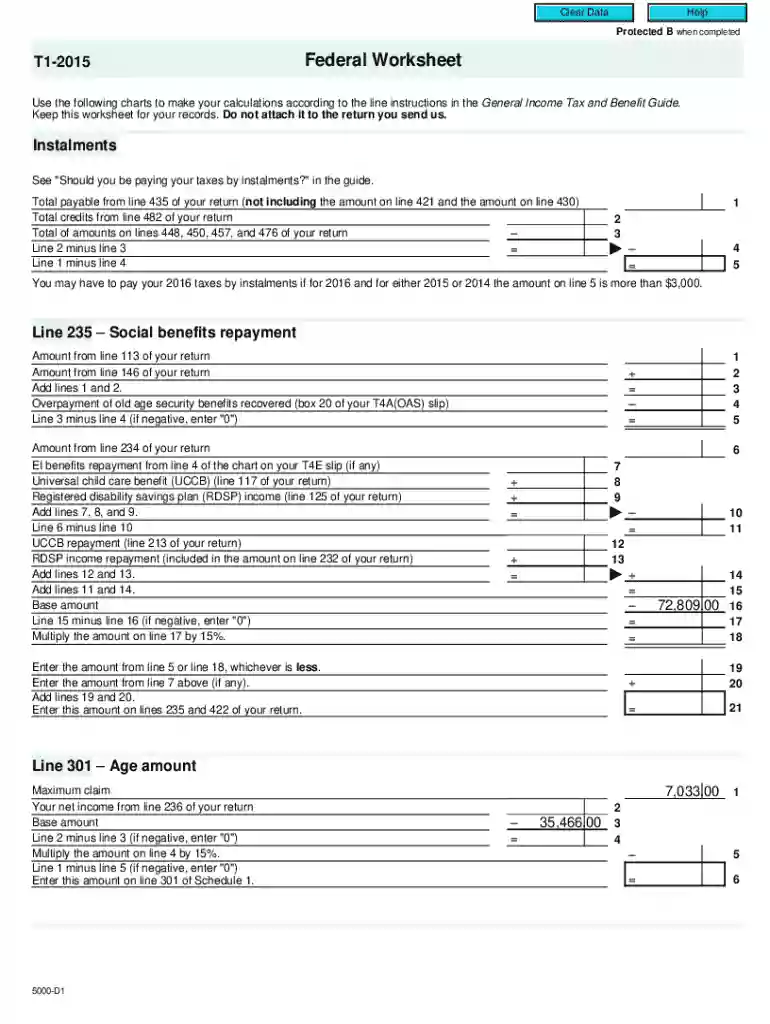
Type text, add images, blackout confidential details, add comments, highlights and more.

Draw your signature, type it, upload its image, or use your mobile device as a signature pad.

Send it via email, link, or fax. You can also download it, export it or print it out.
Forms in an online setting refer to digital document formats that facilitate data collection and transaction processing over the internet. These forms enable efficient and accurate data interaction without traditional paperwork, making them an essential component for businesses and individuals alike. In day-to-day operations, users can easily access and fill these online forms through various devices, ensuring greater flexibility and accessibility. A major advantage of online forms is their capability to integrate with other digital services, thus streamlining workflows and reducing administrative overhead.
To use forms online effectively, you must first understand the specific requirements of the form you are dealing with. Many online platforms, like DocHub, provide comprehensive guides and tooltips to assist in form completion. Users need to ensure that they input accurate information in the provided fields for successful data submission. Additionally, functionalities such as auto-fill and mandatory field prompts help in reducing errors and ensuring all necessary data is provided. Reviewing the form before submitting it is crucial, as modifications might be harder to perform once the data is entered into a processing system.
Online forms offer several advantages over traditional paper forms. They provide convenience, allowing users to fill out forms from any location with an internet connection. This accessibility reduces the need for physical office visits and mailing delays. Online forms are environmentally friendly, as they minimize paper wastage. They also enhance data accuracy with features like error-checking and mandatory fields. Fast processing and integration with digital workflows further underscore their appeal, making online forms a preferred choice for both businesses and individuals.
Using forms online involves compliance with various legal requirements, particularly regarding data privacy and electronic signatures. For instance, electronic signatures, a common feature in online forms, must comply with legal standards like the ESIGN Act in the U.S. to be considered valid and binding. Privacy regulations such as the General Data Protection Regulation (GDPR) and the California Consumer Privacy Act (CCPA) mandate that online forms collecting personal data must include privacy disclosures and seek consent from users. Understanding these legal contexts ensures that businesses and users remain compliant, thereby avoiding potential legal issues.
Online forms can often be integrated with other software applications such as TurboTax and QuickBooks, which makes them versatile tools for data management. For instance, online tax forms can be linked directly to tax preparation software, automatically populating necessary fields, thereby reducing manual input and the chances of errors. This integration capability fosters a seamless transition of information between different systems, enhancing operational efficiency.
There exist many variants of forms online, each catering to a particular need. Tax forms, application forms, feedback forms, and registration forms are some common examples. Each type of online form may have a unique layout and specified data fields to fulfill its specific purpose. Understanding these variations helps users choose the most suitable form type for their needs and properly navigate through the form completion process. Additionally, these forms can be customized or templated to suit organizational requirements, showcasing their flexibility and adaptability.
We've got more versions of the T1-2015 Federal Worksheet form. Select the right T1-2015 Federal Worksheet version from the list and start editing it straight away!
At DocHub, your data security is our priority. We follow HIPAA, SOC2, GDPR, and other standards, so you can work on your documents with confidence.


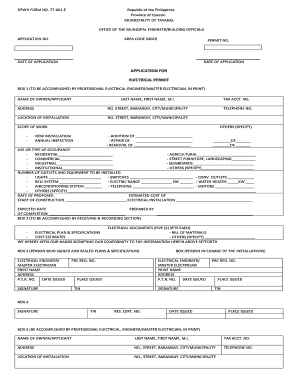
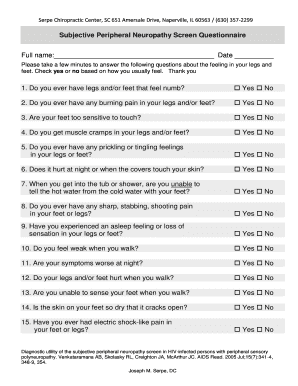
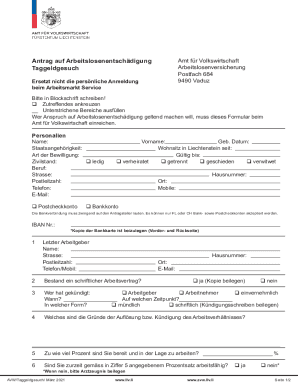

May 29, 2026 Practice citing federal statutes, judicial opinions, and related secondary sources. Links to Bluebook citation Powerpoints and worksheets.
Worksheet for Determining Support Qualifying Child of More Than One Person Tiebreaker rules. Free options for tax preparation. amount you owe and a breakdown


