




01. Edit your form online
Type text, add images, blackout confidential details, add comments, highlights and more.

Type text, add images, blackout confidential details, add comments, highlights and more.

Draw your signature, type it, upload its image, or use your mobile device as a signature pad.

Send it via email, link, or fax. You can also download it, export it or print it out.
Forms online refer to digital versions of traditional paper forms that are accessed, completed, and submitted through an online platform. These forms are designed to streamline various processes, from applications and surveys to legal documents and transactions, providing a convenient and efficient way for users to interact with them. Online forms typically include fields for entering data, which may range from simple text boxes to more complex selections like dropdown menus and checkboxes. Utilizing forms online eliminates the need for physical paperwork and manual entry, significantly reducing processing time and errors.
Access the Form: Log into your account on the platform where the form is hosted, such as DocHub, to locate the required form.
Review Instructions: Before proceeding, carefully read any guidelines or instructions provided to ensure proper completion.
Fill Out the Form: Enter the necessary information into each field. This may include text entries, selections from dropdown menus, or marking checkboxes.
Attach Documents: If required, upload any additional documents by using the platform's attachment function.
Proofread Entries: Review all entries for accuracy and completeness to avoid processing delays.
Submit the Form: Finalize the process by submitting the form through the platform’s submission button, ensuring confirmation of receipt.
Utilizing online forms offers multiple advantages over traditional paper forms. They allow for greater efficiency in terms of time and resources. Online forms minimize the need for physical storage, reduce printing and distribution costs, and are easily accessible from any location with internet connectivity. Forms online also enhance data accuracy; built-in error-checking features can identify incomplete or incorrect entries before submission. They facilitate quicker processing, as digitally submitted forms can be instantly routed to the appropriate parties for review and approval.
Interactive Fields: Sections within a form that allow users to enter or select specific responses.
Submission Confirmation: A digital receipt or notification indicating that the form has been successfully submitted.
Data Encryption: A security measure ensuring that the information entered into the form is protected during transmission and storage.
Digital Signature: An electronic version of a handwritten signature used to authenticate the form's content and the identity of the signer.
Online forms hold significant legal weight, particularly when they are designed to comply with regulations like the ESIGN Act in the United States. This act ensures that electronic signatures on forms online are legally recognized as equivalent to traditional handwritten signatures. Users should familiarize themselves with privacy policies and terms of use provided by the form hosting platform to ensure compliance with applicable laws and regulations. Additionally, maintaining a digital audit trail can further support the legal validity of online forms by documenting when and how form interactions occur.
Obtaining forms online typically involves accessing them through a specific platform or website. In platforms like DocHub, forms can be found and downloaded from a library of templates or by using the search functionality to locate specific types. Users may also receive forms via direct email links or through cloud storage services. In some cases, users may need to register or create an account to access, customize, and submit certain forms.
The digital version of a form offers several advantages over its paper counterpart. Enhancements include improved accessibility, as users can complete and submit forms from any device with internet access. The chance of human error is reduced due to autofill capabilities and built-in validation processes. Digital forms are also environmentally friendly, reducing the need for paper and physical storage. On the other hand, paper forms may still be preferred in scenarios where digital access is limited or where physical copies are required for official records or verification purposes.
Many platforms that offer forms online are compatible with various software systems and can integrate seamlessly with well-known applications like TurboTax and QuickBooks. This compatibility ensures that data from online forms can be easily imported into financial and tax software for further processing and analysis. Additionally, modern form platforms often support direct integration with popular cloud storage services like Google Drive, making it easier to manage, backup, and share forms across different platforms and devices.
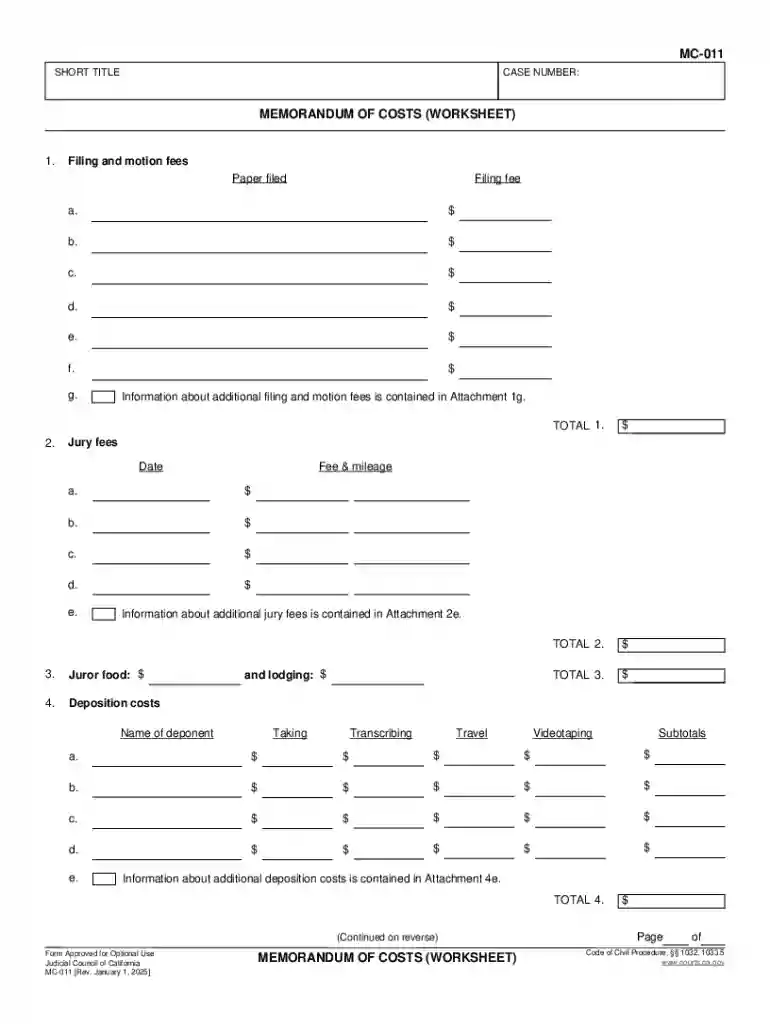
We've got more versions of the California Memorandum of Costs form. Select the right California Memorandum of Costs version from the list and start editing it straight away!
At DocHub, your data security is our priority. We follow HIPAA, SOC2, GDPR, and other standards, so you can work on your documents with confidence.


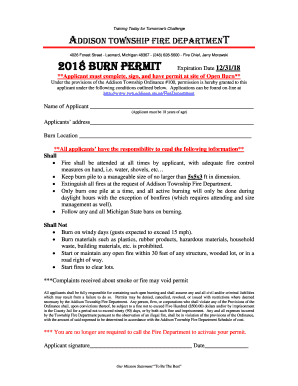
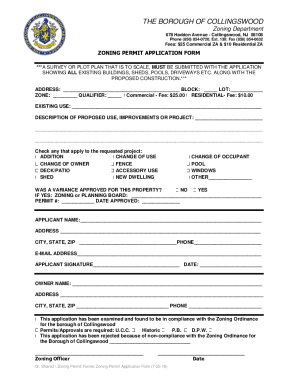
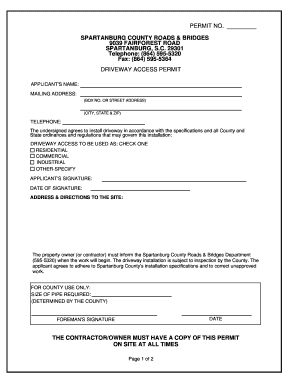

In March 2022, TotalEnergies announced that it had signed a memorandum of understanding with Sempra Energy allowing TotalEnergies to offtake one-third of futureRead more
A prevailing party who claims costs must serve and file a memorandum of costs within 15 days after the date of service of the notice of entry of judgment or
Sample Memorandum of CostsWorksheet: Court of California, County of Orange (2015)|Advocates Guide for Protecting Tenants Rights: Advanced Unlawful Detainer


