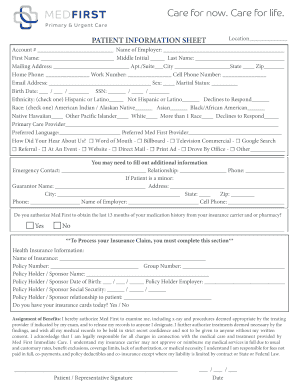
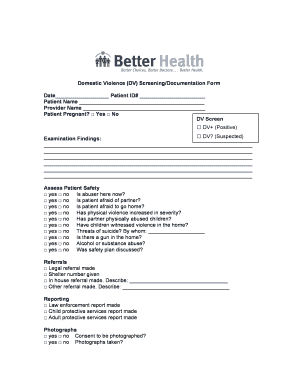
01. Edit your form online
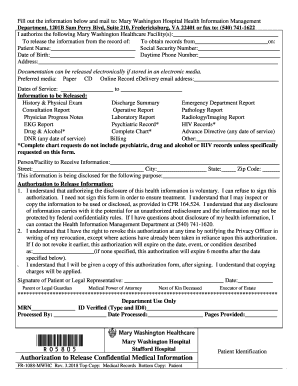
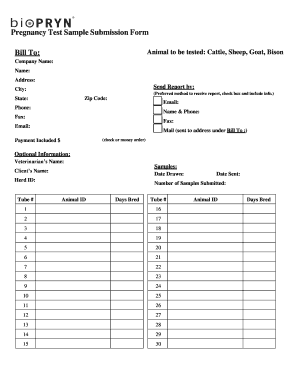
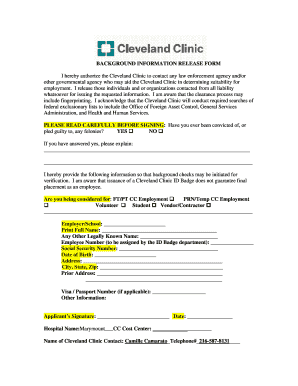
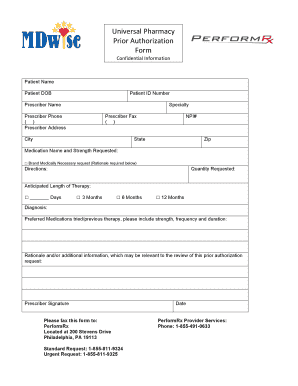
Type text, add images, blackout confidential details, add comments, highlights and more.

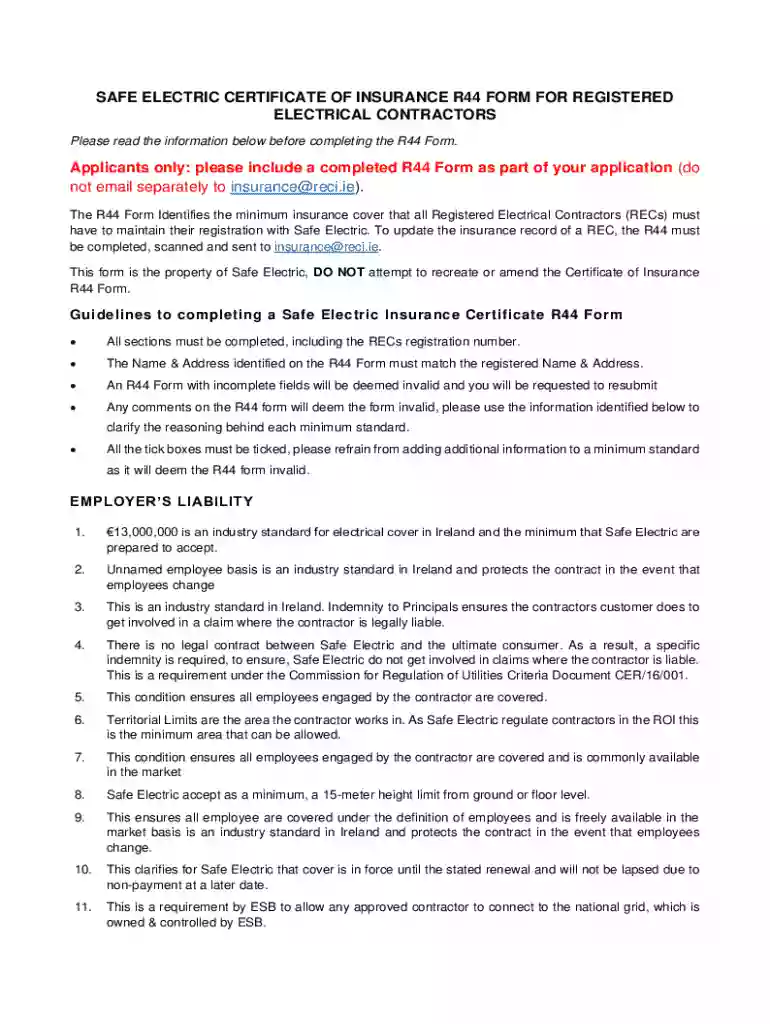
Type text, add images, blackout confidential details, add comments, highlights and more.

Draw your signature, type it, upload its image, or use your mobile device as a signature pad.

Send it via email, link, or fax. You can also download it, export it or print it out.
Understanding what "form online" entails is crucial when navigating digital document processes. It refers to a digital version of a traditional paper form, designed for completion and submission electronically. This method streamlines data collection and reduces the need for physical storage. Online forms are prevalent in various sectors, including government, education, and business, where they serve numerous purposes such as applications, registrations, and surveys.
Online forms offer a user-friendly interface, often providing interactive elements that guide users in entering information correctly. Built-in validation checks can prompt users if errors are detected, ensuring data accuracy. As a result, the process becomes more efficient, minimizing manual data entry errors and expediting the overall workflow.
Using an online form involves several straightforward steps. First, users receive a link or access point—usually via email or a website—that directs them to the form. Upon accessing it, users can fill in the necessary fields, which may include text boxes, dropdown menus, checkboxes, or date selectors. Different fields may require varying types of input and are often clearly labeled to prevent confusion.
After completing the form, users are typically required to review their entries for accuracy. Most platforms provide a preview feature allowing users to check their inputs before submission. Once satisfied, the user submits the form by clicking a designated button. Many systems confirm receipt with an immediate notification or follow-up email, serving as a receipt and potentially outlining the next steps.
These steps apply broadly, but variations might exist depending on the specific form or platform being used.
Online forms can contain several critical elements designed to capture necessary data while enhancing user experience. Common components include:
Each element serves a specific purpose, contributing to the form’s overall functionality and ease of use.
The use of online forms spans a wide range of users and industries. In a business context, companies often employ these forms for applications, feedback collection, or data entry tasks. Government agencies use them for tax filing, voter registration, and permit applications. Educational institutions rely on online forms for admissions, enrollment, and surveys.
Individuals engaging in online shopping or service subscriptions might also encounter online forms, where they provide necessary details for transactions or service customization. The versatility of online forms makes them suitable for anyone requiring streamlined data collection and efficient organization.


Electronic forms are increasingly accepted in legal contexts, thanks to laws like the ESIGN Act, which ensures the legality of electronic contracts and signatures in the United States. Businesses and individuals can use online forms for binding agreements, provided they comply with federal regulations. This includes using encrypted platforms for data protection and ensuring user consent before accepting electronic signatures.
To maintain authenticity and prevent disputes, many systems incorporate an audit trail. This feature logs essential actions related to the form, such as when it was accessed, modified, or signed, thus providing a comprehensive record of its lifecycle.
Compatibility with other software platforms is a significant advantage of online forms. Many forms integrate seamlessly with popular software suites like TurboTax or QuickBooks, allowing for automatic data transfer. This compatibility saves time and reduces errors by avoiding manual data entry from digital forms into other systems.
Integration with programs such as Google Workspace allows users to manage their documents directly through familiar platforms, leveraging existing tools for collaboration, storage, and data manipulation. This degree of integration underscores the adaptability of online forms in diverse technological environments.
Various business entities benefit from using online forms, particularly those that require efficient data handling and client interactions. Limited Liability Companies (LLCs), corporations, and partnerships often employ online forms for internal processes like HR onboarding, client intake, and contract management. Small businesses, startups, and large enterprises alike can leverage the versatility of online forms to enhance operational efficiency and streamline their workflows.
By incorporating online forms into their daily operations, businesses can reduce the administrative burden, allowing them to focus on strategic growth initiatives and customer engagement. The flexibility and adaptability of online forms make them a valuable tool for any organization aiming to modernize its operations.
We've got more versions of the Safe Electric Certificate of Insurance R44 Form form. Select the right Safe Electric Certificate of Insurance R44 Form version from the list and start editing it straight away!
At DocHub, your data security is our priority. We follow HIPAA, SOC2, GDPR, and other standards, so you can work on your documents with confidence.