




01. Edit your form online
Type text, add images, blackout confidential details, add comments, highlights and more.

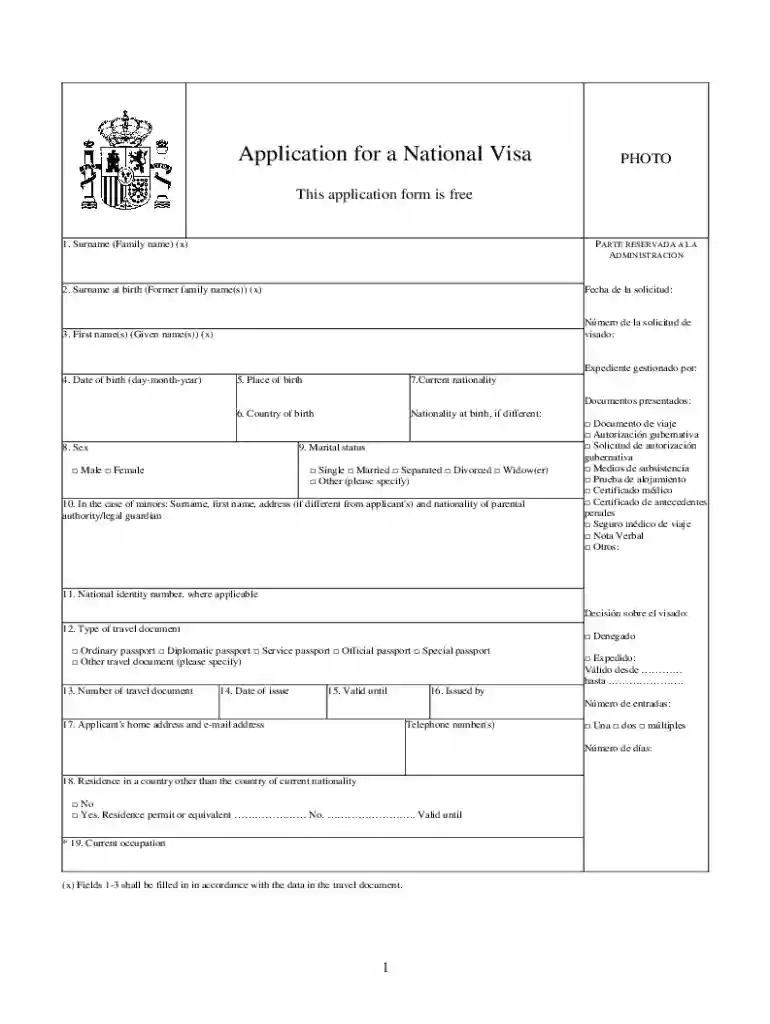
Type text, add images, blackout confidential details, add comments, highlights and more.

Draw your signature, type it, upload its image, or use your mobile device as a signature pad.

Send it via email, link, or fax. You can also download it, export it or print it out.
The concept of "form online" refers to any document or application designed for web-based completion and submission. Online forms digitize traditional paper-based forms, offering convenience, speed, and enhanced accessibility. They are specifically crafted to facilitate a wide range of processes such as applications for loans, job submissions, tax filings, and more. By using online forms, users can avoid the cumbersome process of manually filling out paper forms and mailing them, simplifying the entire operation. Typically, these forms feature various fields that require input, such as text boxes, checkboxes, and dropdown menus, allowing for efficient data collection and processing.
To effectively use a form online, begin by accessing the form through a secure web browser. Start by filling in your personal details as required. Many forms will guide you with specific instructions for each section, ensuring clarity. Make sure to complete all mandatory fields, which are often marked with an asterisk or colored differently for easy identification. After filling out the form, carefully review all entries for accuracy before submission. Some platforms offer the ability to save progress and return later, which is particularly beneficial for lengthy forms. Additionally, you may be able to upload supporting documents if needed. Finally, ensure the form is submitted according to the platform's instructions, and save or print a copy for your records.
Completing forms online offers numerous advantages over traditional paper forms. First, it provides unmatched convenience, allowing users to fill out documents from any location with internet access. Online forms are eco-friendly, reducing the need for paper and physical storage. Furthermore, they often include validation checks to prevent errors, such as incorrect data formats. This technological edge leads to faster processing times since digital submissions can be instantly routed to the appropriate party or system. Additionally, online forms can be more secure than paper, with SSL encryption safeguarding sensitive information during transmission.
Forms online are used by a diverse array of individuals and organizations. Businesses employ them for customer feedback, employee applications, and client onboarding processes. Government agencies, like the IRS, provide online tax forms to streamline taxpayer submissions. Educational institutions use forms for admissions and student feedback. Non-profit organizations leverage online forms for volunteer signups and fundraising efforts. Essentially, any entity that requires structured data collection can benefit from using forms online due to their versatility and ease of access.
When designing or using forms online, several key elements enhance their functionality and user experience:
Online forms often require personal and sensitive information, necessitating compliance with legal standards. For U.S.-based forms, this includes adherence to the ESIGN Act, which grants electronic signatures the same legal standing as handwritten ones. Data protection laws, like the General Data Protection Regulation (GDPR) for international entities interacting with EU citizens, must also be acknowledged, ensuring user data is handled with utmost care. Employers and service providers must ensure that their online forms include privacy notices and otherwise comply with domestic and international data protection guidelines to avoid legal repercussions.
Certain types of forms, especially regulatory documents or state government submissions, may have specific rules that vary by state. For instance, state tax forms may require different documentation or have unique submission deadlines. When dealing with legal forms such as business registrations, the requirements for information or notarization can differ significantly. It's crucial to understand these distinctions to ensure compliance. Familiarize yourself with the related state-specific guidelines or consult with a local expert to navigate any complex requirements efficiently.
By adhering to these guidelines and insights, individuals and organizations can maximize their efficiency and ensure the accurate completion and submission of forms online.
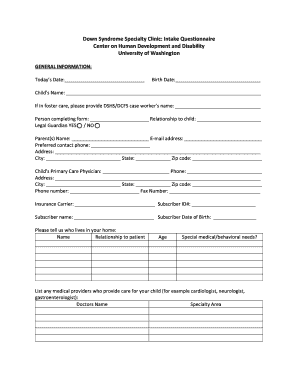
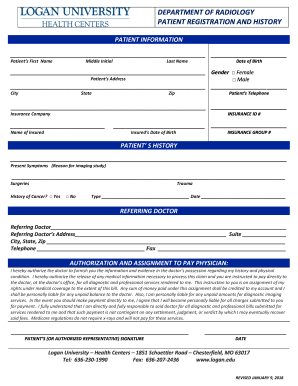
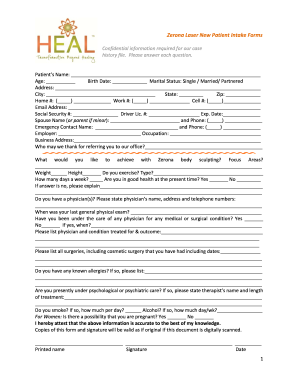
We've got more versions of the National Visa Application Form form. Select the right National Visa Application Form version from the list and start editing it straight away!
At DocHub, your data security is our priority. We follow HIPAA, SOC2, GDPR, and other standards, so you can work on your documents with confidence.




Order Jack in the Box online for pickup or delivery. easy way to get all your Jack favs. Order in the app to earn rewards. Spend a dollar, get 10 points.
1. Last Name 2. Put N/A 3. First Name 4. Write DAY, MONTH, then YEAR 5. City you were born in 6. Country you were born in 301-314-7473 20. 075-775-0101


