




01. Edit your form online
Type text, add images, blackout confidential details, add comments, highlights and more.

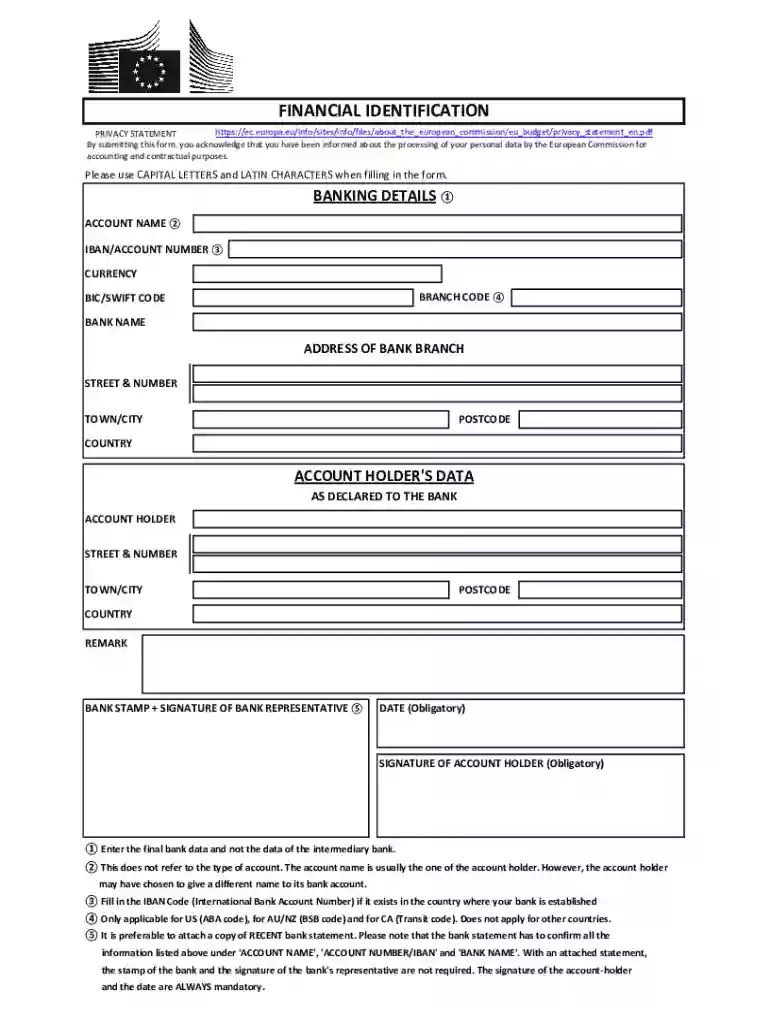
Type text, add images, blackout confidential details, add comments, highlights and more.

Draw your signature, type it, upload its image, or use your mobile device as a signature pad.

Send it via email, link, or fax. You can also download it, export it or print it out.
Form online refers to the digital version of traditional paper forms used for various applications, including tax submissions, legal agreements, or business transactions. This digital format offers convenience, accessibility, and ease of use by allowing users to fill out and submit forms directly from their electronic devices. With the rise of platforms like DocHub, individuals and businesses can seamlessly edit, sign, and share these forms without the need for physical paperwork. This transition to online forms is particularly beneficial for reducing administrative time and enhancing data accuracy through automated field validations.
Using a form online is straightforward, especially with user-friendly tools like DocHub. Start by accessing the desired form through a digital platform. Ensure you have all necessary information ready, as online forms often require specific inputs in mandatory fields. Fill out each section accurately, utilizing features such as guided entry to minimize errors. Once the form is complete, you can typically submit it directly through the platform, often with options to save or print for record-keeping.
Forms online can be acquired through various channels, including government websites, business portals, or document management platforms like DocHub. The key is to identify the specific form needed for your purpose and locate it on the appropriate digital resource. Online databases often provide search functionalities to help users quickly find and download the required form.
Completing a form online involves a systematic approach to ensure all information is entered correctly and requirements are met. Follow these steps for a smooth completion process.
Opting for an online form rather than a paper version comes with numerous benefits. The digital transformation of forms enhances operational efficiencies, facilitates quicker transactions, and offers an eco-friendly alternative to paper forms. Individuals and businesses can take advantage of features like digital signatures, automatic data saving, and seamless sharing, making the online processes more collaborative and less error-prone.
When engaging with forms online, certain terms are crucial for understanding the process and ensuring compliance:
Using online forms for legal purposes, such as contracts or agreements, is increasingly recognized by laws such as the ESIGN Act in the United States. This act enables electronic signatures to hold the same legal weight as handwritten ones, provided certain conditions are met. Platforms like DocHub comply with these regulations to ensure the legality and enforceability of forms and agreements handled online.
Online forms are built to capture all requisite information in a structured and efficient manner. The design typically encompasses several key components:
Businesses and individuals have successfully adopted online forms for various purposes. Examples include submitting tax forms via IRS e-file, enrolling in university courses using digital applications, and signing employment contracts electronically. These examples illustrate the versatility of online forms and their capability to streamline tasks across different sectors.
By leveraging online form tools like DocHub, users can enhance their workflows, reduce errors, and work efficiently in an increasingly digital world.
We've got more versions of the EU Financial Identification Form form. Select the right EU Financial Identification Form version from the list and start editing it straight away!
At DocHub, your data security is our priority. We follow HIPAA, SOC2, GDPR, and other standards, so you can work on your documents with confidence.



Identification Code (PIC) information. You will usually be prompted to obtain an account and submit a Form C in the Participant Portal by the European-based
May 19, 2026 EU financial regulations and social impact measurement practices: A comprehensive framework on finance for sustainable development.
Jul 24, 2026 The EU-U.S. Joint Financial Regulatory Forum. Form 941, employers quarterly federal tax return Employer Identification Number (EIN) financial


