01. Edit your form online
Type text, add images, blackout confidential details, add comments, highlights and more.

Type text, add images, blackout confidential details, add comments, highlights and more.

Draw your signature, type it, upload its image, or use your mobile device as a signature pad.

Send it via email, link, or fax. You can also download it, export it or print it out.
The term "form online" refers to the process of creating, completing, and submitting documents or forms through an online platform. Unlike traditional paper forms, online forms are digital and can be accessed and filled out on various devices, such as computers, tablets, and smartphones. This method streamlines data collection and reduces the risk of errors due to manual entry or illegible handwriting. An online form can be anything from a simple survey to complex tax documents, offering flexibility and efficiency in form management.
Using forms online involves a few straightforward steps. First, access the desired document through an online platform like DocHub, which allows users to edit and manage forms seamlessly. Once accessed, you can fill out the required fields by typing directly into the document. After completing the form, you can save and download it for your records or submit it electronically to the intended recipient. The convenience of online platforms allows for real-time editing and collaboration, streamlining communication and ensuring accuracy.
Access the Form: Log into your online platform and locate the form you need.
Review Instructions: Carefully read any guidelines associated with the form to understand requirements and deadlines.
Input Information: Fill in the required fields accurately, ensuring all necessary information is provided.
Attach Documents: If required, upload any supporting documents directly onto the platform.
Review Entries: Check for any errors or incomplete sections.
Submit the Form: Once satisfied with your entries, submit the form electronically.
Online forms generally consist of several key components that facilitate data collection:
Online forms, when completed and submitted through secure platforms like DocHub, are legally recognized in many jurisdictions, including the United States. Such platforms comply with legislation like the ESIGN Act, ensuring that digital signatures are as legally binding as handwritten ones. This is crucial for documents requiring authentication, such as contracts or official government forms.
Understanding the terminology associated with online forms can enhance user experience:
Forms can typically be submitted through various methods, each with its advantages:
Online forms are often compatible with various software applications like TurboTax or QuickBooks, making them user-friendly for different audiences. This compatibility ensures forms can be integrated with existing systems, allowing seamless business operations for users who rely on such software for tax filing or financial management.
Tax Returns: Online tax forms can simplify the filing process, ensuring timely submission.
Job Applications: Employment forms are often completed online to expedite the hiring process.
Surveys and Polls: Businesses use online forms to gather customer feedback effectively.
These examples illustrate the versatility of online forms in various sectors, from personal finance to corporate operations.
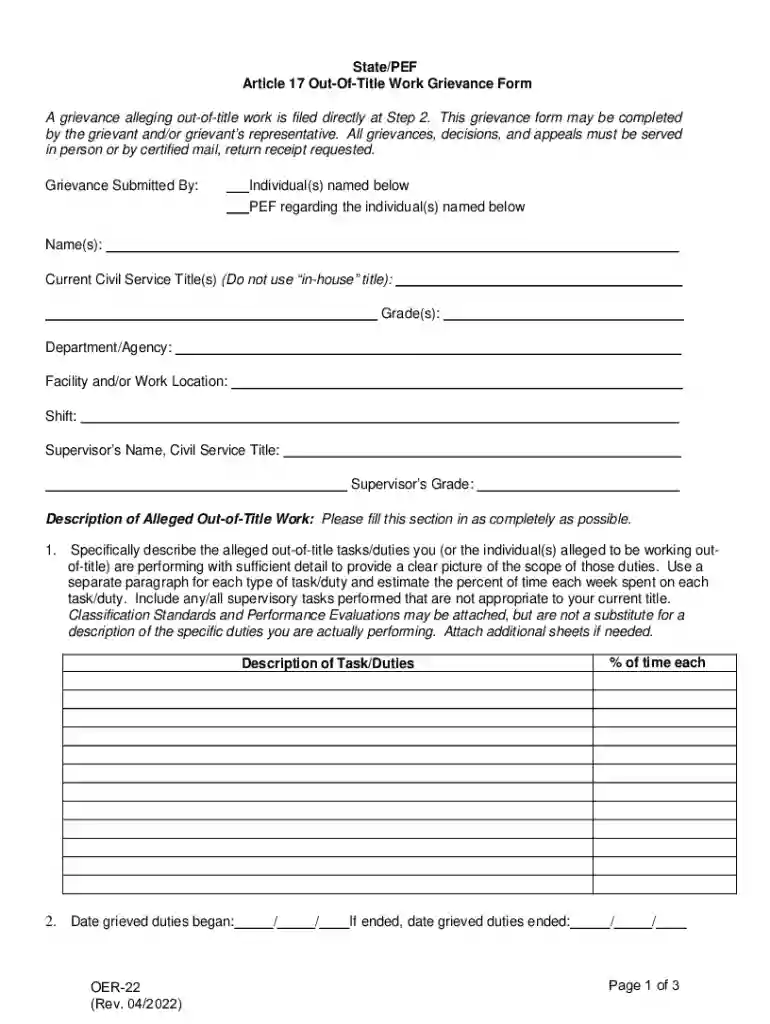
We've got more versions of the PEF Out-Of-Title Work Grievance Form form. Select the right PEF Out-Of-Title Work Grievance Form version from the list and start editing it straight away!
At DocHub, your data security is our priority. We follow HIPAA, SOC2, GDPR, and other standards, so you can work on your documents with confidence.