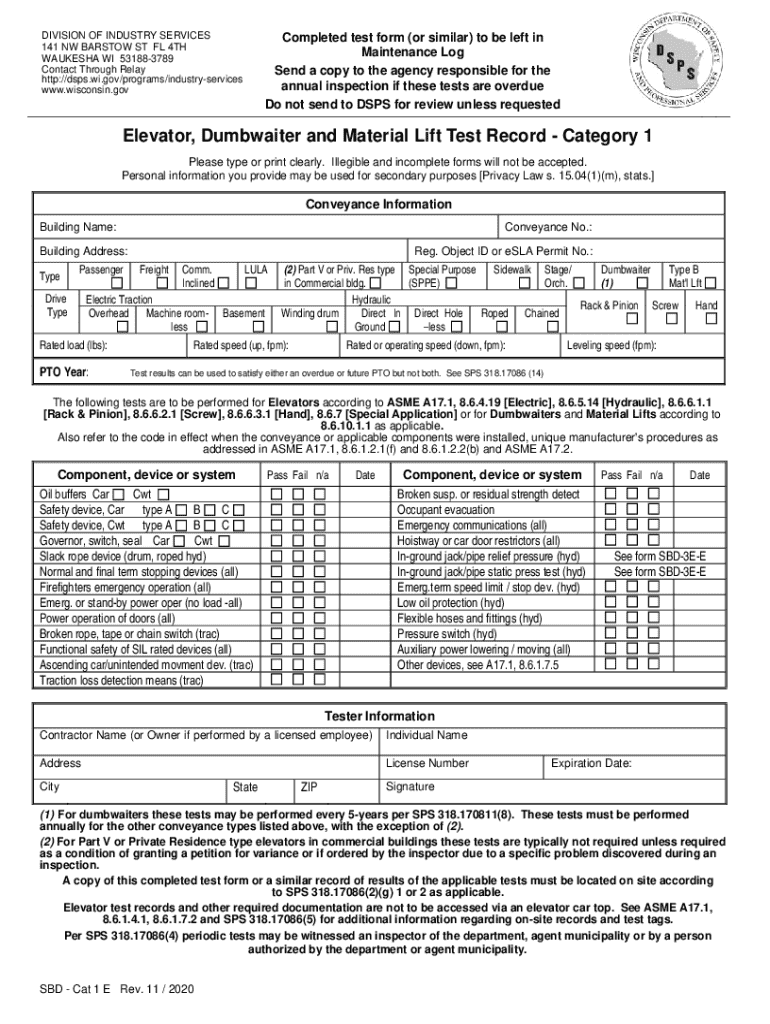







Definition and Meaning
The term "form online" typically refers to digital forms accessible via the internet, which users can fill out and submit electronically. These forms are utilized for a variety of purposes, such as applications, surveys, tax submissions, and data collection. By offering an online version, organizations streamline the process of gathering and managing information, ensuring efficiency and accuracy. This digital approach eliminates the need for physical paperwork, making form submissions more convenient for both issuers and users.
How to Use the Form Online
To effectively use an online form, users should first ensure they have a stable internet connection and a compatible device like a computer, tablet, or smartphone. After accessing the form, it's important to read through all its sections carefully to understand the requirements. Users should ensure they have all necessary information and documents ready before starting the process. As they fill out the form, real-time validation often flags errors, guiding them to correct mistakes immediately. Once completed, the form is usually submitted with a simple click, and some platforms provide a confirmation message or email to verify successful submission.
Steps to Complete the Form Online
- Access the Form: Navigate to the website hosting the online form. This could be a government site, institutional portal, or a service like DocHub.
- Read Instructions: Carefully read any instructions provided to understand what information is required and to check for any prerequisites.
- Gather Information: Collect all necessary data and documents before starting the form. This might include identification numbers, financial data, or supporting documents stored in cloud storage like Google Drive or Dropbox.
- Fill Out the Form: Enter information into the respective fields accurately. Utilize any provided tools or tips to assist in the process.
- Review and Edit: Go back through the completed form to check for any errors or missing fields that need attention.
- Submit: Once completed and checked, submit the form. Look for any on-screen confirmation or save any confirmation emails received for your records.
Why Should You Form Online
Opting to fill out forms online offers numerous advantages over traditional paper methods. It significantly reduces processing time as documents are sent and received instantly. This method is environmentally friendly, reducing the need for paper and physical storage spaces. Additionally, online forms often come with built-in validation features to minimize errors. Users can complete these forms at their convenience from any location, providing flexibility essential for busy schedules. Furthermore, data entered online is often more secure, with many platforms offering encryption to protect sensitive information.
Legal Use of the Form Online
Online forms must comply with various legal standards to ensure validity, especially when used for official or legal purposes. For example, electronic signatures collected through these forms must adhere to the Electronic Signatures in Global and National Commerce (ESIGN) Act to be recognized as legally binding. Platforms like DocHub that offer form creation and submission tools ensure compliance with legal requirements through secure document handling and authentication methods, such as 256-bit SSL encryption for data protection. Users should always ensure that the platform they're utilizing complies with relevant legal and regulatory standards.
Key Elements of the Form Online
Online forms often contain several critical components that ensure comprehensive data gathering:
- Input Fields: Collect specific information such as names, addresses, and numerical data.
- Radio Buttons/Checkboxes: Allow users to select one or multiple options from a given set.
- Dropdown Menus: Provide a list of options in a compact view for user choice.
- File Upload: Enables users to attach necessary documents directly to the form.
- Signature Fields: Allow for secure capturing of digital signatures for authorization purposes.
Each element plays a crucial role in gathering and validating relevant information, and platforms like DocHub make managing these elements intuitive and user-friendly.
State-Specific Rules for the Form Online
Different states may impose unique regulations concerning the use and submission of online forms. For instance, some states might require additional documentation or have specific deadlines that differ from federal guidelines. It's important for users to understand these nuances, particularly for state tax forms or business permits. Ensuring compliance with these localized rules prevents potential penalties or rejections. Platforms offering online form services often provide state-specific templates to help guide users through these compliance requirements.
Required Documents
Completing an online form may necessitate the submission of various supporting documents. Depending on the purpose of the form, these could range from identification cards and proof of residence to detailed financial statements or academic records. Before starting the online form, users should ensure they have digital copies of all necessary documents, as many platforms allow or require attachments. Having these documents ready facilitates a smoother and more efficient submission process, minimizing the chance of incomplete applications.