






Definition and Purpose of Online Forms
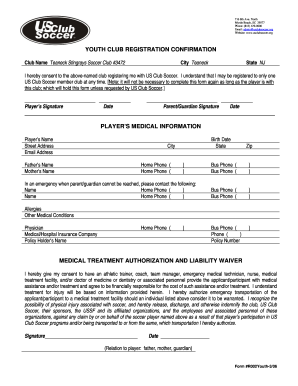
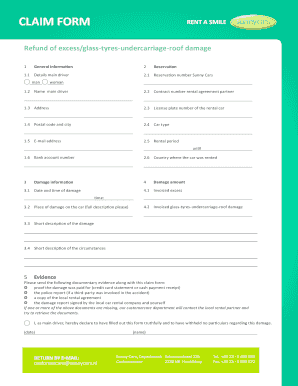
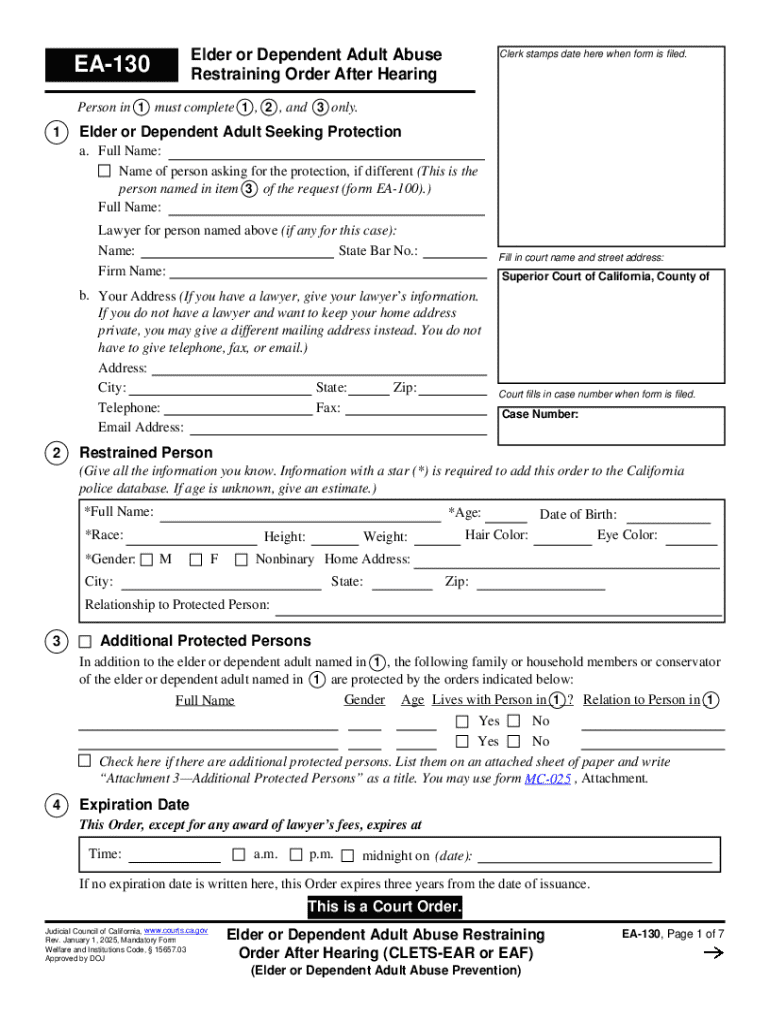
Online forms serve as digital versions of traditional paper forms, allowing individuals and organizations to collect and process information over the internet. These forms are designed to facilitate data entry, submission, and processing without the need for physical paperwork. Employed across numerous sectors, from business applications and surveys to legal submissions and registration forms, online forms streamline many administrative and operational functions. The versatility of online forms makes them ideal for gathering detailed information efficiently and accurately.
Advantages of Using Online Forms
- Convenience: Users can complete and submit forms from any location with internet access.
- Efficiency: Automates data processing, reducing the need for manual handling.
- Cost-Effectiveness: Minimizes printing and postage costs associated with paper forms.
- Environmentally Friendly: Reduces paper usage, benefiting the environment.
- Data Accuracy: Built-in validations reduce errors in submitted data.
Steps to Complete Forms Online
Completing online forms involves a relatively straightforward process, but it can vary depending on the platform or software used. Here’s a general guide:
- Access the Form: Navigate to the specific webpage or platform where the form is hosted.
- Read Instructions Carefully: Review any instructions or guidelines before starting to avoid errors.
- Fill in Required Information: Enter all mandatory fields, ensuring accuracy to prevent issues.
- Use Validation Tools: Utilize any provided tools or checks to confirm data validity.
- Review Entries: Double-check all information for spelling, completeness, and accuracy.
- Submit the Form: Follow prompts to officially submit the form, ensuring confirmation of receipt.
Common Elements in Online Forms
- Text Fields: For entering basic information like names and addresses.
- Dropdown Menus: Allow users to select from preset options.
- Checkboxes/Radios: Enable selection of multiple or single options.
- Signature Fields: Facilitate electronic signing when required.
How to Obtain Forms Online
Finding and accessing the right online form can vary based on the complexity and intended use. Platforms like DocHub offer integrated solutions to access and manage such forms seamlessly. Here are steps to obtain most forms:
- Search Online Directories: Use search engines or platforms like DocHub to locate the desired form.
- Visit Relevant Websites: Obtain forms directly from official websites (e.g., government, corporate).
- Download or Fill Directly: Depending on the platform, you may download forms or fill them directly within the browser.
- Check Compatibility: Ensure form compatibility with software tools or platforms you plan to use for completion.
Examples of Accessible Forms
- Government Forms: Tax submissions, application forms.
- Legal Documents: Contracts, agreements.
- Business Forms: Employment applications, invoice templates.
Important Terms and Concepts Related to Online Forms
Understanding the key terminology associated with online forms helps users navigate and utilize them effectively.
- Fillable Fields: Interactive sections where users input information.
- Submit Button: The function or action that sends the completed form to the recipient.
- Encryption: Ensures that the form data is secure and protected from unauthorized access.
- Authentication: Confirms the identity of the form submitter, often using login credentials.
- Cloud Storage Integration: Allows form data to be saved and accessed within cloud-based systems.
Examples of Using Online Forms
Online forms are used across a plethora of scenarios, providing flexibility and efficiency.
- Surveys and Feedback: Businesses often use forms to gather customer feedback.
- Registration Forms: Common in events management for attendee sign-ups.
- Application Forms: Used in hiring processes to collect applicant information.
- Payment Forms: Facilitate online transactions by capturing necessary payment details.
Case Studies
- Educational Sector: Online forms facilitate course registration and feedback for improvements.
- Healthcare: Patient intake forms are used to streamline appointments and medical information collection.
Security and Legality of Online Form Use
Security is paramount when dealing with online forms, especially when sensitive information is involved.
Ensuring Secure Form Use
- Encryption Standards: Adherence to protocols like 256-bit SSL encryption.
- Authentication Protocols: Utilize OAuth 2.0 for secure access.
- Audit Trails: Maintain records of who accessed and modified the form.
Legal Considerations
- Compliance with Acts: E.g., Electronic Signatures in Global and National Commerce (ESIGN) Act for electronic signatures.
- Data Protection Regulations: Understanding privacy laws relevant to the data collected.
Digital vs. Paper Versions
The choice between digital and paper forms often depends on the specific needs of the organization or individual.
Benefits of Digital Forms
- Space Saving: Digital forms eliminate the need for physical storage.
- Ease of Distribution: Can be disseminated quickly and efficiently via email or cloud services.
- Automatic Backups: Digital data is easily backed up and stored securely.
Considerations for Paper Forms
- Traditional Preferences: Some industries or situations may still favor paper due to comfort with physical formats.
- No Technology Requirements: Paper forms do not require electronic devices to fill out.
Software Compatibility and Integration
Form tools often integrate with software to enhance functionality and interoperability.
Popular Software Integrations
- DocHub with Google Workspace: Enables direct import/export with Google Drive.
- TurboTax and QuickBooks: For financial and tax-related forms.
- CRM Tools: Integrated forms enhance customer data collection within software like Salesforce.
Benefits of Integration
- Seamless Workflows: Reduce redundant actions like downloading and uploading files.
- Enhanced Functionality: Take advantage of advanced toolsets available in connected applications.
By understanding these aspects, users can efficiently create, manage, and utilize online forms to enhance their document workflows and data management processes.