01. Edit your form online
Type text, add images, blackout confidential details, add comments, highlights and more.

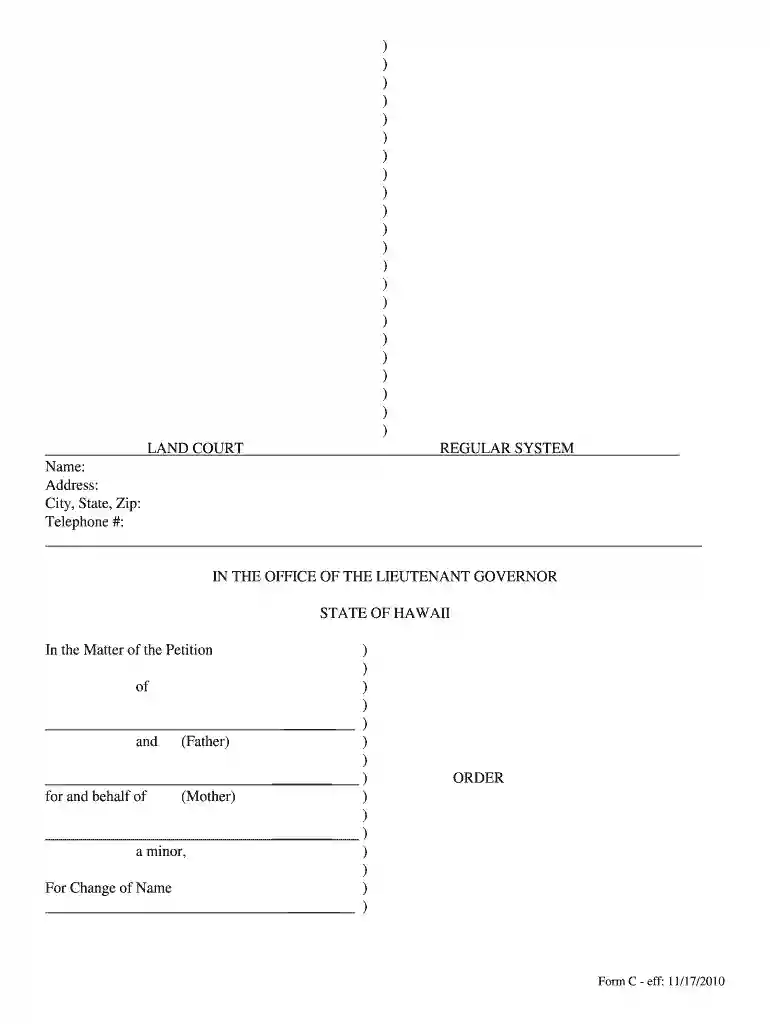
Type text, add images, blackout confidential details, add comments, highlights and more.

Draw your signature, type it, upload its image, or use your mobile device as a signature pad.

Send it via email, link, or fax. You can also download it, export it or print it out.
The Permits and Inspections Search Directory serves as a centralized resource for reviewing and tracking permits and inspection statuses across various jurisdictions. It is a vital tool for individuals and businesses engaged in construction, real estate, and development, allowing them to streamline compliance processes. This directory enables users to search for permits and inspections by category, type, and location, ensuring comprehensive oversight of regulatory requirements.
Access the Directory: Visit the official website or platform that hosts the directory. Ensure you have internet access and a compatible web browser.
Select Search Criteria: Choose specific search parameters, such as permit type, inspection date, or specific location to refine the results.
Enter Relevant Information: Input necessary details like permit number, project name, or address to narrow down your search.
Review Results: Examine the search results, which will display the relevant permits and inspections along with their status.
Analyze Detailed Entries: Click on individual entries for in-depth information, including documentation, deadlines, and requirements.
Download and Save: If needed, download documents relevant to your permit for offline access and record-keeping.
The directory is typically accessible through the official website of the authority responsible for issuing permits and inspections, such as the city or county government website. Some platforms may require registration or login credentials, particularly for professionals involved in related industries. Access is often available to the public without fees, though certain advanced features may be restricted to licensed professionals.
Users must adhere to the data protection and privacy policies outlined by the jurisdiction maintaining the directory. The information should be used solely for lawful purposes, such as project compliance, legal reviews, or educational research. Unlawful misuse, such as data manipulation or unauthorized distribution, may result in legal penalties.
Each state may have unique regulations that impact the availability and functionality of the search directory. For instance:
Familiarizing oneself with state-specific nuances can aid in using the directory most effectively.
Consider a contractor tasked with renovating a commercial property. By accessing the directory, the contractor can verify all necessary permits have been acquired and identify any pending inspections before proceeding. Similarly, a home buyer can use the directory to confirm past inspections and permit compliance for a prospective purchase, ensuring no hidden liabilities exist.
We've got more versions of the Permits and Inspections Search Directory form. Select the right Permits and Inspections Search Directory version from the list and start editing it straight away!
| Versions | Form popularity | Fillable & printable |
|---|---|---|
| 2010 | 4.8 Satisfied (175 Votes) |
At DocHub, your data security is our priority. We follow HIPAA, SOC2, GDPR, and other standards, so you can work on your documents with confidence.