






Definition and Meaning
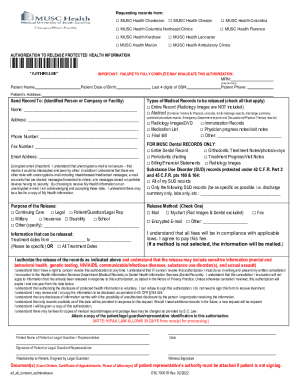
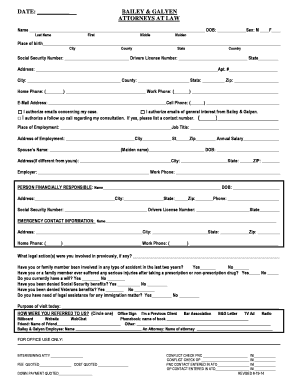
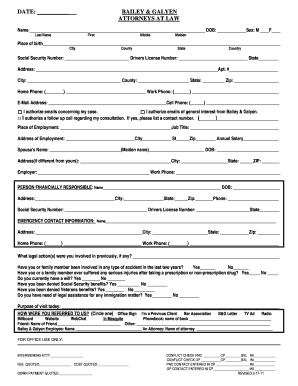
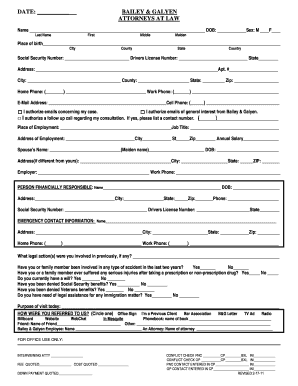
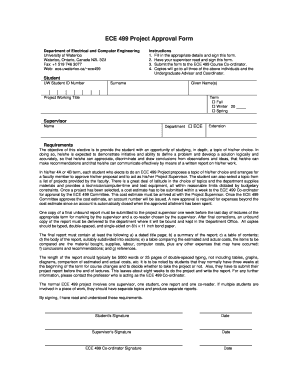
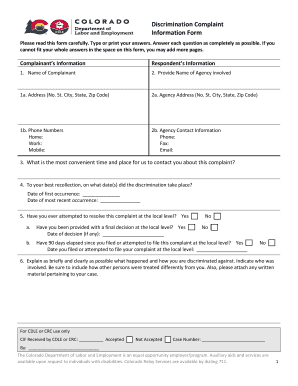
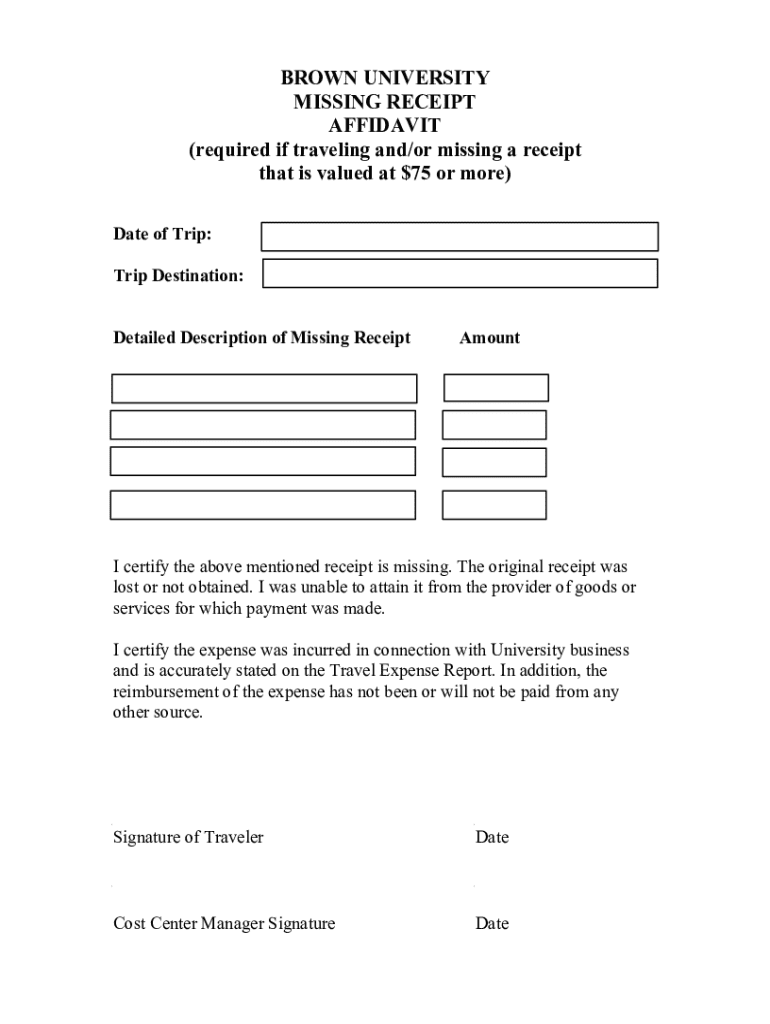
The term "form online" refers to any document that can be accessed, filled out, and submitted via the internet without the need for physical paper. This digital transformation allows for increased efficiency and accessibility, particularly in environments that require extensive paperwork, such as business, education, and government services. Online forms are structured to receive user data and often utilize fields like text boxes, radio buttons, and checkboxes to collect information electronically.
Key Characteristics of Online Forms
- Electronic Data Collection: Forms can capture and store user input digitally, reducing the need for manual data entry.
- Accessibility: Available on various devices, including desktops, tablets, and smartphones, making them convenient for users who may not have access to physical forms.
- Versatility: Compatible with various data types and can integrate with other software and databases.
- Environmentally Friendly: Reduce paper consumption, aligning with sustainability goals.
How to Use the Form Online
Using an online form involves interacting with a digital document designed to capture information for processing or decision-making. Here's how you can effectively use them:
- Access the Form: Locate the form on the relevant website or platform, such as DocHub or other document management services.
- Fill in the Required Fields: Complete the necessary sections, ensuring that mandatory fields are addressed to avoid submission errors.
- Review the Data: Double-check information for accuracy and completeness before submission.
- Submit the Form: Click the submit button to send your response electronically. Some platforms may offer options to save or print a copy for personal records.
Practical Usage Tips
- Utilize Autofill: Many browsers and document platforms have autofill capabilities that can speed up the process.
- Ensure Stable Internet: A reliable internet connection is necessary to prevent losing data during submission.
- Security Measures: Be cautious about the information you input and ensure the platform is secure, especially for sensitive data.
Steps to Complete the Form Online
Completing an online form typically follows a structured process that guides the user through inputting the necessary information seamlessly:
- Identify Required Information: Familiarize yourself with the data needed to complete the form.
- Gather Documentation: Have any supporting documents ready for upload if the form requires additional verification or evidence.
- Follow Instructions Carefully: Each section usually contains guidance on how to fill it correctly.
- Validate Entries: Utilize form validators that check for errors in real-time, such as incorrect formats or missing fields.
- Consent and Signatures: If applicable, ensure you agree to any terms and include legally binding e-signatures if required.
Common Challenges and Solutions
- Incompleteness: Forms might reject incomplete submissions, so make sure all fields are filled.
- Technical Issues: Use compatible browsers or devices and update software to avoid glitches.
- Legal Implications: Understand any legal commitments the form might impose, especially for contractual or governmental submissions.
Why Should You Complete Forms Online
The advantages of using online forms are numerous, offering both individual users and organizations a streamlined way of handling administrative tasks:
- Efficiency: Reduces processing time through automation and electronic submissions.
- Data Accuracy: Minimizes human errors associated with manual data entry.
- Cost-Effective: Eliminates printing and physical storage costs.
- Instant Updates: Easily deploy changes or updates to form fields without significant downtime.
Real-World Scenarios
- Businesses applying for licenses or permits can reduce approval times.
- Educational institutions benefiting from streamlined application processes.
- Remote teams completing onboarding paperwork without geographical barriers.
Legal Use of the Form Online
Forms submitted online must comply with specific legal standards to ensure their legitimacy and enforceability:
Regulatory Compliance
- ESIGN Act Compliance: Ensures that electronic signatures on forms are legally recognized.
- Privacy Laws: Adherence to data protection regulations such as GDPR for international forms or HIPAA for health-related data in the U.S.
Recommended Practices
- Notice and Consent: Users should be provided with clear terms and conditions of data use.
- Audit Trails: Maintaining records of submissions, including timestamps and user identities, for legal purposes.
Important Terms Related to Form Online
Several technical and legal terms frequently appear in the context of online forms, and understanding these helps navigate the process more effectively:
- Authentication: Process of verifying the identity of a user accessing the form.
- Encryption: Security measure that encodes data to prevent unauthorized access.
- Submission Confirmation: Acknowledgment that the form has been successfully received and recorded by the system.
- Validation: Checks performed by the form to ensure information is correctly formatted and complete before submission.
Glossary for Quick Reference
- OAuth 2.0: An open standard for access delegation used for secure account access.
- 256-bit SSL Encryption: A standard for securing data transfer over the internet, ensuring privacy and security.
Key Elements of the Form Online
Online forms contain various elements designed to capture and validate user-inputted data accurately:
Core Components
- Input Fields: Including text boxes, dropdowns, radio buttons, and checkboxes for varied data types.
- Labels and Descriptions: Provide instructions and context for each input field.
- Submit Button: Finalizes the entry process, sending information for processing.
Advanced Features
- Conditional Logic: Dynamically displays or hides certain fields based on previous responses.
- Field Validation: Ensures each input conforms to expected formats and values.
Digital vs. Paper Version
Although online forms offer many advantages, comparing them to traditional paper versions can highlight distinct differences:
Benefits of Digital Forms
- Automated Processing: Immediate data transfer into databases with minimal human intervention.
- Integration: Seamlessly connects to other digital tools and platforms for expanded functionality.
- Scalability: Easily handles a large volume of responses without additional physical resources.
Limitations Compared to Paper
- Technological Barriers: Requires access to devices and internet which may not be available to all users.
- Learning Curve: Some users may find digital forms intimidating compared to familiar paper forms.