01. Edit your form online
Type text, add images, blackout confidential details, add comments, highlights and more.

Type text, add images, blackout confidential details, add comments, highlights and more.

Draw your signature, type it, upload its image, or use your mobile device as a signature pad.

Send it via email, link, or fax. You can also download it, export it or print it out.
The term "form online" refers to the digital version of a document that can be completed and submitted over the internet. This format allows users to fill out, sign, and process forms without needing to print, handwrite, or physically mail them. Forms can range from simple surveys to complex legal documents, such as tax filings or application forms, all of which can be efficiently managed through online platforms like DocHub. Utilizing "form online" options can enhance convenience, speed up processing times, and ensure data accuracy through digital inputs.
To use a form online, you typically begin by accessing the form through a web platform like DocHub. The platform offers a user-friendly interface where you can import forms from your computer or cloud storage services like Google Drive or Dropbox. Once the form is imported, you can utilize various editing tools to fill out required fields, annotate, and add digital signatures. The intuitive design of these platforms allows users to save progress and return later if necessary, ensuring flexibility and ease of use throughout the process.
Filling out forms online presents numerous advantages over traditional paper forms. Firstly, it reduces the risk of errors that often occur with manual data entry by offering guided fields and validation checks. Secondly, it speeds up the form completion and submission process, eliminating the need for physical mailing. Thirdly, online platforms enable easy sharing and collaboration, letting multiple contributors work on a single document. Additionally, using forms online contributes to environmental sustainability by reducing paper usage and waste.
Key elements of an online form may include:
Online forms find applications in various scenarios:
Online forms can generally be submitted through several methods:
Forms created or completed online are usually compatible with various software applications. Platforms like DocHub ensure compatibility with file formats such as PDF, DOC, or XLS, which can be utilized in systems like TurboTax for tax-related forms or QuickBooks for business accounting needs. This cross-software compatibility streamlines the integration of online forms into broader digital workflows, allowing easy data transfer and systemic efficiency.
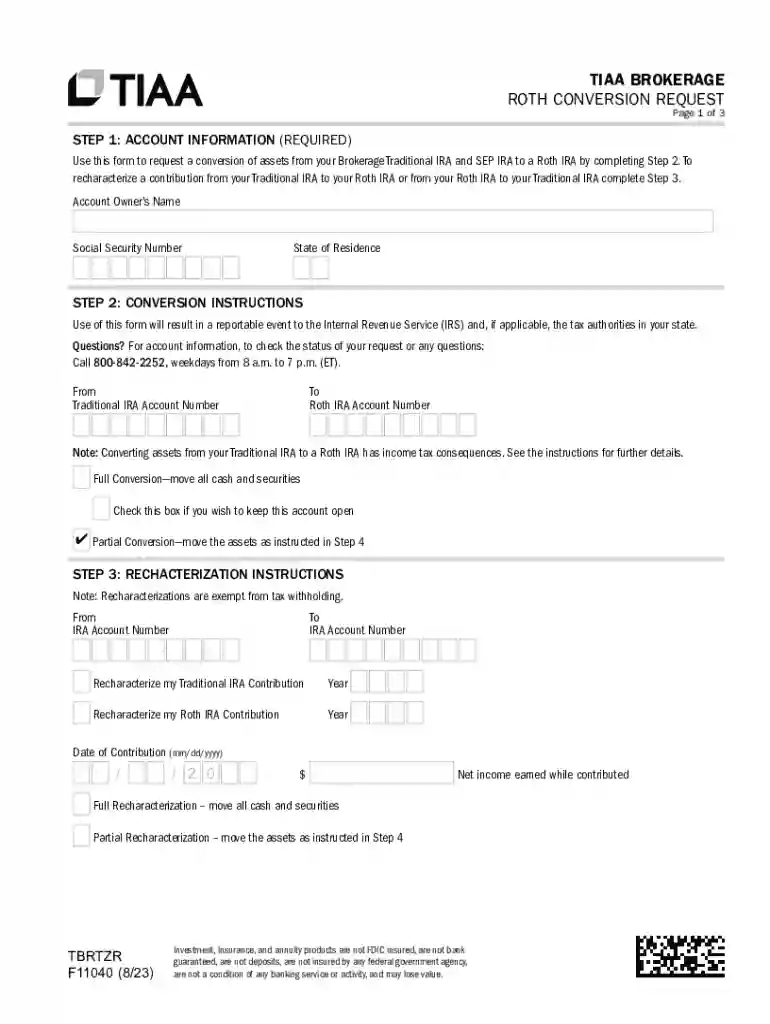
We've got more versions of the TIAA Roth Conversion Request Form form. Select the right TIAA Roth Conversion Request Form version from the list and start editing it straight away!
At DocHub, your data security is our priority. We follow HIPAA, SOC2, GDPR, and other standards, so you can work on your documents with confidence.