






Definition & Meaning
The "Australia - Wellnomics" is a significant tool designed to improve workplace health and safety management, particularly in the context of occupational health assessments. Wellnomics provides software solutions that help organizations monitor, assess, and mitigate risks associated with workplace ergonomics and employee well-being. The scope of this tool includes tracking employee exposure to physical and psychological risks within the workplace. By comprehensively assessing these factors, organizations can enhance overall productivity while ensuring the health and safety of their employees.
How to Use the Australia - Wellnomics
Using the Australia - Wellnomics involves integrating its software solutions into your organization’s occupational health and safety protocols.
-
Implementation: Begin by installing the Wellnomics software across relevant departments. Ensure it aligns with the specific needs of your organization, especially in sectors where physical and psychological risk factors are prevalent.
-
Data Collection: Train employees on how to use the software for effective data input. Employees can self-report issues related to ergonomics, stress, or workload, providing a baseline for further analysis.
-
Risk Analysis: Use the tool's analytical features to identify high-risk areas or individuals. Wellnomics analyzes collected data to highlight potential health risks, contributing to proactive management strategies.
-
Action Plans: Develop action plans based on analytical insights. This can include modifications to workplace ergonomics, targeted interventions for stressed employees, or tailored wellness programs.
How to Obtain the Australia - Wellnomics
To obtain the Australia - Wellnomics, organizations must follow a straightforward purchasing process.
-
Contact the Vendor: Begin by reaching out to Wellnomics through their official website. Fill out necessary inquiries related to your organizational needs.
-
Select a Service Package: Choose from different software packages that best meet your company's requirements. Wellnomics offers various subscription levels depending on the size of your workforce and specific features required.
-
Implementation Support: Wellnomics provides expert support during the implementation phase, ensuring the software is correctly installed and all stakeholders are trained on its usage.
Steps to Complete the Australia - Wellnomics
Completing the implementation and use of the Australia - Wellnomics involves several critical steps:
-
Initial Setup: Install the system within your existing IT infrastructure. Engage IT specialists if necessary, to ensure conformity with organizational protocols.
-
User Training: Conduct onboarding sessions for all employees who will utilize the software. Training should cover data input processes, analytical result interpretation, and recommended actions based on software outputs.
-
Regular Monitoring: Establish a regular monitoring schedule to consistently track and evaluate data. Consistent use of the software maximizes its effectiveness in preventing workplace injuries and managing employee well-being.
-
Review and Adapt: Periodically review the effectiveness of implemented strategies, making adaptations as necessary to respond to evolving health and safety needs within the workplace.
Key Elements of the Australia - Wellnomics
Key elements that define the Australia - Wellnomics include:
-
Risk Assessment Tools: Wellnomics offers tools to assess ergonomic risks, identify potential stressors, and analyze workload management, which aids in developing comprehensive health standards.
-
Reporting Features: Detailed reports generated by Wellnomics provide insights into individual and organizational health risks, facilitating data-driven decision-making.
-
Customization Options: Its flexibility allows for customization to address specific organizational needs, ensuring a fit with existing health and safety regulations.
-
Integrated Feedback Mechanisms: Feedback from employees on ease of use and functionality helps refine the system for optimal operation.
State-Specific Rules for the Australia - Wellnomics
State-specific regulations may influence how the Australia - Wellnomics is utilized.
-
Regulatory Compliance: Ensure your use of the Wellnomics tool aligns with local occupational safety laws and regulations, which vary between states.
-
Data Privacy: Follow state-specific data privacy laws, particularly regarding the storage and analysis of employee health data collected through Wellnomics.
-
State-Sponsored Programs: Some states may offer incentives for organizations implementing comprehensive health and safety systems like Wellnomics. Check with local authorities to see if such programs are available.
Examples of Using the Australia - Wellnomics
There are numerous ways organizations can use Wellnomics in real-world scenarios:
-
Corporate Offices: Wellnomics can help identify ergonomic issues in an office setting where employees spend extended hours at desks, leading to back pain and repetitive strain injuries.
-
Manufacturing: In environments where physical labor is prevalent, Wellnomics can aid in reducing musculoskeletal disorders by optimizing workstations and schedules.
-
Service Industry: Within sectors such as customer service, where stress levels can be high, Wellnomics helps in monitoring and managing workplace stress effectively.
Software Compatibility
Australia - Wellnomics must be compatible with existing software systems within an organization for smooth functionality.
-
Integration: Wellnomics should seamlessly integrate with HR and occupational health management systems, providing a unified platform for health monitoring.
-
System Requirements: Check compatibility with current operating systems and any hardware requirements necessary for optimal performance.
-
Vendor Support: Make use of vendor-provided support to ensure all software compatibility issues are resolved during initial setup.
Legal Use of the Australia - Wellnomics
Legal compliance is crucial when using Australia - Wellnomics.
-
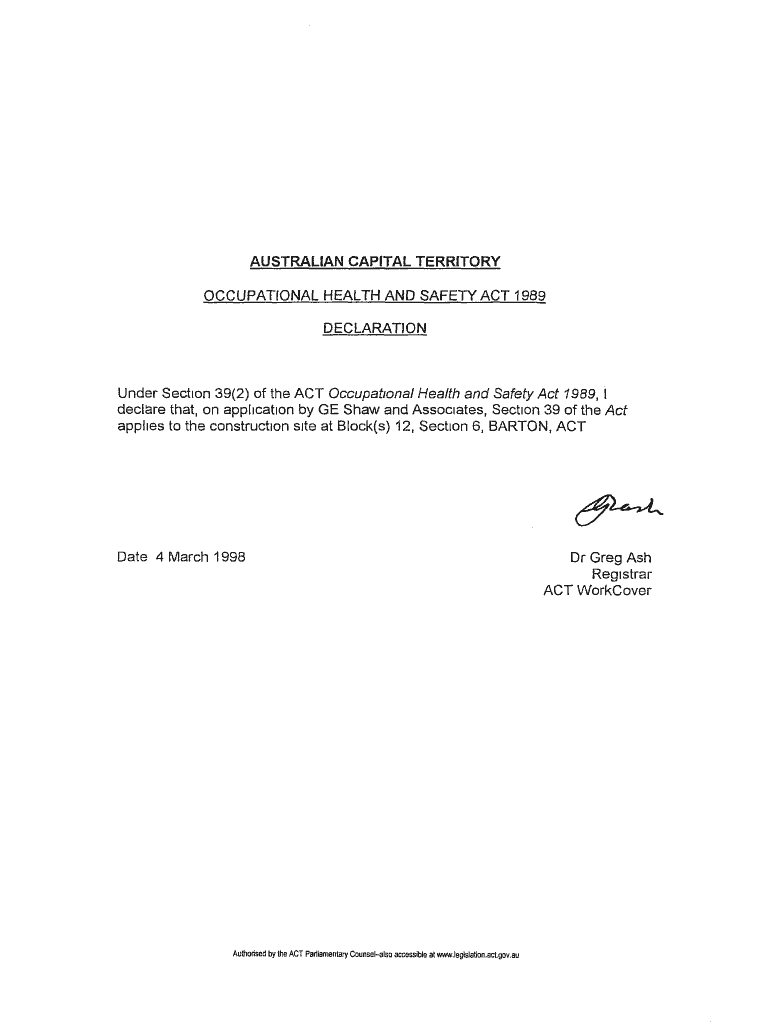
Regulatory Adherence: Ensure Wellnomics complies with the Occupational Health and Safety Act 1989 in Australia and equivalent laws in other regions.
-
Confidentiality Agreements: Implement necessary confidentiality agreements to protect employee data, reinforcing trust and compliance with legal standards.
-
Record Keeping: Maintain records of all assessments and interventions as legal documentation that demonstrates proactive health and safety management.
By covering these blocks extensively, organizations can fully understand and optimally implement the Australia - Wellnomics tool to improve workplace health and safety comprehensively.