01. Edit your form online
Type text, add images, blackout confidential details, add comments, highlights and more.

Type text, add images, blackout confidential details, add comments, highlights and more.

Draw your signature, type it, upload its image, or use your mobile device as a signature pad.

Send it via email, link, or fax. You can also download it, export it or print it out.
Forms online refer to digitally accessible documents that can be filled out, submitted, and sometimes signed electronically through an internet platform. This approach to document management enhances efficiency, allowing users to complete necessary forms without visiting physical offices. It is widely utilized by individuals and organizations for purposes ranging from tax filings to business applications. Online forms can include various elements such as text fields, checkboxes, and signature options, making them versatile tools in modern workflows.
Using forms online is straightforward and typically involves a few essential steps. First, users need to access the form via a web platform like DocHub, where they can view and fill out sections that require input. These platforms often provide guidance or tooltips to ensure accurate completion. Once filled, the form can be submitted directly through the platform, often with options to save or export the document for records or sharing. Some platforms also allow users to invite others to review or edit the form before final submission.
Completing forms online typically involves filling out specific fields, verifying entries for accuracy, and confirming submission. Most forms have designated mandatory fields, which must be filled before submission. Users should start by carefully reviewing these fields and using any help or feedback mechanisms the platform offers. For forms requiring additional documentation, such as identification or proof of eligibility, users should prepare these in advance to streamline the process. After filling out the form, it is vital to review all entries to ensure no errors.
Online forms usually incorporate several key elements to facilitate easy and accurate completion. These can include:
Each element is designed to simplify data input, reduce errors, and enhance user experience. Ensuring all elements function correctly is crucial for the effective use of online forms.
The use of forms online must comply with relevant regulations to ensure legal validity. For instance, forms that are signed electronically need to adhere to laws like the ESIGN Act, which provides a framework for the legal recognition of electronic signatures. DocHub and similar platforms provide features to ensure compliance, such as encrypted data transmission and secure storage solutions. For sensitive documents, additional measures like password protection and user authentication protocols may be in place to guarantee security and privacy.
Forms available online should be compatible with various software solutions for ease of use. This includes integration with document editors like Microsoft Word and Excel or accounting software such as QuickBooks and TurboTax. Platforms like DocHub enhance this compatibility by allowing documents to be imported and exported in multiple formats, ensuring users can work within their preferred applications. Furthermore, these platforms are often optimized for desktop and mobile browsers, making them accessible from any device.
When completing forms online, certain supporting documents may be required. Common examples include:
These documents may need to be scanned and uploaded during the form completion process. Ensuring that all required documentation is available beforehand can prevent delays and streamline the process of form submission.
Online forms offer various submission methods:
Platforms like DocHub enable users to choose the method that aligns with their needs while providing tracking features to monitor the submission status, ensuring transparency throughout the process.
Forms online are used by a diverse range of individuals and organizations. Common users include:
These forms streamline communication and data management across different sectors, reducing the need for paper-based processes and improving accessibility for all users.
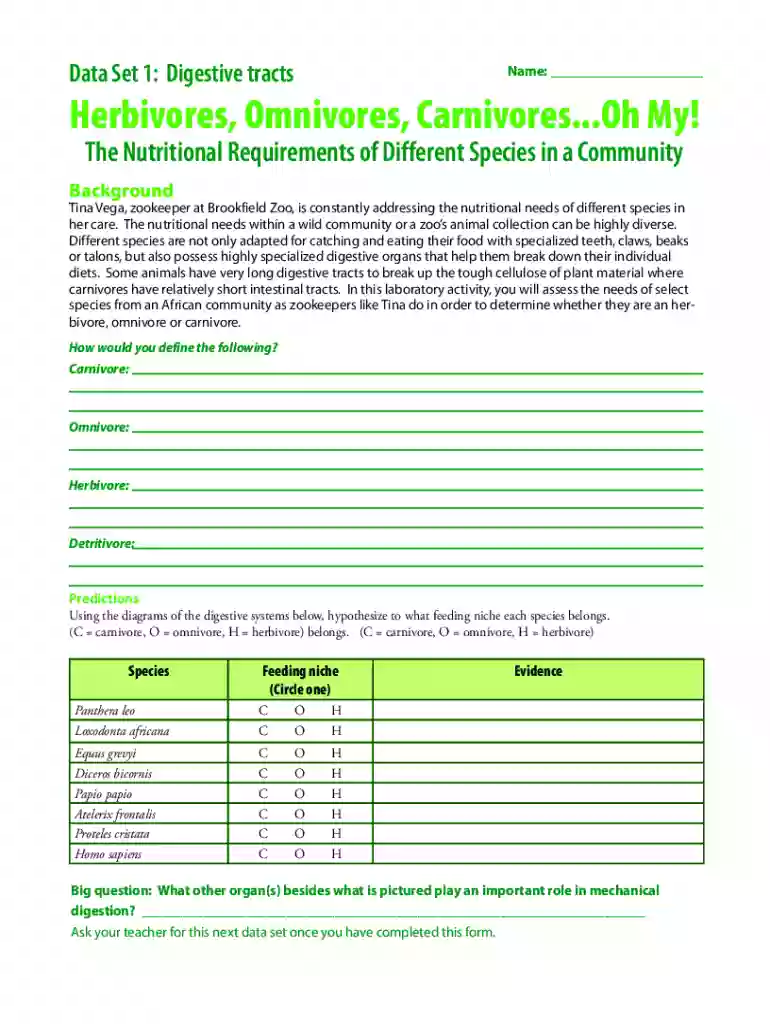
We've got more versions of the Herbivores Omnivores Carnivores Form form. Select the right Herbivores Omnivores Carnivores Form version from the list and start editing it straight away!
At DocHub, your data security is our priority. We follow HIPAA, SOC2, GDPR, and other standards, so you can work on your documents with confidence.