




Here's how it works

01. Edit your eviction notice template online
Type text, add images, blackout confidential details, add comments, highlights and more.

02. Sign it in a few clicks
Draw your signature, type it, upload its image, or use your mobile device as a signature pad.

03. Share your form with others
Send 3 day eviction notice indiana via email, link, or fax. You can also download it, export it or print it out.
How to use or fill out Indiana Eviction Notice Form with our platform

- Click ‘Get Form’ to open the Indiana Eviction Notice in the editor.
- Begin by entering the address of the rental property, including city, state, and zip code. This information is crucial for identifying the location involved in the eviction process.
- Next, fill in the name of the landlord or property manager. This identifies who is issuing the notice and ensures proper communication.
- Then, enter the tenant's name. This section specifies who is being notified to vacate the premises.
- In the 'Notice to Vacate' section, indicate the date by which the property should be vacated. Be clear and precise to avoid any confusion.
- Finally, print your name and sign as the owner or manager of the property. Include the date of signing to validate this notice.
Start using our platform today for free to streamline your document editing and ensure a smooth eviction process!
Fill out indiana eviction notice form online
It's free
It's free
See more indiana eviction notice form versions
We've got more versions of the indiana eviction notice form form. Select the right indiana eviction notice form version from the list and start editing it straight away!
| Versions | Form popularity | Fillable & printable |
|---|---|---|
| 2011 | 4 Satisfied (36 Votes) |
Security and compliance
At DocHub, your data security is our priority. We follow HIPAA, SOC2, GDPR, and other standards, so you can work on your documents with confidence.
Learn more


Related forms
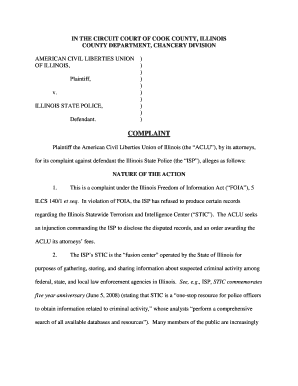
Aclu chicago
The document is a legal complaint filed by the American Civil Liberties Union (ACLU) against the Illinois State Police ( ...

Picture of beauty salon licence
The document is a license application for beauty salons in the City of Washington, MO, detailing the requirements and fe ...

HT510 Instructions indd - DMI Sports
The document is an instruction manual for assembling a DMI Sports table hockey table. It provides essential information ...
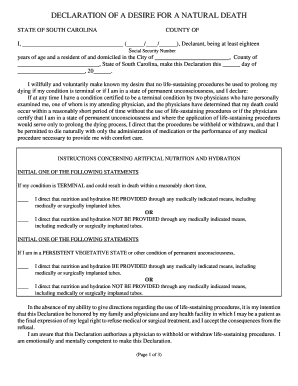
Sc desire death
The document is a 'Declaration of a Desire for a Natural Death' from the State of South Carolina, in which the declarant ...

CORRECTIVE ACTION PLAN - Amarillo College - actx
The document outlines a Corrective Action Plan that addresses unsatisfactory performance ratings. It includes sections f ...

Emergency Vehicle AccidentLoss Investigation Report - VFIS
The document is a Vehicle Accident/Loss Investigation Report used by the Fire Department to record details of vehicle ac ...
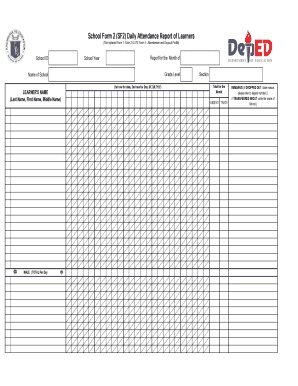
Sf2 deped
The document is a School Form 2 (SF2) Daily Attendance Report of Learners, which tracks student attendance, absenteeism, ...
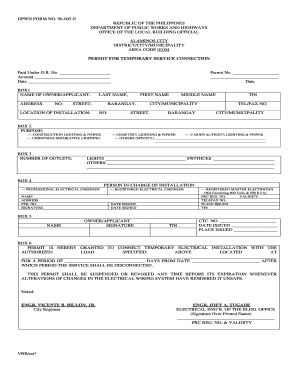
Dpwh form 96 e
The document is a permit form issued by the Department of Public Works and Highways in the Philippines for temporary ele ...