01. Edit your form online
Type text, add images, blackout confidential details, add comments, highlights and more.

Type text, add images, blackout confidential details, add comments, highlights and more.

Draw your signature, type it, upload its image, or use your mobile device as a signature pad.

Send it via email, link, or fax. You can also download it, export it or print it out.
Online forms are digital versions of documents used to collect, process, and store information electronically. They are designed to facilitate data collection, streamline workflows, and enhance accuracy by minimizing manual entry errors. These forms are widely utilized across various industries for applications such as registrations, feedback collection, order placements, and legal documentation. By leveraging online forms, organizations can efficiently handle both simple and complex data collection tasks, ensuring a smooth flow of information.
To use an online form effectively, users should follow a structured approach. First, access the form through a web portal or email link. Ensure that you have a stable internet connection for uninterrupted form completion. Carefully read the instructions provided to understand the requirements. Enter the requested information into designated fields, which may include text boxes, checkboxes, or dropdown menus. Take advantage of form features such as auto-save, which prevents data loss. On completion, review the information for accuracy before submitting it, ensuring all mandatory fields are filled. Once submitted, you may receive a confirmation email or reference number.
Access the Form: Begin by navigating to the online platform offering the form. This could be a government website, business platform, or email link.
Identify Required Fields: Before starting, recognize the sections marked as mandatory to prioritize entering those details.
Fill Out Information: Input your details methodically. Many forms use an intuitive layout, aiding users through one section at a time.
Attach Documents: If the form necessitates supporting documents, upload these files in the specified formats such as PDF or JPEG.
Review and Edit: Once completed, review the entire form for any mistakes or missing data, and make corrections if necessary.
Submit the Form: Finalize by clicking the submit button. Confirmation is usually sent to your email, signifying successful submission.
Using online forms offers significant advantages including convenience, efficiency, and reduced resource usage. Online forms allow users to complete documents anytime and anywhere, eliminating the need for physical presence. They reduce administrative overhead by automating data collection and storage, which not only saves time but also lowers costs related to paper and printing. Forms submitted online are processed faster, often integrating directly into backend systems, thus improving response times and overall productivity. Moreover, they provide enhanced data security measures ensuring sensitive information is protected.
Online forms must comply with relevant legal standards such as privacy laws and electronic signature regulations. Adhering to the Electronic Signatures in Global and National Commerce (ESIGN) Act for legal recognition of digital signatures is essential. Additionally, online forms must protect user privacy by ensuring compliance with the General Data Protection Regulation (GDPR) and other applicable laws, ensuring that personal data is collected lawfully and protected from unauthorized access.
Different states may have distinct regulations regarding the use and submission of online forms. For instance, some states mandate additional documentation or identification for specific form types like tax filings or professional license applications. It is crucial for users to check their state guidelines to ensure compliance. These rules may affect deadlines, documentation requirements, and submission processes. Always verify with local authorities or agencies before proceeding with form submission.
Online forms serve multiple purposes, such as:
By implementing online forms in various scenarios, organizations achieve higher efficiency and better satisfaction rates through user-friendly experiences.
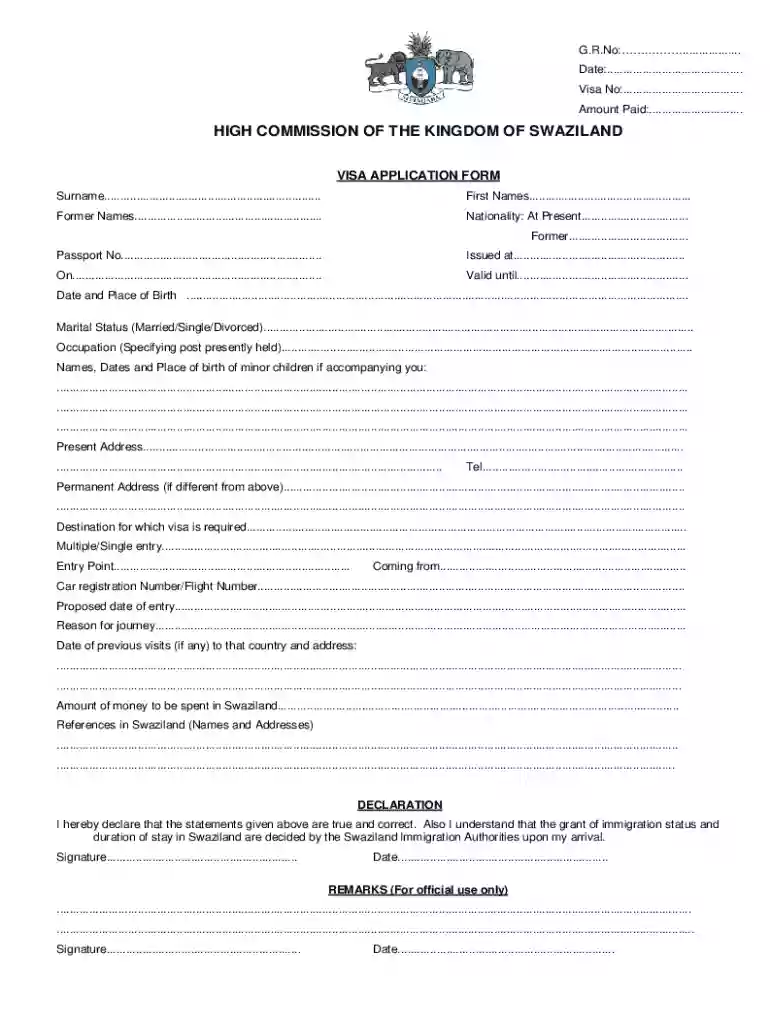
We've got more versions of the Swaziland Visa Application Form form. Select the right Swaziland Visa Application Form version from the list and start editing it straight away!
At DocHub, your data security is our priority. We follow HIPAA, SOC2, GDPR, and other standards, so you can work on your documents with confidence.