






Definition & Meaning
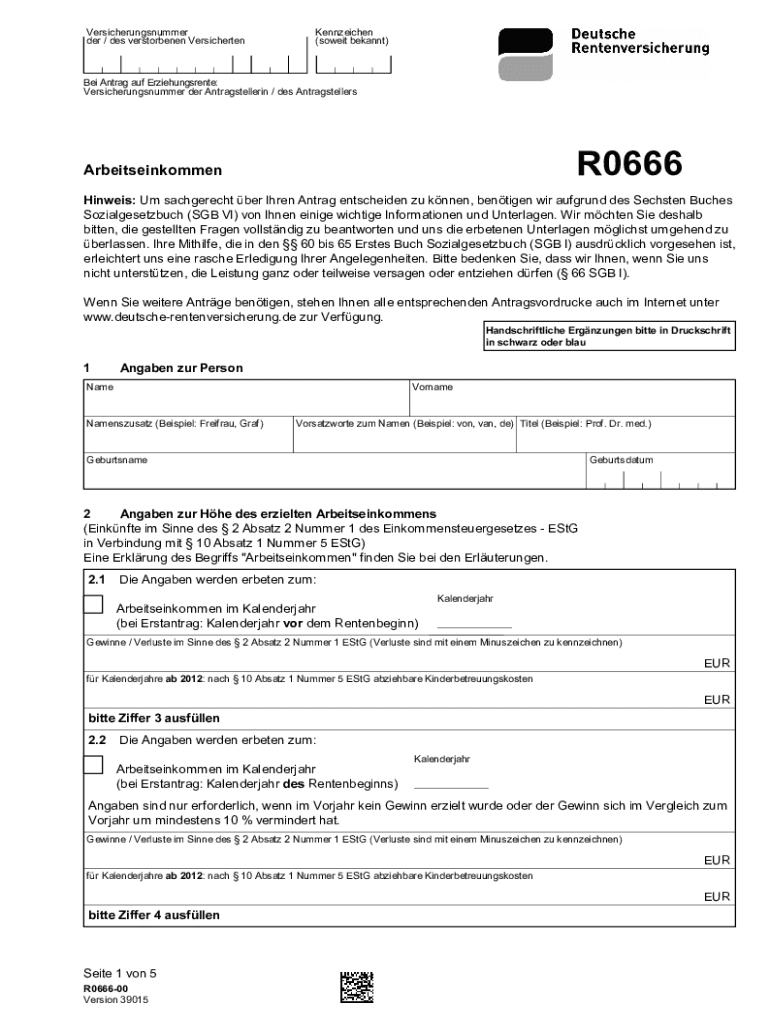
Understanding the concept of a "form online" is crucial for individuals and businesses aiming to streamline their document processes. At its core, a "form online" is a digital version of a traditional paper form that can be accessed, filled out, and submitted over the internet. This transition from paper to digital offers numerous benefits, such as reducing physical storage needs, enabling quicker communication, and facilitating real-time updates. Online forms are diverse and can include applications, surveys, contracts, and legal documents, making them a versatile tool for a wide range of uses.
How to Use The Form Online
Using a form online offers a straightforward and efficient experience. Generally, you begin by accessing the form through a web platform like DocHub. Once the form is open, you can fill out the necessary fields using your keyboard or mouse; this can include typing text, selecting options from dropdown menus, or checking boxes. Advanced platforms allow for features like electronic signatures, which legally bind the document upon signing. After completing the form, you can review it for accuracy and make any necessary edits before submitting it directly through the platform or via email to the required recipient.
Practical Steps
- Access the form through the provided link or document portal.
- Enter required information in designated fields using your keyboard or touch device.
- Utilize dropdown menus and checkboxes for specific selections.
- Apply electronic signatures where necessary.
- Review for accuracy and completeness before submission.
Steps to Complete the Form Online
Completing a form online involves several key steps designed to ensure thoroughness and compliance with the form's requirements. To execute these steps effectively, follow this detailed process:
- Login: Sign in to the platform providing the form, ensuring secure access and the ability to save your progress.
- Form Selection: Navigate to the specific form you need, often listed in categories by function or name.
- Field Completion: Work through each section of the form methodically, entering information accurately.
- Signature Application: If signatures are required, utilize electronic signing tools to apply them legally.
- Upload Documents: Attach any required supporting documents directly through the platform.
- Final Review and Submission: Conduct a thorough review of your completed form. Once satisfied, submit it through the platform's integrated submission feature or via email as specified.
Why Should You Form Online
The transition to using forms online results in numerous benefits over traditional paper forms. One significant advantage is time efficiency; online forms can be completed and submitted more rapidly due to the absence of physical delivery requirements. Additionally, digital forms enhance data accuracy through features like auto-fill and validation checks, which reduce human error. Environmentally, online forms contribute to sustainability by minimizing paper usage. These forms also integrate seamlessly with digital workflows, allowing for streamlined data management and improved accessibility from any internet-connected device.
Key Elements of the Form Online
Online forms incorporate several critical elements that enhance functionality and usability. These elements are designed to facilitate ease of use and ensure data integrity:
- Text Fields: Allow users to input text data such as names, addresses, and descriptive information.
- Dropdown Menus: Provide pre-set options that streamline the selection process and minimize errors.
- Radio Buttons and Checkboxes: Enable users to make selections from a set of options, perfect for multiple-choice questions.
- Signature Fields: Allow for the placement of legally-binding electronic signatures.
- File Upload: Feature supports the attachment of additional documents or files as required.
Legal Use of the Form Online
Using forms online legally involves adherence to various compliance measures designed to protect user data and ensure document validity. These include encryption protocols to secure data during transfer and storage, along with compliance with regulations such as the ESIGN Act, which ensures electronic signatures are legally recognized. Additionally, platforms often incorporate audit trails that provide comprehensive logs of document history, showing who accessed, edited, or signed the document and when these actions occurred. Understanding these legal frameworks allows users to have confidence in the integrity and enforceability of their submitted online forms.
Required Documents
Completing an online form often necessitates the inclusion of specific supporting documents, which vary based on the form's purpose and jurisdiction. Commonly required documents might include:
- Identification: Copies of government-issued IDs like driver’s licenses or passports.
- Proof of Address: Utility bills or lease agreements verifying current address information.
- Financial Records: Income statements, tax returns, or pay stubs to validate financial details.
- Legal Agreements: Prior contracts or legal documentation for verification purposes.
Being prepared with the correct documents can expedite the form submission process and prevent delays.
IRS Guidelines
For forms related to financial matters or tax concepts, IRS guidelines provide essential instructions on compliance. These guidelines dictate the types of information that must be submitted and outline essential procedures for electronic filings. Documents must meet specific requirements, such as proper signatures and accurate data entries, to be legally valid. Adherence to IRS rules is obligatory for avoiding penalties and ensuring that the documentation is processed efficiently. Understanding these guidelines can significantly impact the successful submission of any tax-related form online.