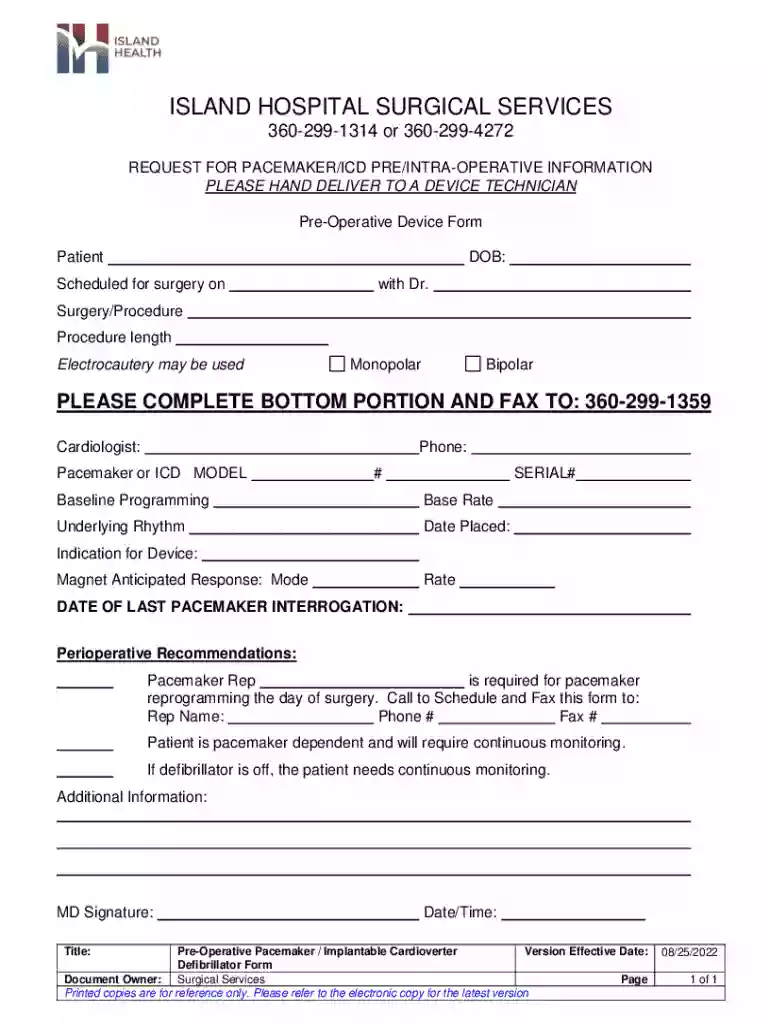
Definition & Meaning
The term "form online" refers to the creation, completion, and management of digital forms through web-based platforms. This approach allows users to fill out forms electronically without the need for paper. Such forms can be used for a variety of purposes, including data collection, applications, and registrations. Online forms streamline processes by facilitating quick submissions, real-time updates, and seamless integration with other digital tools. They typically include features like text fields, checkboxes, dropdowns, and digital signatures to capture necessary information efficiently.
Key Benefits of Using Online Forms
- Accessibility: Users can complete forms from any device with internet access, allowing for flexibility and convenience.
- Efficiency: Digital forms reduce the time needed to process responses and eliminate the errors often associated with manual data entry.
- Environmental Impact: Going paperless with online forms reduces waste and supports environmentally friendly practices.
How to Use the Form Online
Using an online form typically involves several straightforward steps to ensure accurate data collection and submission. First, users need to access the form through a web link or platform interface. Next, they should input the required information in each designated field, ensuring all necessary sections are completed.
Step-by-Step Process
- Access the Form: Visit the website or application hosting the form, such as DocHub, and navigate to the desired form.
- Fill Out Required Fields: Enter information into the text boxes, check the appropriate checkboxes, and select options from any dropdown menus.
- Review Information: Double-check entries for accuracy and completeness to prevent submission errors.
- Submit the Form: Click the submit button, which typically sends your responses to the form processor or relevant party.
How to Obtain the Form Online
To obtain an online form, users must locate the form on the relevant platform or website where it is hosted. Many platforms, like DocHub, provide search functionalities or category directories to help users find the specific form they need.
Tips for Finding Forms
- Direct Links: Look for direct links provided in email communications or official websites.
- Platform Search Functions: Use search bars on digital form platforms to locate forms by name or keyword.
- Categorized Listings: Explore organized sections or categories within the platform, often sorted by purpose, industry, or form type.
Steps to Complete the Form Online
Completing a form online is intuitive and often similar across different platforms, despite some variations based on specific applications.
Six Essential Steps
- Identify the Form's Purpose: Understand the form's requirements and the information it seeks to gather.
- Prepare Necessary Information: Gather documents or details needed to complete the form accurately.
- Commence Input: Begin entering information into the form fields.
- Use Form Features: Utilize form features such as auto-fill, dropdowns, and signatures to expedite completion.
- Verify Entries: Ensure all information is correct and make any necessary adjustments.
- Finalize Submission: Click submit to finish the process and confirm that the form was received by checking for a confirmation message or email.
Who Typically Uses the Form Online
Online forms attract a diverse user base ranging from individuals to large organizations. They are popular among businesses, educational institutions, healthcare providers, and government agencies due to their versatility and efficiency.

User Groups
- Businesses: Use online forms for transactions, feedback, and internal processes.
- Individuals: Engage with forms for personal applications such as job applications, registrations, and surveys.
- Educational Institutions: Implement online forms for applications, assessments, and feedback collection.
- Healthcare Providers: Utilize forms for patient registration, consent, and medical history documentation.
Important Terms Related to Form Online
Several key terms are frequently associated with online forms, helping users understand the processes better.
Glossary of Key Terms
- Form Builder: Tools or platforms used to create digital forms.
- Responsive Design: Design approach ensuring forms function on various devices and screen sizes.
- Data Encryption: Security measure protecting information submitted through online forms.
- E-Signature: Digital signature used in place of handwritten signatures, ensuring authenticity and legality.
- Field Validation: Mechanisms ensuring user input adheres to expected formats and rules.
Legal Use of the Form Online
Online forms must comply with legal standards and regulations to maintain their validity and security. These standards often relate to data protection, electronic signatures, and accessibility.
Compliance Considerations
- Data Protection Laws: Compliance with laws like GDPR or CCPA if handling personal data.
- Electronic Signature Laws: Adhering to laws such as the ESIGN Act in the U.S. to ensure digital signatures are valid.
- Accessibility Compliance: Ensuring forms are accessible to users with disabilities, following guidelines such as WCAG (Web Content Accessibility Guidelines).
State-Specific Rules for the Form Online
Certain regions may have specific regulations governing the use of online forms, impacting how they are created, distributed, and submitted.
Examples of State Variations
- California: Additional requirements under CCPA for handling personal data.
- New York: May have specific rules regarding electronic signatures and data retention.
- Texas: Unique standards for public sector online forms related to accessibility and record-keeping.
By understanding these aspects of online forms, users can efficiently engage with digital forms in a manner that is both legally compliant and optimized for their specific needs.