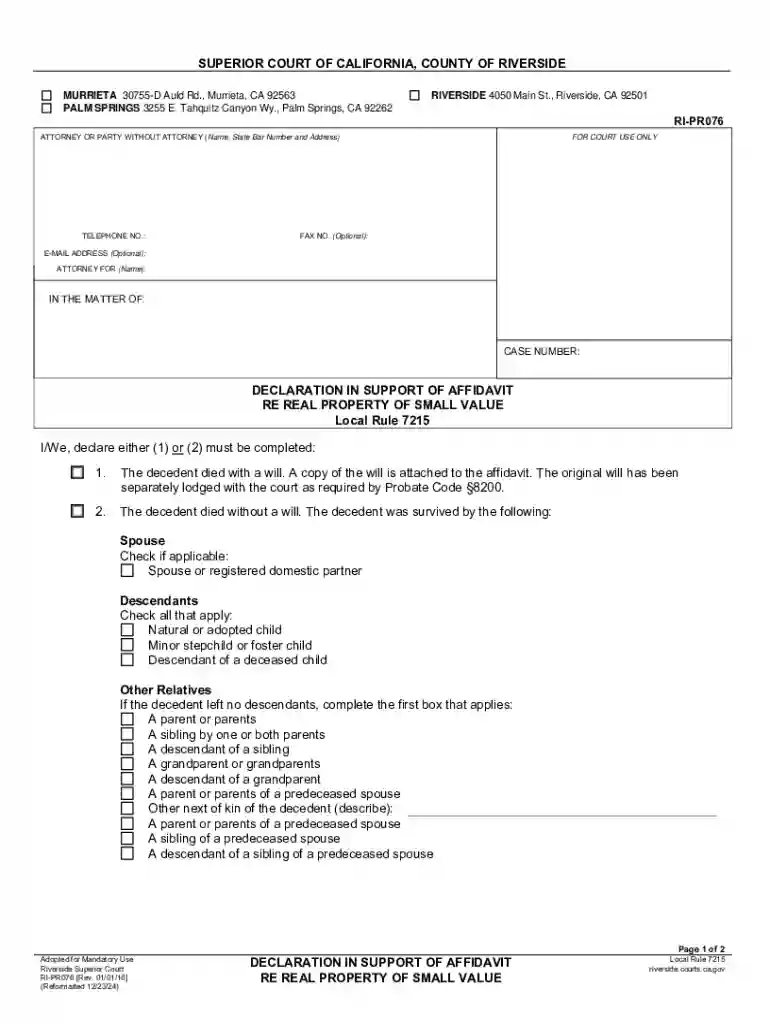
Definition and Meaning of Form Online
A form online refers to any document that is digitally accessible and fillable on the internet. These forms serve various purposes, ranging from legal documentation and tax filings to business agreements and personal data collection. The primary advantage of using online forms is their accessibility; they can be filled out from anywhere without the need for physical paper handling. Online forms are often equipped with interactive fields that make data entry easier and more organized, ensuring users provide all necessary information accurately.
Online forms vary significantly in their structure and purpose. Some common types of online forms include registration forms, application forms, surveys, and declarations. Each form type caters to specific needs and is often legally recognized when submitted electronically. Understanding the nuances of an online form is crucial as it determines compliance, data accuracy, and its intended outcome.
How to Use the Form Online
Using a form online involves several steps to ensure the document is accurately completed and properly submitted. The process typically begins with accessing the form through a designated platform or website. Users need to understand the form's purpose to fill it correctly and must have all prerequisite information handy.
- Access the Form: Navigate to the platform providing the form. This could be through a direct link or a search on a digital document management service like DocHub.
- Fill Out the Form: Use the provided fields to enter relevant information. Make sure to pay attention to required fields, which are often marked with an asterisk.
- Review and Edit: Once filled, review the entered data for accuracy and completeness. Many platforms allow you to save your progress and return to the form later if further information is needed.
- Attach Necessary Documents: Some forms may require additional documentation. Ensure these are uploaded in the correct format and are legible.
- Submit: After a thorough review, submit the form. Take note of any confirmation number or receipt that indicates successful submission.
Online platforms often provide features like autosave, digital signatures, and sharing options, making the process more seamless and efficient.
Steps to Complete the Form Online
Completing an online form efficiently involves a methodical approach to data entry and verification. Given the importance of accuracy, it is essential to follow a structured sequence:
- Collect Required Information: Gather all necessary documents and information that may be required for filling out the form. This might include identification details, financial statements, or supporting documents.
- Log into the Platform: If the form is hosted on a secure platform, such as DocHub, you might need to create an account or log in before accessing the form.
- Start Filling the Form: Begin entering the information in the designated fields. Use the toolbar and editing options provided by the platform to guide your input, ensuring that text fields, dropdown menus, and checkboxes are completed as required.
- Check for Mandatory Fields: Ensure that all fields marked as mandatory are completed. Missing these can result in submission errors.
- Review for Errors: Before submission, review all entered data. Some platforms highlight potential errors or incomplete sections for easy identification.
- Submit Electronically: Once satisfied with the information, submit the form electronically. Look for submission confirmation, indicating that your form is under process.
Key Elements of the Form Online
Online forms consist of several key elements that are crucial for their function and utility:
- Interactive Fields: These allow users to input data directly into the form. This can include text boxes, checkboxes, and dropdown menus.
- Validation Rules: Forms often enforce rules to ensure data integrity. For example, email fields might be validated to check for proper format.
- Submit Button: A feature to send the completed form to the relevant party. It is an essential element that initiates the processing of the form.
- Save Option: Many online forms allow users to save their progress, which is helpful should they need to gather additional information before completing the form.
- Security Measures: Encryption and secure access protocols to protect sensitive data are a standard feature.
These elements, when combined, make online forms practical and user-friendly, promoting efficiency in data collection and submission.
State-Specific Rules for the Form Online
State-specific rules for online forms can vary depending on the jurisdiction and nature of the document. Different states in the U.S. may have distinct requirements and regulations that must be followed:
- Compliance with Local Regulations: Ensure that the form complies with state rules regarding content, needed signatures, and submission procedures.
- Specific Language and Format: Some states may mandate specific language or formats for certain forms to be considered valid.
- Additional Documentation: Certain states may require additional documents or information to accompany the form.
- Submission Methods and Deadlines: States can have unique deadlines or submission protocols, such as digital portals or mail submissions.
Understanding these state-specific nuances is crucial for ensuring that the form is legally compliant and processed without unnecessary delays.
Who Typically Uses the Form Online
Online forms are widely used across various sectors and by a diverse range of users:
- Individuals: For personal documentation like tax returns, application forms, or legal declarations.
- Businesses: For contracts, employee onboarding, and data collection processes.
- Legal Professionals: For handling client cases and legal documentation digitally.
- Educational Institutions: For student registrations, surveys, and examinations.
These users benefit from the convenience, speed, and accuracy that online forms provide, especially in facilitating complex or repetitive documentation processes.

Legal Use of the Form Online
The legal use of online forms involves the adherence to electronically documented processes and endorsements. Electronic signatures are widely recognized as legally binding under laws such as the ESIGN Act in the United States:
- Legal Compliance: Online forms must meet legal requirements for data protection, consent, and signatures.
- Electronic Signatures: Most forms can be signed digitally, providing a legally binding agreement or consent.
- Audit Trails: Platforms often generate digital audit trails to document the transaction history of a form, which can be critical during disputes.
- Data Protection: Platforms must comply with privacy laws, ensuring that sensitive data within forms is protected against unauthorized access.
Legal use of forms online effectively streamlines documentation processes while maintaining compliance with relevant laws and standards.
Examples of Using the Form Online
The versatility of online forms lends itself to various practical applications:
- Employment Contract: Employers can use online forms to draft and execute employment contracts with digital signatures, expediting the hiring process.
- Survey and Feedback Collection: Organizations can gather feedback efficiently through interactive forms that users can submit easily from any device.
- Tax Filings: Individuals and businesses can file tax returns via online forms, streamlining what would otherwise be a cumbersome process.
These examples demonstrate the breadth of online form applications across different sectors, illustrating their utility in modern document management.