




01. Edit your form online
Type text, add images, blackout confidential details, add comments, highlights and more.

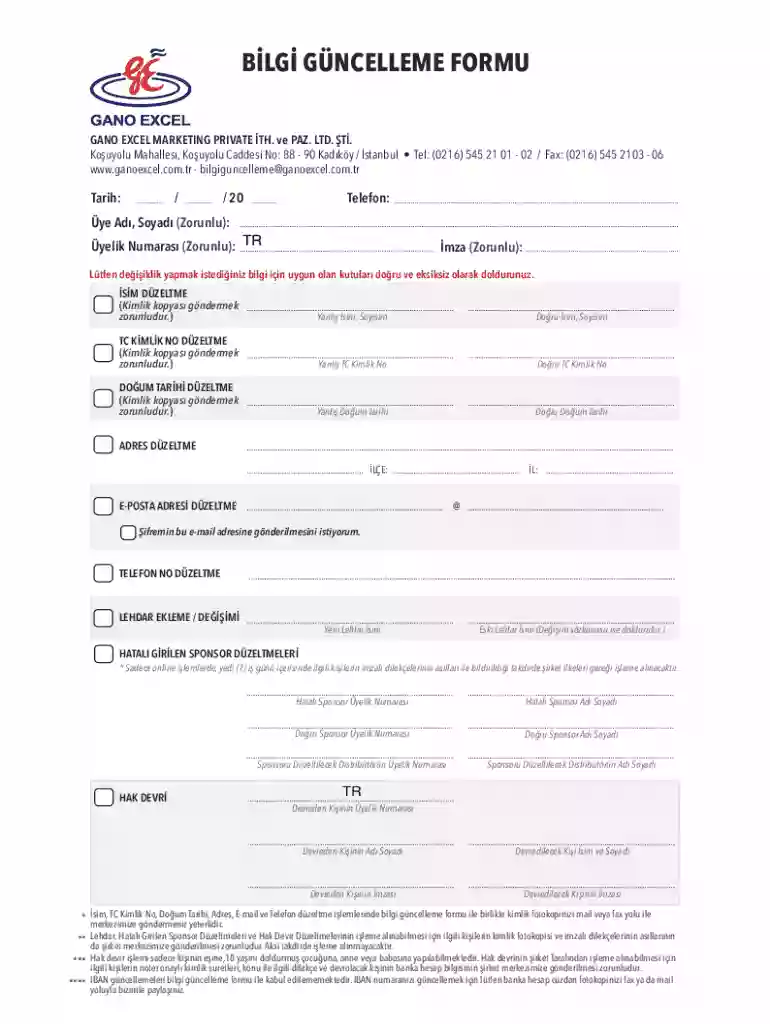
Type text, add images, blackout confidential details, add comments, highlights and more.

Draw your signature, type it, upload its image, or use your mobile device as a signature pad.

Send it via email, link, or fax. You can also download it, export it or print it out.
The term "form online" refers to a digital version of a document that users can complete and submit over the internet. This transformation from traditional paper forms to digital formats offers several advantages, including faster processing times, reduced need for physical storage, and broader accessibility. An online form can range from simple contact forms on websites to intricate legal documents required by government entities.
Online forms are employed across various sectors, including government (for tax filings and applications), healthcare (for patient information and appointment scheduling), and education (for student registrations and feedback).
When designing or using an online form, certain elements are crucial to ensure the form's effectiveness and user-friendliness. Understanding these elements can help users efficiently fill out forms and organizations to design better interfaces.
Utilizing an online form typically involves a straightforward process, but it is important to understand the steps to ensure accurate and complete submissions. Here are the steps generally involved in using an online form.
Obtaining an online form can be a simple process if you know where to look and what to expect. Here's a concise guideline on acquiring digital forms.
Completing a form online correctly ensures that your application or information submission is processed without delays. Here's how you can efficiently fill out any online form.
In the United States, different states may have specific rules and requirements for their official online forms. These regulations are especially relevant for forms related to business registrations or state taxes.
Online forms must meet certain legal standards to be considered valid and enforceable. It is crucial to recognize and comply with these legal aspects when designing or submitting online forms.
The transition from paper to digital forms unlocks new possibilities, but it also presents unique challenges. Here's a detailed comparison between the two formats.
Understanding the differences and similarities between digital and paper forms helps organizations and users select the most efficient option for their needs.
We've got more versions of the Gano Excel Member Information Update Form form. Select the right Gano Excel Member Information Update Form version from the list and start editing it straight away!
At DocHub, your data security is our priority. We follow HIPAA, SOC2, GDPR, and other standards, so you can work on your documents with confidence.


