




01. Edit your form online
Type text, add images, blackout confidential details, add comments, highlights and more.

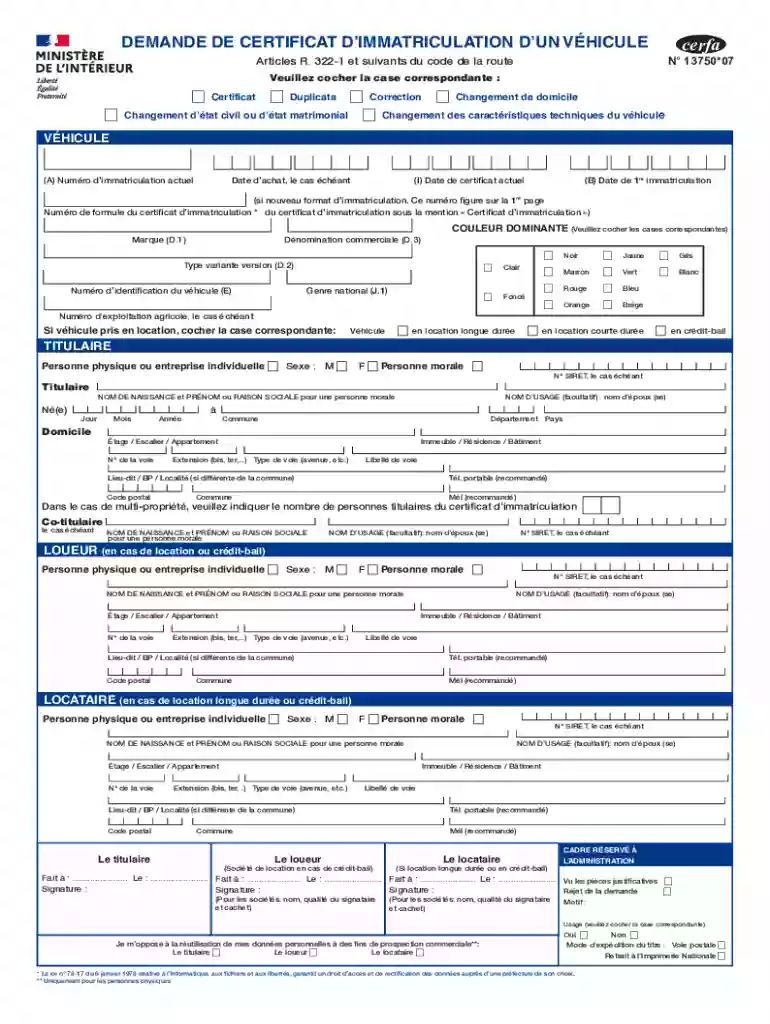
Type text, add images, blackout confidential details, add comments, highlights and more.

Draw your signature, type it, upload its image, or use your mobile device as a signature pad.

Send it via email, link, or fax. You can also download it, export it or print it out.
Online forms are digital versions of traditional paper forms that allow users to fill out and submit information electronically. These forms are designed for a variety of purposes, such as applications, registrations, surveys, and data collection. With the rise of digital transformation, online forms have become essential tools for businesses and individuals alike, providing a convenient method to gather information efficiently. In an online format, forms can accommodate various input types, including text boxes, dropdown lists, and multiple-choice options, ensuring versatility across different use cases. The electronic nature of these forms allows for easy distribution, quick updates, and real-time data processing.
Using an online form typically involves a few straightforward steps. First, users access the form through a provided link or website. Once open, the form interface guides users through the fields, highlighting required sections that must be completed before submission. Users enter their information into various fields, which may include personal details, contact information, or specific responses based on the form's purpose. Many online forms offer features such as autofill, which leverages saved browser data to expedite the completion process. After filling out the form, users review their entries for accuracy before pressing the submit button, which sends the data to the designated recipient or database for processing.
Online forms often include several key elements to ensure comprehensive data collection and ease of use:
The legal use of online forms is governed by the same principles that apply to traditional paper forms. Compliance with data protection laws, such as the Health Insurance Portability and Accountability Act (HIPAA) for medical forms or General Data Protection Regulation (GDPR) for European users, is crucial. Electronic signatures on forms must adhere to the Electronic Signatures in Global and National Commerce (ESIGN) Act in the U.S., ensuring they are legally binding. Organizations must also provide privacy policies that explain how users' data will be used, stored, and protected, maintaining transparency and trust.
Online forms are designed to be compatible with a wide range of software and platforms to maximize accessibility. Commonly supported systems include:
There are several methods for submitting online forms, each offering its advantages:
Depending on the purpose of the form, additional documents may be necessary for completion:
We've got more versions of the Demande de certificat d immatriculation d un v hicule form. Select the right Demande de certificat d immatriculation d un v hicule version from the list and start editing it straight away!
At DocHub, your data security is our priority. We follow HIPAA, SOC2, GDPR, and other standards, so you can work on your documents with confidence.


