




01. Edit your form online
Type text, add images, blackout confidential details, add comments, highlights and more.

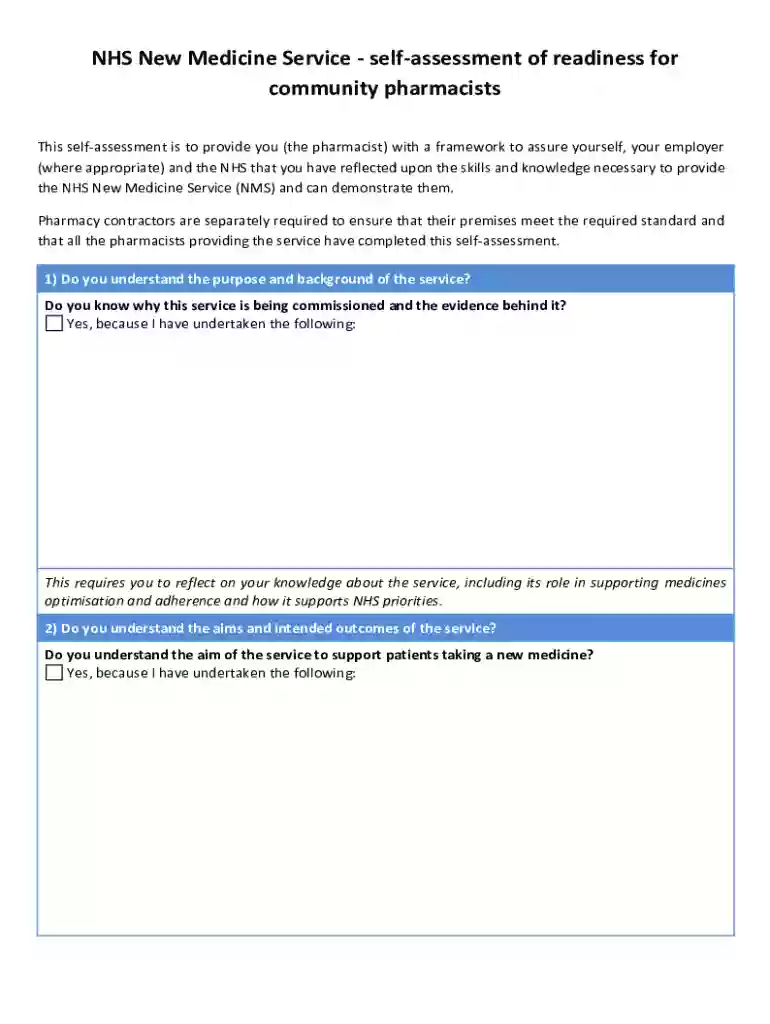
Type text, add images, blackout confidential details, add comments, highlights and more.

Draw your signature, type it, upload its image, or use your mobile device as a signature pad.

Send it via email, link, or fax. You can also download it, export it or print it out.
The term "form online" refers to digital forms that can be completed and submitted over the internet. This process eliminates the need for physical paperwork, streamlining tasks such as applications, submissions, and data collection. Online forms can be found in various contexts, including tax filings, legal documents, and business applications, offering convenience and efficiency. They are equipped with interactive fields, such as text boxes, dropdown menus, and checkboxes, to facilitate data entry and submission. The popularity of online forms continues to grow as more organizations and institutions adopt digital solutions to improve workflow processes, reduce costs, and enhance user experience.
Completing a form online typically involves several straightforward steps, though variations might exist depending on the form's complexity. Here is a general guide to help users navigate the process:
Access the Form: Begin by locating the form on the relevant website. This might involve logging into an account or directly downloading a form from a link provided by a website, like DocHub.
Review Instructions: Before filling out the form, carefully read through any instructions or guidelines provided. This helps to understand the requirements and avoid mistakes.
Enter Information: Populate the fields with accurate information. For instance, any mandatory fields must be completed, as missing information can prevent submission.
Review and Edit: Check the entered data for correctness and completeness. Errors can delay processing or lead to submission rejection.
Attach Supporting Documents: If required, upload any necessary documentation to support your application or form submission.
Submit the Form: Once completed and reviewed, submit the form as per the given instructions, which could be a simple click of a 'Submit' button.
Confirmation: Look for a confirmation receipt or email indicating the form was successfully submitted. This may contain a reference number or confirmation ID for future inquiries.
Obtaining an online form may vary based on the organization or website offering it. Typically, users can access forms by visiting the respective website, such as , and navigating to the 'Forms' section. Some websites might require users to create an account or log in to access certain forms. Commonly, forms can be downloaded directly from government or institutional websites, ensuring users get the official and most updated version. Occasionally, search features help locate specific forms using keywords or form numbers.
Using the form online offers numerous benefits, transforming traditional document handling into a more streamlined and efficient process:
A wide array of individuals and organizations benefit from using forms online. Common users include:


Understanding key terms related to online forms can improve the user's experience:
Online forms maintain legal validity when designed to comply with electronic signature laws, such as the ESIGN Act in the United States. To preserve legality:
Utilizing software tools enhances the online form experience by integrating with systems like Google Workspace for document management. Platforms such as DocHub synchronize with cloud storage, enabling smooth importing and exporting of forms. Compatibility with tax software like TurboTax or QuickBooks ensures seamless tax filing processes, where form data is directly utilized for financial reporting and submissions. Compatibility with these tools is crucial for businesses and individuals who manage a large volume of documents and data across different systems.
We've got more versions of the NHS New Medicine Service Self-Assessment form. Select the right NHS New Medicine Service Self-Assessment version from the list and start editing it straight away!
At DocHub, your data security is our priority. We follow HIPAA, SOC2, GDPR, and other standards, so you can work on your documents with confidence.


