




01. Edit your form online
Type text, add images, blackout confidential details, add comments, highlights and more.

Type text, add images, blackout confidential details, add comments, highlights and more.

Draw your signature, type it, upload its image, or use your mobile device as a signature pad.

Send it via email, link, or fax. You can also download it, export it or print it out.
Filling out a "form online" refers to the process of completing various types of forms using digital platforms instead of traditional paper-based methods. This digital transformation allows users to submit information, applications, or requests through the internet, streamlining communication and processing times. Online forms can vary in complexity and purpose, ranging from simple data collection forms to complex tax filings.
Online forms typically include interactive fields where users can input their information, such as text boxes, checkboxes, dropdowns, and signature fields. These forms are often used for diverse purposes like job applications, government services, registration forms, and surveys. The shift to online forms aims to enhance convenience, reduce errors, and expand accessibility.
Using an online form begins with accessing it through a web interface, often through a hyperlink or a browser-based application. Users typically need a stable internet connection and a compatible device, such as a computer, tablet, or smartphone, to complete and submit the form.
Forms often include built-in guidance or help icons to assist users in completing various sections. Additionally, users may access support via customer service channels for more complex forms.
Completing an online form typically involves a series of structured steps, ensuring all necessary information is accurately captured. Each form may vary depending on its purpose, but the general process includes:
Preparation: Gather all necessary information and documentation before starting the form. This ensures a smooth flow and reduces the chances of interruption.
Initiation: Access the form through a secure online platform, ensuring compatibility with the browser or device being used.
Data Entry: Input information into form fields, ensuring data is consistent with your records. Keep an eye out for any validation messages that highlight errors.
Save Progress: If possible, save your progress periodically, especially for longer forms or if the platform allows it. This prevents data loss in case of interruptions.
Review Information: Double-check all entries for accuracy, ensuring all mandatory fields are completed.
Final Submission: After completing the form and reviewing all entries, submit your form. Note any confirmation numbers or references provided for future correspondence.
Confirmation: Print or save confirmation of submission if the form provides this. Some platforms may also send confirmation via email.
Online forms incorporate several key features to facilitate efficient data collection and submission:
These components are essential in ensuring that online forms meet the users’ needs while maintaining security and accuracy.
The legal use of online forms varies based on their purpose and applicable laws. In the U.S., many forms, especially those involving sensitive data or legal agreements, adhere to strict regulatory standards like the ESIGN Act, which affirms that electronic records and signatures are legally enforceable.
Businesses and government institutions routinely use online forms for licenses, permits, contracts, and tax filings. It's crucial to ensure that the forms comply with all relevant laws, including data protection regulations, to safeguard user information.
Moreover, online forms often provide transparent terms and conditions and informed consent options, ensuring users understand their rights and obligations when submitting personal data.
Understanding key terminology is crucial when working with online forms. Here are several terms frequently associated with this process:
Familiarity with these terms enhances comprehension of the online form process and increases user confidence in digital submissions.
Online forms frequently integrate with various software solutions to streamline data management and user experience. Popular software options include:
These integrations enhance productivity by minimizing manual data transfer, reducing errors, and facilitating workflow automation.
Online forms see practical applications across various domains, adapting to different user needs and scenarios:
These examples demonstrate how online forms revolutionize traditional paperwork by enhancing speed, accessibility, and convenience for both users and providers.
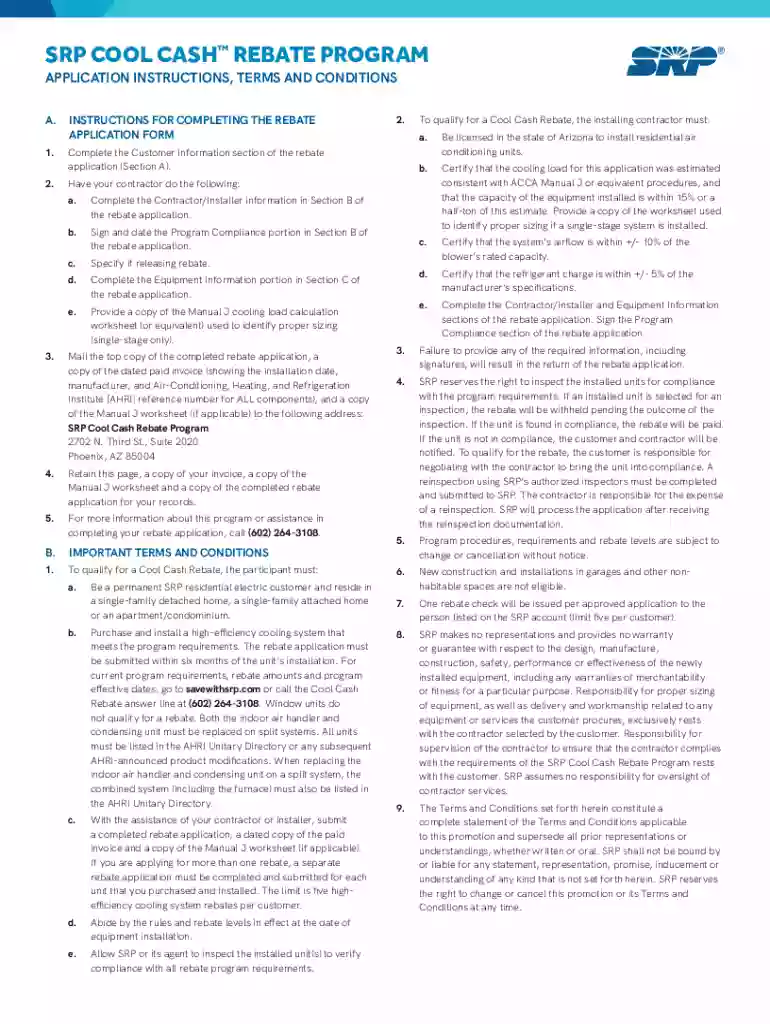
We've got more versions of the SRP Cool Cash Rebate Application form. Select the right SRP Cool Cash Rebate Application version from the list and start editing it straight away!
At DocHub, your data security is our priority. We follow HIPAA, SOC2, GDPR, and other standards, so you can work on your documents with confidence.


