01. Edit your form online
Type text, add images, blackout confidential details, add comments, highlights and more.

Type text, add images, blackout confidential details, add comments, highlights and more.

Draw your signature, type it, upload its image, or use your mobile device as a signature pad.

Send it via email, link, or fax. You can also download it, export it or print it out.
The term "form online" refers to a variety of documents that can be accessed, completed, and submitted digitally over the internet. These digital forms are utilized across multiple contexts, including personal, business, and governmental purposes. By allowing users to fill in data, select options, and submit easily, they eliminate the need for physical paperwork. Digital forms enhance efficiency and accessibility, streamlining processes that previously required physical submission. Examples include tax forms, business applications, and registration documents. Their online nature supports quick access, ease of use, and immediate routing to the intended recipient.
Using a form online typically involves several straightforward steps. First, users need to access the form via a specific platform such as DocHub. Many platforms provide templates and interface tools designed to facilitate data entry. Once the form is open, individuals can input their information directly into designated fields, which may include text boxes, checkboxes, or dropdown menus. Some forms may also allow for uploading documents or images to supplement information. After completing the form, users can review their entries before submitting it electronically to the designated recipient. This streamlined approach minimizes errors and accelerates processing times.
Obtaining a form online is a simple process usually initiated through a designated website. For example, platforms like DocHub provide comprehensive solutions to locate and download the required forms. Users can either search for specific forms using keywords or navigate through categories to find what they need. Once the desired form is identified, it can be downloaded or directly edited on the platform itself. This process is user-friendly, offering quick access to necessary documents from any device with internet connectivity.
Completing a form online involves a series of steps that ensure accuracy and efficient data handling. Users start by accessing the form via an online platform. The digital format typically includes interactive elements that guide the user through inputting information correctly. Sections may be marked as mandatory or optional, aiding in comprehensive data collection. Once all fields are completed, the form allows for a final review. Submitting is usually a single-click process, often with options to either download a copy or send it directly to the recipient.
Consider a user applying for a permit using an online form. They would begin by entering personal information, followed by specific details related to the type of permit. The form might prompt for a digital signature before allowing submission, ensuring all legal obligations are met.
Forms often have state-specific variations to accommodate differing laws and regulations. These distinctions can affect how forms are filled out and the information required. For example, state tax forms may differ considerably in deductions, credits, and income reporting standards. Understanding these variances is critical for users to ensure compliance and accuracy. Platforms that offer forms online often provide versions tailored to each state, incorporating the necessary changes to meet local legal requirements.
Several key terms are associated with using forms online, each with specific relevance to the process. Terms such as "digital signature," "encryption," and "form fields" are integral to understanding and effectively using online forms. A digital signature confirms the identity of a user, ensuring authenticity. Encryption protects information, maintaining confidentiality and security during transmission. Form fields designate where users input data, and understanding each type can aid in proper form completion.
Using forms online must align with legal standards to ensure legitimacy and privacy. Many forms require a legally binding signature, which can be accomplished electronically. The ESIGN Act and UETA Act provide guidelines for valid electronic signatures. Forms must also comply with data protection laws, ensuring that personal information collected is used appropriately and securely stored. Platforms offering forms online typically have measures in place, such as SSL encryption and authentication protocols, to meet these legal obligations.
Online forms are versatile, serving a multitude of purposes across different sectors. In the business domain, they facilitate contract signings, employee onboarding, and client agreements. Educational institutions use them for student applications, financial aid requests, and feedback surveys. Government entities rely on online forms for tax filings, permits, and licenses. This flexibility highlights the broad applicability of online forms in various real-world scenarios, catering to diverse needs efficiently.
By using the structure, clarity, and functionality provided by platforms such as DocHub, individuals and businesses can efficiently handle their digital documentation needs, ensuring compliance, accuracy, and security.
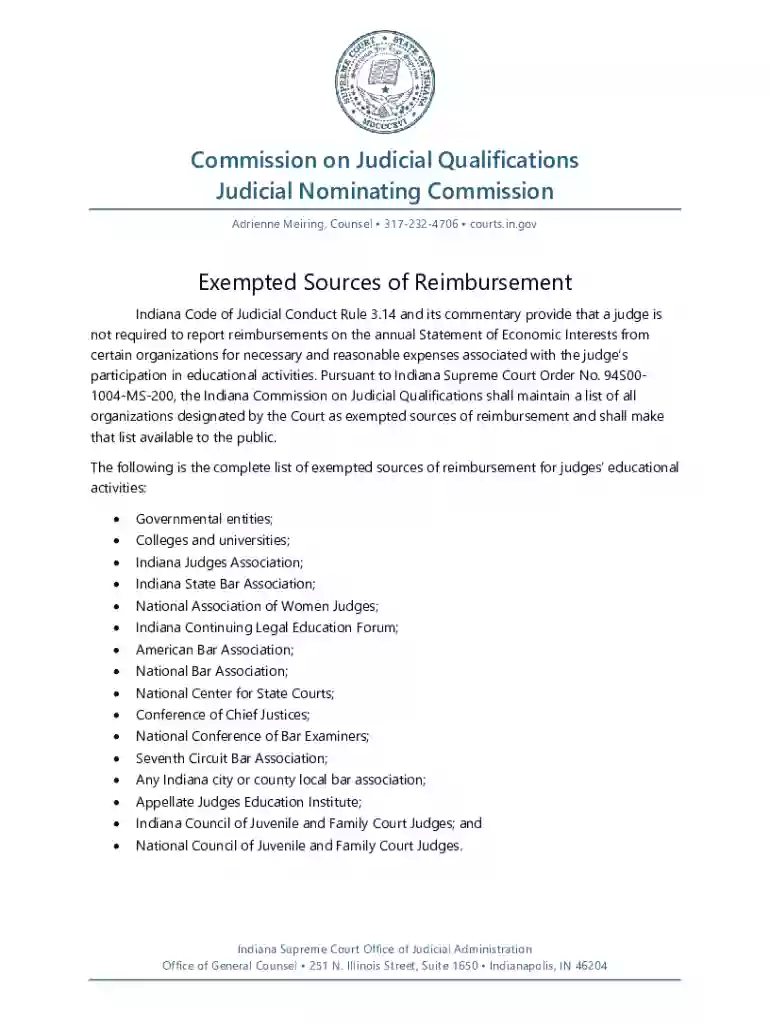
We've got more versions of the Indiana Judicial Reimbursement Exemptions form. Select the right Indiana Judicial Reimbursement Exemptions version from the list and start editing it straight away!
At DocHub, your data security is our priority. We follow HIPAA, SOC2, GDPR, and other standards, so you can work on your documents with confidence.