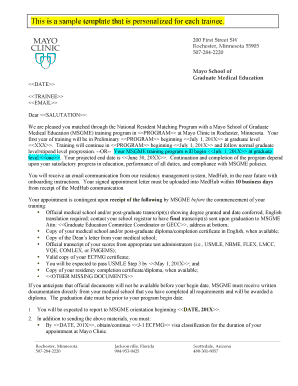
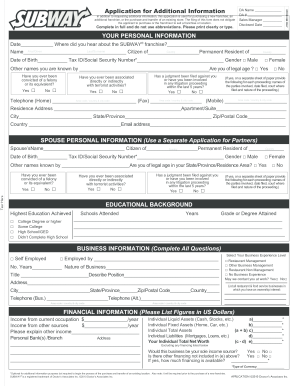
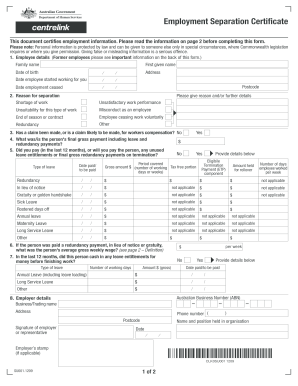
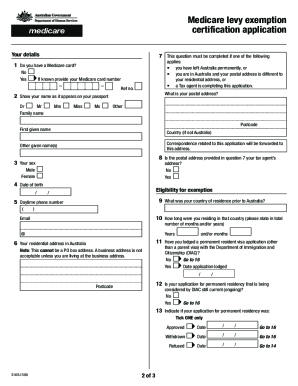
Definition and Meaning of Form Online
A form online refers to any electronic document format that can be filled, submitted, and processed through an internet-based platform. This method of handling forms is increasingly favored for its convenience and efficiency. Users can complete these forms using various devices without the need for physical paperwork. Online forms are widely applicable, commonly used in applications, registrations, surveys, and legal documentation. By providing digital signatures, forms online ensure that documents are both legally compliant and easily accessible.
Steps to Complete the Form Online
- Access the Form: Begin by navigating to the hosting platform, such as DocHub, where the form is available for editing. You can either upload your form or select from templates provided by the platform.
- Fill Out Required Information: Enter personal or required information in the designated fields. The use of fillable fields, such as text boxes and dropdown menus, helps guide users to ensure completeness.
- Review and Edit: Before finalizing, ensure all entries are accurate. Utilize annotation tools to make necessary corrections or highlight specific sections.
- Add E-Signature: Use the e-sign function to add your digital signature. This can be done via drawing, typing, or uploading an image.
- Submit the Form: Once everything is filled out and reviewed, submit the form online directly through the platform. Many platforms offer email confirmations as proof of submission.
Key Elements of the Form Online
- Fillable Fields: These include text boxes, dropdown menus, checkboxes, and signature fields. These fields guide users through the completion process, ensuring all necessary data is captured.
- Security Measures: Online forms are protected with encryption technologies, such as 256-bit SSL, to ensure information is transmitted securely.
- User Authentication: Access control through authentication protocols, like OAuth 2.0, prevents unauthorized access and ensures that the information is only available to permitted users.
- Audit Trail: This feature maintains a thorough record of actions taken by users, tracking when and how documents are interacted with, submitted, and signed.
Legal Use of the Form Online
Forms completed online are legally binding when they comply with standards such as the ESIGN Act. This legislation ensures that digital signatures hold the same validity as traditional handwritten signatures. Online forms are widely used for contract agreements, legal notices, and applications, where verifiable consent is required. The inclusion of an audit trail further substantiates legal compliance by documenting the history of document interactions.
State-Specific Rules for the Form Online
While online forms provide general flexibility, some states might have specific requirements that need to be observed. For instance, legal forms might require certain formatting or additional authorization steps. Examining state guidelines ensures all legal and procedural criteria are met to avoid any compliance issues during submission or processing.
Software Compatibility
Digital forms can often be integrated with software solutions like TurboTax, QuickBooks, or Google Workspace, enhancing their functionality and accessibility. For instance, importing financial data from QuickBooks can streamline tax form filing, ensuring accuracy and efficiency. Compatibility with tools such as Google Drive allows seamless file management and sharing.
Who Typically Uses the Form Online
Online forms cater to a diverse audience ranging from individuals to businesses. Individuals use them for personal applications like job applications or visa requests, while businesses employ them for client agreements, employee onboarding, or vendor registrations. The versatility of online forms makes them ideal for educational institutions, legal professionals, and government agencies needing streamlined document processing.


Form Submission Methods (Online / Mail / In-Person)
While online submission is the most efficient method, some organizations may offer alternative submission routes. Forms can be downloaded, printed for mailing, or submitted in person depending on institutional preferences. However, online submission remains the fastest and most eco-friendly option, allowing for immediate processing and feedback.
Required Documents
Completing forms online may require additional documentation based on the form type. For example, an application form might necessitate identification proof or financial records. It's imperative to have digital copies of required documents handy for uploading, ensuring the form submission process is smooth and complete.
Examples of Using the Form Online
- Application Forms: Universities and employers use online forms for applications, simplifying the collection and assessment of applicant information.
- Surveys and Feedback: Businesses capture customer feedback and conduct market research using online survey forms.
- Legal Agreements: Online forms facilitate contract management, allowing parties to negotiate terms and e-sign documents securely.
These practical implementations reflect the adaptability of online forms across varied scenarios, emphasizing their utility in modern documentation processes.