01. Edit your form online
Type text, add images, blackout confidential details, add comments, highlights and more.

Type text, add images, blackout confidential details, add comments, highlights and more.

Draw your signature, type it, upload its image, or use your mobile device as a signature pad.

Send it via email, link, or fax. You can also download it, export it or print it out.
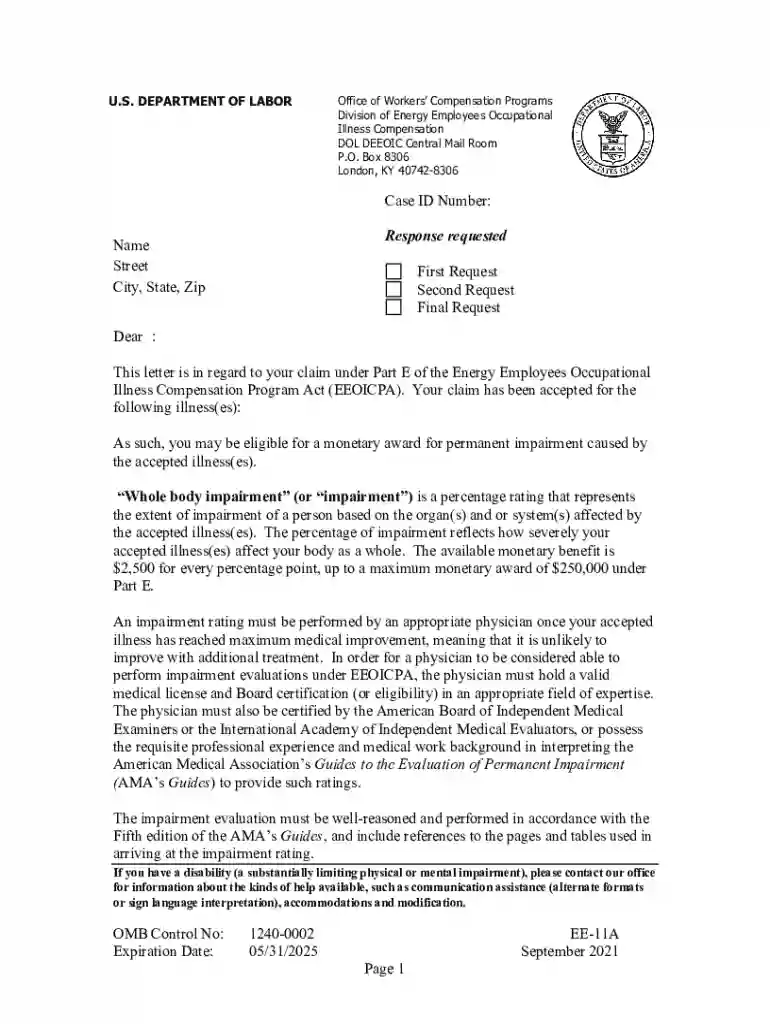
The DOL OWCP Web Bill Processing Portal New Provider is a digital platform managed by the U.S. Department of Labor's Office of Workers' Compensation Programs (OWCP). This online portal offers services for healthcare providers to facilitate billing processes related to workers' compensation claims. It serves as a primary tool for new providers who wish to enroll with the OWCP, allowing them to submit bills, check claim statuses, and manage account details effectively. The portal ensures that healthcare providers can handle their administrative tasks with ease and transparency.
To use the DOL OWCP Web Bill Processing Portal as a new provider, you first need to register an account on the portal. The registration process involves providing essential details such as your provider number, contact information, and a valid Tax Identification Number (TIN). Once registered, you can log in to access various functionalities:
Using the portal simplifies many of the tasks typically associated with manual billing procedures, streamlining your operations and improving efficiency.
To qualify as a new provider within the DOL OWCP Web Bill Processing Portal, certain criteria must be met. Providers are usually required to be healthcare professionals who have treated patients under the OWCP programs like Federal Employees' Compensation Act (FECA) or the Longshore and Harbor Workers' Compensation Act. Specific requirements typically include:
Meeting these criteria is crucial for ensuring that your application for portal access is approved swiftly, enabling you to start managing OWCP-related tasks.


Completing the application process for the DOL OWCP Web Bill Processing Portal involves several steps:
Following these steps ensures a smooth transition into using the portal's resources effectively.
The DOL OWCP Web Bill Processing Portal is primarily used by healthcare providers, including:
These users benefit from the portal's capabilities to manage their billing and administrative tasks more efficiently, promoting better service delivery to the patients they serve.

Several key elements are integral to the new provider's experience with the DOL OWCP Web Bill Processing Portal:
These components play a vital role in maintaining an efficient, secure, and user-friendly environment for providers.
When using the DOL OWCP Web Bill Processing Portal as a new provider, certain documents are essential for successful registration and ongoing management of your provider account:
Ensuring that all required documents are readily available and correctly submitted streamlines your registration and billing processes.
Integrating with existing business software solutions can enhance the utility of the DOL OWCP Web Bill Processing Portal. Providers who use systems like QuickBooks for financial management or practice management software will find that the portal is compatible with several industry-standard software applications. This compatibility facilitates:
By aligning with compatible software, providers can take advantage of the portal’s full range of capabilities, ensuring an integrated workflow.
We've got more versions of the the DOL OWCP Web Bill Processing Portal New Provider form. Select the right the DOL OWCP Web Bill Processing Portal New Provider version from the list and start editing it straight away!
At DocHub, your data security is our priority. We follow HIPAA, SOC2, GDPR, and other standards, so you can work on your documents with confidence.