01. Edit your form online
Type text, add images, blackout confidential details, add comments, highlights and more.

Type text, add images, blackout confidential details, add comments, highlights and more.

Draw your signature, type it, upload its image, or use your mobile device as a signature pad.

Send it via email, link, or fax. You can also download it, export it or print it out.
Understanding what it means to "form online" is essential for anyone looking to streamline processes in business or personal activities. Essentially, forming online refers to the process of creating, filling out, and submitting forms through an internet-based platform rather than on paper. The digital approach to form management leverages convenience, accessibility, and often features like automated error-checking or integrated data validation. In particular, DocHub specializes in offering robust tools to facilitate the creation and management of various forms, ensuring an efficient workflow.
Harnessing the power of digital forms begins with understanding the platforms available to manage them. On DocHub, users can take advantage of features allowing them to edit, share, and sign documents seamlessly. To use a form online, start by uploading your document in one of the supported formats such as PDF, DOC, or TXT. Once uploaded, leverage the platform's intuitive editor to add text, images, or interactive fields. You can save changes and share the form with others for collaboration or completion. Real-time updates ensure that everyone involved has access to the most recent version.
Completing a form online involves a series of steps designed to ensure accuracy and efficiency:
Fillable forms offer the advantage of interactive fields tailored to specific data entry needs. On DocHub, you can create these by converting existing documents or generating new ones. The Form Fields manager enhances this process by allowing the insertion of text fields, signature fields, and more. Fillable forms are beneficial in multiple settings, from customer surveys to employment applications, as they ensure structured data collection. Assign roles to different recipients and make use of mandatory fields to ensure all necessary information is captured.
Adopting online form solutions presents significant benefits over traditional paper methods. Firstly, it reduces physical storage needs and minimizes the risk of losing important paperwork. Online forms also improve accessibility, allowing users to fill out and submit forms from anywhere, provided they have internet access. Moreover, digital forms can enhance data accuracy through features like real-time validation and error correction, reducing the likelihood of mistakes that often plague paper forms.
Navigating the online form landscape requires familiarity with key terms:
A successful online form consists of several critical elements:
While online forms offer broad utility, users must be aware of any state-specific regulations or requirements. This is particularly relevant in contexts such as tax filing or business registrations. Some states may have unique requirements for online submissions, including specific electronic signature protocols or additional documentation. Stay informed about regional laws that could impact the use of online forms to ensure compliance and avoid penalties.
Legal considerations are paramount in the use of online forms. Under the ESIGN Act, electronic signatures are generally recognized as legally binding in the U.S., provided certain conditions are met. Ensure that any platform used complies with these laws to address issues of legitimacy and acceptance across different jurisdictions. DocHub is aligned with these requirements, ensuring that documents processed on their platform meet legal standards for electronic documentation and signatures.
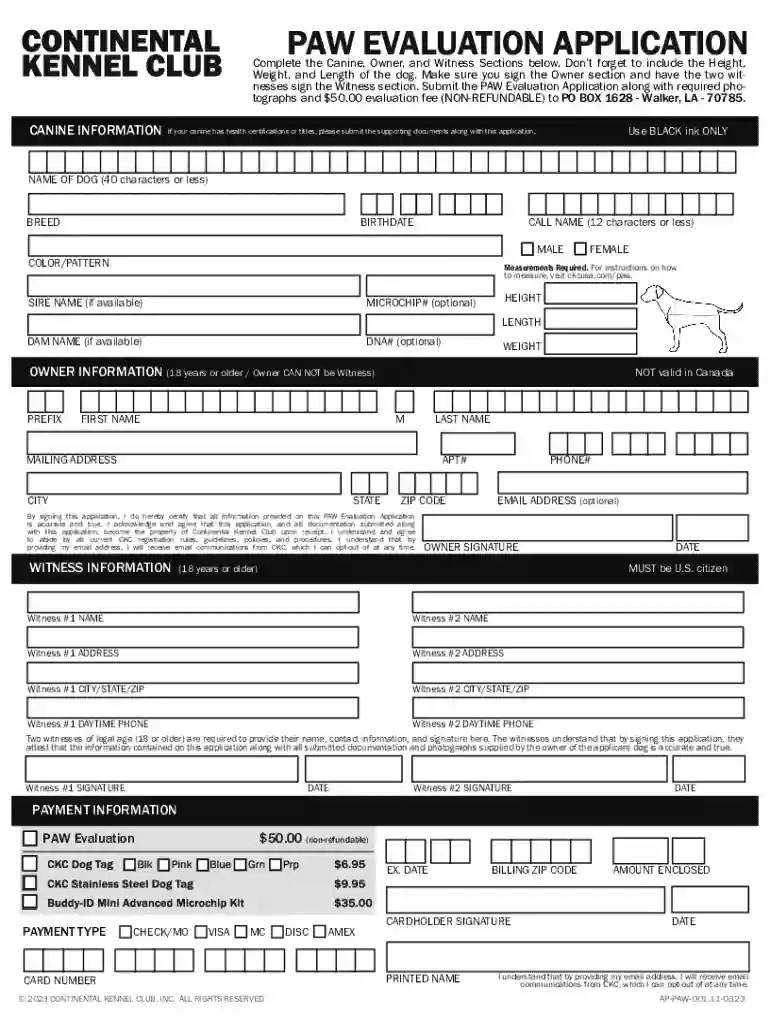
We've got more versions of the PAW Evaluation Application form. Select the right PAW Evaluation Application version from the list and start editing it straight away!
At DocHub, your data security is our priority. We follow HIPAA, SOC2, GDPR, and other standards, so you can work on your documents with confidence.