




01. Edit your form online
Type text, add images, blackout confidential details, add comments, highlights and more.

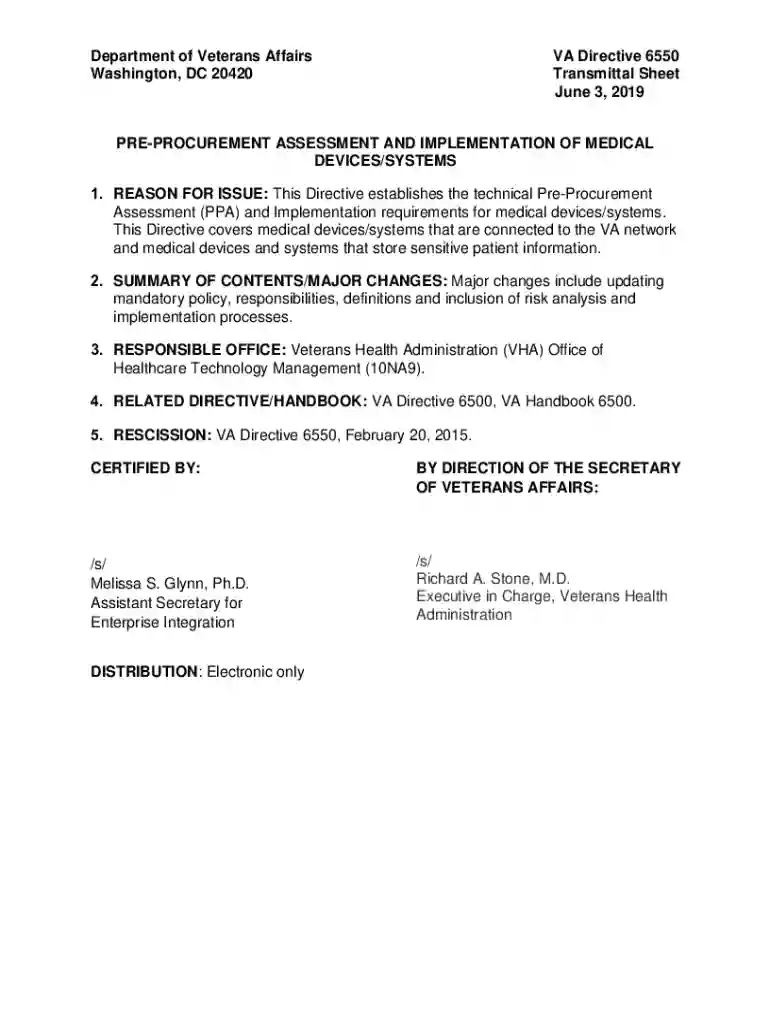
Type text, add images, blackout confidential details, add comments, highlights and more.

Draw your signature, type it, upload its image, or use your mobile device as a signature pad.

Send it via email, link, or fax. You can also download it, export it or print it out.
Forms online refer to electronic versions of documents that can be completed, submitted, or processed over the internet. This digital transformation of paperwork enhances accessibility and efficiency, allowing individuals and organizations to manage forms without the need for physical paper or in-person interactions. Online forms can encompass a wide range of uses, from tax filings and legal agreements to job applications and surveys. The convenience of completing forms on the internet has eased many administrative burdens, enabling faster data collection and streamlined document management.
Using forms online typically involves accessing the document through a digital platform such as DocHub. Users can select and open the desired form from their device or cloud storage, allowing for real-time editing and modification. The online editor lets users fill out necessary fields, attach additional documents if needed, and apply electronic signatures. Once completed, forms can be saved and submitted directly online, eliminating the need for physical submission or mailing. This streamlined process not only saves time but also reduces the potential for errors associated with manual data entry and paper handling.
Access the Form: Log into your digital document platform, such as DocHub, and either select a form from your storage or find it through provided templates.
Fill in Required Fields: Use the platform’s editing tools to enter information in all mandatory fields. Ensure accuracy to avoid delays in processing.
Attach Supporting Documents: If additional documentation is required, upload these files directly into the platform, linking them to the form as needed.
Apply Electronic Signature: Use the signature tools offered by the platform to legally sign the document. You can draw, type, or upload a signature image.
Review and Submit: Double-check all entries for completeness and correctness, then submit the form through the platform’s submission mechanism.
Filling forms online provides several benefits. It reduces the need for printing and mailing, which can be time-consuming and costly. Online forms also provide real-time data entry and validation, minimizing errors and facilitating faster processing. Furthermore, digital forms enhance accessibility, as they can be completed from anywhere with an internet connection. For businesses and individuals, this means more efficient data collection and greater flexibility in managing document workflows.
Using forms online for legal documents is widely accepted, provided that the platform supports compliance with relevant laws, such as the ESIGN Act in the United States. This legislation affirms that electronic signatures and records carry the same legal weight as their paper counterparts. When using DocHub or similar platforms, users benefit from secure document handling, encryption, and audit trails that verify the integrity and authenticity of legal forms processed online.
In the United States, certain states may have specific requirements or laws regarding online forms, especially for legal or government documents. States might require additional verification steps, specific submission channels, or localized versions of certain forms. It is crucial to understand the individual state requirements pertinent to your document type to ensure compliance. Platforms like DocHub can assist by providing state-specific templates or guidance, streamlining adherence to unique regional regulations.
The documents required to complete an online form can vary based on the form's purpose. Typical documents might include:
Having these documents ready before starting the form can expedite the process, ensuring you can complete and submit the form efficiently without delay.
We've got more versions of the VA Directive 6550 Medical Device Assessment form. Select the right VA Directive 6550 Medical Device Assessment version from the list and start editing it straight away!
At DocHub, your data security is our priority. We follow HIPAA, SOC2, GDPR, and other standards, so you can work on your documents with confidence.


