01. Edit your form online
Type text, add images, blackout confidential details, add comments, highlights and more.

Type text, add images, blackout confidential details, add comments, highlights and more.

Draw your signature, type it, upload its image, or use your mobile device as a signature pad.

Send it via email, link, or fax. You can also download it, export it or print it out.
The term "form online" refers to the process of creating, filling out, and submitting forms using digital platforms instead of traditional paper methods. This modern approach to form management allows for greater flexibility, accessibility, and efficiency. It is commonly utilized by businesses, educational institutions, government agencies, and individuals for various purposes, including applications, registrations, surveys, and more. Online forms are designed to enhance user experience through interactive elements and aim to streamline data collection and processing.
Accessing the Form: Begin by navigating to the website where the form is hosted. Forms are often available through official portals or specific URLs provided by the organization issuing the form.
Reviewing Instructions: Carefully read any guidelines or instructions accompanying the form. Understanding the required information and any specific guidelines is crucial before starting to fill out the form.
Filling Out the Form: Enter the required information accurately in the designated fields. Online forms typically have fields for names, addresses, contact information, and other relevant details. Use dropdown menus and checkboxes when necessary for selection options.
Attaching Supporting Documents: If the form requires supporting documentation, such as identification or proof of residence, ensure these are uploaded in the specified formats (PDF, JPG, etc.) as per the guidelines.
Review and Edit: Before submission, review all entered information for accuracy and completeness. Many platforms offer a summary page to verify details before finalizing the submission.
Submitting the Form: Once reviewed, submit the form through the platform’s submission feature. Some forms may require additional verification steps, like entering a CAPTCHA code or receiving a confirmation email.
Interactive Fields: Online forms include various interactive elements such as text boxes, radio buttons, dropdown lists, and date pickers to facilitate accurate and efficient information entry.
Validation Features: Real-time validation is often built into forms to ensure data correctness. For example, an email field will check for a proper email format before allowing progression to the next section.
User Authentication: For forms that contain sensitive information, user authentication may be required. This can include creating an account, logging in, or using an authorization code provided by the form issuer.
Submission Confirmation: Upon successful submission, a confirmation message or email is typically sent to acknowledge receipt of the form. This message often contains a tracking number or reference ID for future reference.
Forms can be obtained from various sources depending on their purpose. For official or government-related forms, the respective agency's website often provides access. Educational and business-related forms may be distributed through institutional portals or organizational emails. Alternatively, some forms are available within software platforms designed for document management and can be accessed directly from these environments.
Fillable Fields: Specific sections within a form where users input their data, such as names, dates, and contact information.
Form Templates: Pre-designed formats that standardize the layout of online forms, ensuring consistent data collection and ease of use.
Electronic Signature: A digital mark indicating agreement or approval, legally recognized as equivalent to a traditional handwritten signature.
Encryption: Security measure used to protect form data during submission, ensuring confidentiality and integrity.
Job Applications: Many companies require job seekers to fill out online applications to streamline recruitment processes.
Surveys and Feedback Forms: Organizations often use online forms to gather feedback from clients or conduct market research via surveys.
Registration Forms: Events, courses, and service subscriptions typically use online forms for participant registration, making it easy to manage attendee information.
The legality of using forms online is supported by various laws and regulations, especially concerning electronic signatures and data privacy. In the U.S., the ESIGN Act ensures that electronic signatures on forms are legally binding, similar to traditional signatures. Additionally, online forms must adhere to data protection laws, including encryption and user consent for data processing.
While many features of online forms are consistent across the U.S., some state-specific changes can influence their structure and use:
Regulatory Requirements: Certain states may have additional legal stipulations for forms involving contracts, employment, or business operations.
Data Privacy Laws: Regulations like the California Consumer Privacy Act (CCPA) affect how data is collected and stored through online forms. Users must be informed about data usage and grant explicit consent.
Understanding these variations is crucial for legal compliance and form accuracy, especially for businesses operating in multiple states.
Each state may impose specific requirements for online forms, particularly those dealing with legal or regulatory matters. These can include additional fields for compliance, such as state tax numbers or licensing identifiers. Businesses and individuals must be aware of these specifications to ensure appropriateness and legality when submitting state-related online forms.
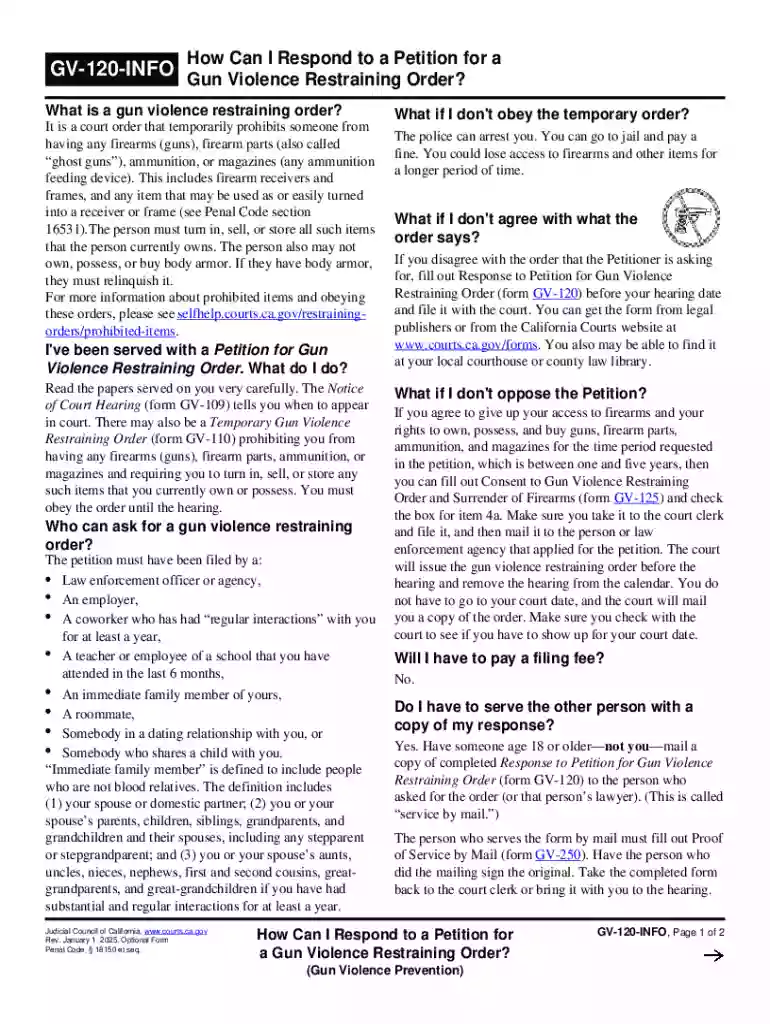
We've got more versions of the California Gun Violence Restraining Order Response form. Select the right California Gun Violence Restraining Order Response version from the list and start editing it straight away!
At DocHub, your data security is our priority. We follow HIPAA, SOC2, GDPR, and other standards, so you can work on your documents with confidence.