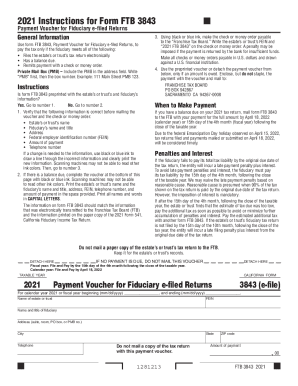
Definition and Meaning of Form Online
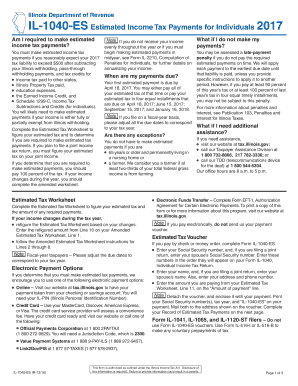
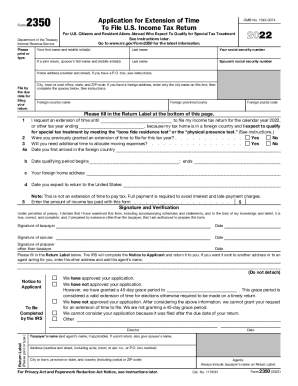
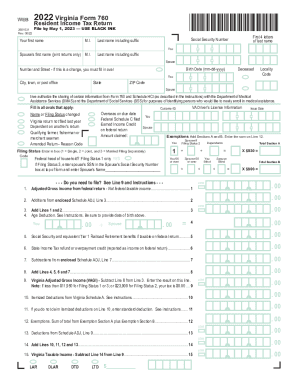
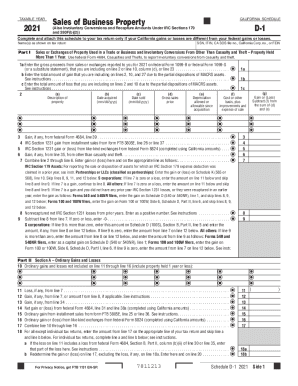
In the context of improving document workflows through electronic means, "form online" refers to digital versions of traditional paper forms that can be accessed, completed, submitted, and processed over the internet. These forms are designed to replace or supplement paper forms, providing users with a more efficient way to navigate complex documentation processes. Typical applications include filling out tax forms, legal documentation, registration paperwork, and applications for various services.
Online forms possess distinct features like fillable fields, electronic signatures, database connectivity, and compatibility with form management platforms such as DocHub. They maximize the ease of data collection, minimize the risk of errors associated with manual entry, and streamline submission processes by integrating directly with service providers’ digital systems.
Steps to Complete Forms Online
-
Access the Form: Start by locating the desired form on the relevant website or through an application like DocHub. Ensure you have a stable internet connection to download or access the form securely.
-
Review Requirements: Before you fill out the form, carefully read any instructions or guidelines provided, as they can include specifics on how to submit the form and the necessary documents you need to attach.
-
Provide Personal Information: Typical fields require name, contact information, and identification numbers. Input this information accurately to avoid any potential delays in processing.
-
Fill Out Applicable Sections: Depending on the form type, you may need to provide additional information like financial details, responses to specific questions, or yes/no decisions in checkboxes. Make sure to fill out all required fields marked with an asterisk.
-
Add Digital Signature: If the form requires a signature, utilize features within the form platform to insert an electronic signature. Platforms like DocHub offer multiple ways to create a digital signature, including drawing, typing, or using a stored image.
-
Attach Supporting Documents: Upload any required documents directly to the system. Ensure that these files are in a supported format (PDF, DOC, etc.) to avoid compatibility issues.
-
Review and Submit: Carefully review all entries for accuracy and completeness. Once satisfied, submit the form using the provided online submission button or function. You may also receive an email confirmation or other notification that your form was successfully submitted.
Benefits of Using Form Online
-
Efficiency: Online forms reduce the time spent filling and submitting paperwork compared to traditional paper forms. They streamline processes by eliminating mailing times and allowing for instant data transmission.
-
Convenience: Users can complete forms from any location, on any internet-connected device, without limitations posed by business hours or geographical boundaries.
-
Error Reduction: With automated checks and required fields, online forms help prevent incomplete submissions and data entry errors, which could cause processing delays.
-
Enhanced Data Management: Information collected through online forms is easily stored, organized, and accessed, allowing for sophisticated data analysis and management.
-
Environmental Impact: Opting for digital forms reduces paper consumption and waste, supporting environmentally friendly business practices.
Key Elements of Form Online
-
Interactive Fields: Digital forms typically include areas for text entry, dropdown menus, checkboxes, and radio buttons, allowing users to input and select information easily.
-
Validation: Forms often come with built-in validation to ensure data entry is correct, such as enforcing numerical inputs for phone numbers and check measures for email addresses.
-
Security Features: Encryption and secure transmission protocols protect sensitive information submitted online, ensuring compliance with data protection regulations.
-
Form Templates: Pre-designed templates alleviate the need to create forms from scratch and ensure consistency in format and appearance.
Legal Use of Form Online
In the United States, online forms are legally binding, provided they meet certain criteria, such as proper electronic signature usage according to the ESIGN Act. Organizations using digital forms must adhere to compliance standards and regulations, ensuring that the data processing methods meet required security protocols and legal frameworks. Online forms are widely accepted in sectors such as finance, healthcare, education, and government, facilitating transactions and communications in legally recognized formats.
Penalties for Non-Compliance
Failing to complete forms accurately or by required deadlines can lead to various penalties, depending on the form's nature. For example, incorrect or late submission of tax forms might incur fines, late fees, or legal consequences. Business-related forms can affect the granting of licenses or permits. It is essential to adhere to guidelines specified for each form type to avoid unnecessary complications and potential financial penalties.
Examples of Using Forms Online
Examples of where forms online can have significant impact include:
-
Tax Filing: Platforms like the IRS’s e-file and DocHub enable individuals and businesses to submit their tax returns electronically, providing a fast and secure method of filing.
-
Job Applications: Organizations accept applications through online forms, increasing the efficiency of the hiring process by enabling digital sorting and review of candidates.
-
Event Registrations: Event planners use online forms to register attendees, collect fees, and distribute tickets, streamlining the management of participant data.
Software Compatibility with Online Forms
Many applications, such as DocHub, are compatible with a variety of software platforms, ensuring that users can integrate forms into larger enterprise systems seamlessly. These platforms facilitate the import and export of form data to popular applications like Google Workspace, Dropbox, and Microsoft Office Suite. Advanced form integration ensures that data collected is readily usable for analytics, reporting, and further processing across a range of tools, thereby enhancing overall operational efficiency.