




01. Edit your form online
Type text, add images, blackout confidential details, add comments, highlights and more.

Type text, add images, blackout confidential details, add comments, highlights and more.

Draw your signature, type it, upload its image, or use your mobile device as a signature pad.

Send it via email, link, or fax. You can also download it, export it or print it out.
The term "form online" refers to digital versions of documents that can be filled out and submitted via internet platforms. Unlike traditional paper forms, online forms are designed for seamless digital interaction. This allows users to input data directly, providing immediacy and reducing the margin for human error. Online forms can be anything from tax documents, application forms, surveys, or feedback forms. They are integral to modern workflows as they offer efficiency, accessibility, and integration with various software systems.
Access the Form: Locate the required form on a platform like DocHub, ensuring you're using an official source to avoid counterfeit documents.
Input Information: Carefully enter all requested details into the corresponding fields. Online forms often include guidance to remind users about necessary information.
Review Entries: Before submission, verify all entries for accuracy to prevent delays or rejections due to erroneous information.
Save Your Progress: Many platforms allow you to save your work, enabling you to return to the form if you need additional data.
Submit the Form: Once satisfied with the information provided, follow the platform’s submission instructions. This might include digitally signing or verifying information.
Receive Confirmation: After submission, look for a confirmation notice or email to verify receipt and the next steps.
Online forms can be accessed through official websites of governmental bodies, educational institutions, or private organizations. For instance:
Users should check for authenticity by ensuring URLs are correctly associated with the organization or entity managing the form.
Key components that define the usefulness and functionality of online forms include:
Online forms are legally valid in many contexts, provided they comply with applicable laws and regulations, such as the ESIGN Act for electronic signatures. Legal considerations include:
A wide range of users engage with online forms due to their adaptability and convenience:
Professionals and individuals across various sectors find online forms integral to operational efficiency.
Legal requirements for online forms can vary by state, particularly for specific applications like tax filings or registration forms. Users must:
Case studies illustrate the practical application and benefits of online forms:
These scenarios highlight the versatility and essential role of online forms in contemporary practices.
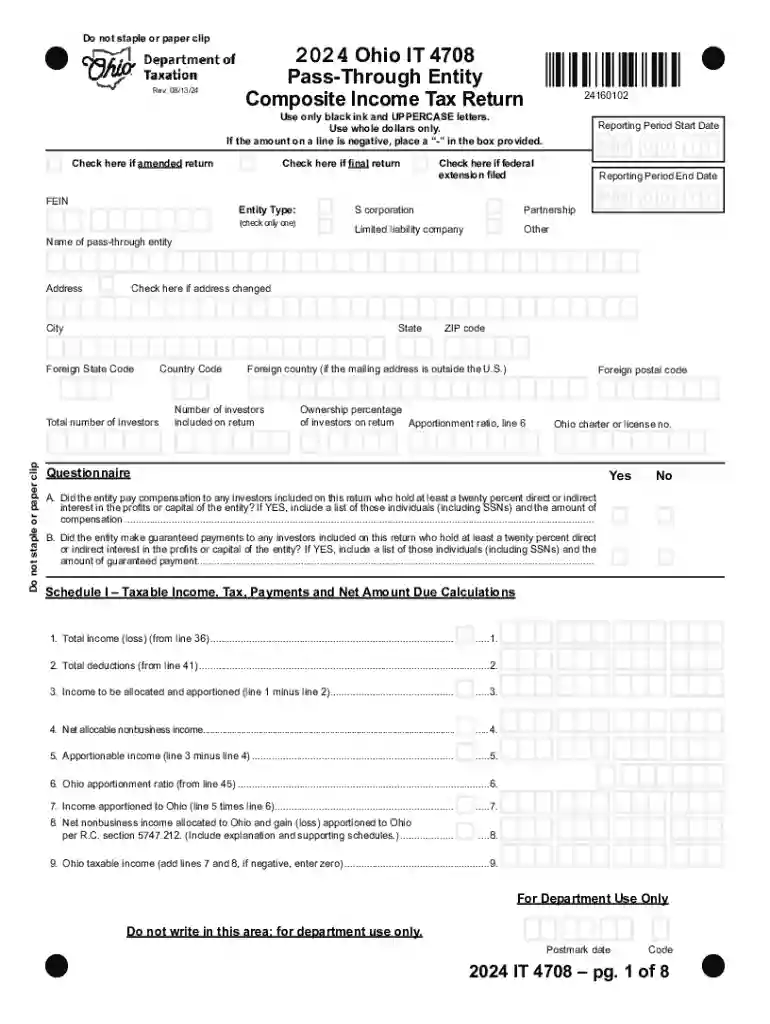
We've got more versions of the 2024 Ohio IT 4708 Composite Income Tax Return form. Select the right 2024 Ohio IT 4708 Composite Income Tax Return version from the list and start editing it straight away!
At DocHub, your data security is our priority. We follow HIPAA, SOC2, GDPR, and other standards, so you can work on your documents with confidence.


