






Understanding "Form Online" in Document Workflow
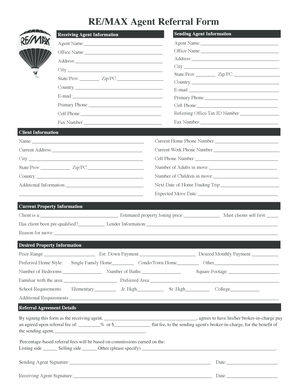
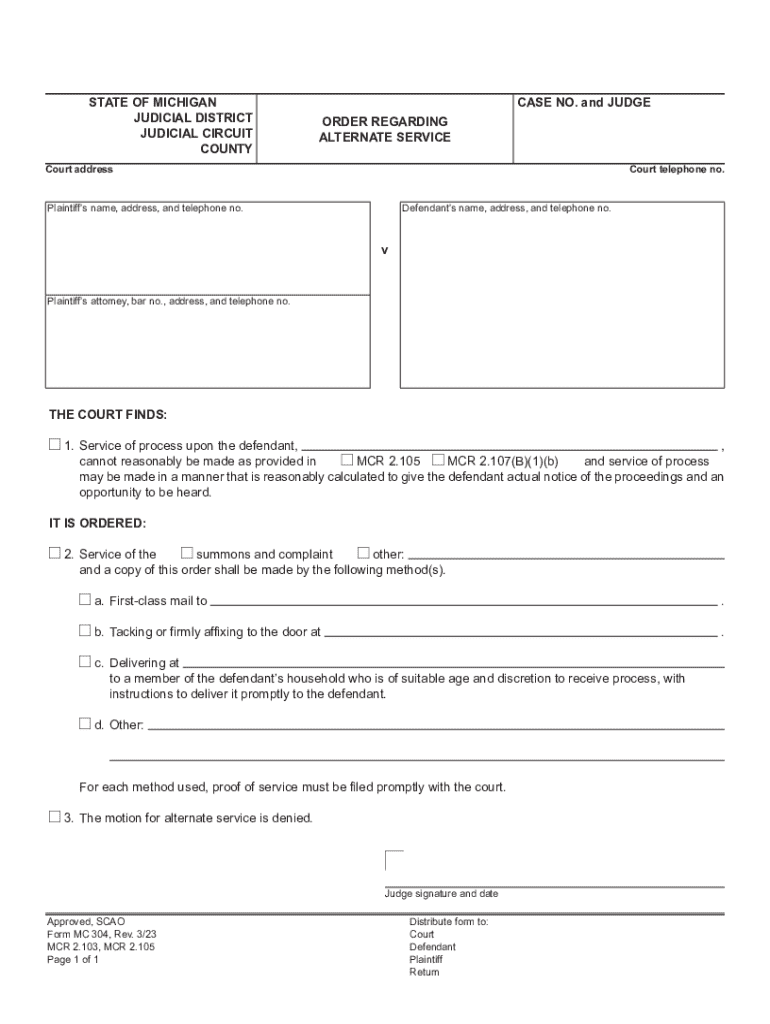
"Form online" refers to digital forms used for various purposes, encompassing a wide range of applications from legal documents to tax forms. In a digital environment like DocHub, these forms can be created, managed, and signed electronically, simplifying document workflows and enhancing efficiency. Digital forms are often preferred due to their convenience in collecting information and supporting remote collaboration.
Steps to Complete a Form Online
Completing an online form involves several key steps to ensure accuracy and compliance:
-
Access the Form: Use platforms like DocHub to open the form from your computer or integrated cloud services such as Google Drive or Dropbox.
-
Review Form Instructions: Carefully read any instructions to understand the required fields and information.
-
Fill Out Required Fields: Enter data into form fields, including text boxes, checkboxes, dropdowns, and more. Platforms like DocHub allow for easy editing and saving of progress.
-
Attach Necessary Documents: Upload any required attachments, such as identification or financial documents, for completeness.
-
Review and Edit: Check all entries for accuracy. Platforms like DocHub offer tools for viewing and revising entries without needing additional software.
-
Sign and Submit: Electronically sign the form using available options such as drawing, typing, or uploading a signature image. Submit the form via the specified method — electronically through the platform or another secure transfer.
How to Use Online Forms with DocHub
To leverage online forms efficiently using DocHub, consider the following practical steps:
- Import Documents: Import forms directly from your device or linked services such as Google Drive.
- Form Fields Manager: Use this feature to create or modify fillable sections, ensuring dynamic field types are used where appropriate.
- Collaboration Tools: Invite collaborators to the platform, allowing multiple users to edit and comment on forms in real-time.
- Document Security: Use DocHub's encryption and password features to protect sensitive form data.
- Integrated Workflows: Utilize integrations like Google Workspace to streamline form handling directly in your existing work ecosystem.
Key Elements of An Online Form
Several critical elements define successful online forms:
- Field Variety and Flexibility: Incorporate dynamic fields such as dropdown lists and checkboxes to guide respondents accurately.
- Visual Clarity: Ensure that the form layout is intuitive, with clear delineations for sections to guide users.
- Instructions and Help Text: Provide contextual information for complex fields to aid users in filling out the form correctly.
- Submission and Feedback Options: Include mechanisms for acknowledgment of receipt and feedback on submission status.
Legal Use of Forms Online
Using forms online is often governed by regulations addressing privacy, security, and validity, such as the ESIGN Act in the U.S. This act permits the use of electronic records and signatures, ensuring their legal efficacy. It is imperative to comply with data protection standards like encryption to maintain confidentiality and authorize access appropriate to use cases.
Who Typically Uses Forms Online?
Forms online are utilized across various professional domains including:
- Businesses and Corporations: For applications like employment contracts and client agreements.
- Government Agencies: Processing documentation such as tax returns and licensing applications.
- Educational Institutions: Enrollment forms and consent forms for student activities.
- Healthcare Providers: Patient intake forms and medical consent forms.
Software Compatibility for Forms
Forms managed online often need to be compatible with various software solutions to facilitate broader access and usability:
- Document Editing Tools: Ensure compatibility with suites like Microsoft Office for seamless adjustments.
- Accounting Software: Integration with platforms like QuickBooks can enhance form-related financial processes.
- Collaboration Software: Compatibility with Google Workspace and Microsoft Teams supports collaborative work environments.
Penalties for Non-Compliance
Non-compliance with form submission requirements can lead to significant penalties. Examples include:
- Late Submission Fees: Imposed for failing to meet filing deadlines, particularly in legal or tax-related forms.
- Legal Consequences: Delayed or incorrect submissions can result in breaches of contracts or failure to comply with statutory requirements, leading to potential legal action.
- Loss of Eligibility: For programs or benefits contingent upon timely and complete form submission, such as government aid or funding opportunities.
Digital Versus Paper Forms
Transitioning from paper to digital forms offers numerous advantages:
- Environmental Impact: Reduces paper consumption and physical storage needs.
- Efficiency: Enhances speed and accuracy in data entry and processing.
- Accessibility: Improves access regardless of geographical location, enabling remote submissions.
- Security: Provides better safeguards for personal data compared to unsecured paper forms.
Understanding and effectively using online forms within a digital atmosphere like DocHub helps streamline workflows, maintain compliance, and enhance collaboration. With the right tools and procedures, tasks that were once cumbersome become straightforward and integrated, demonstrating the transformative power of online document management.