




01. Edit your form online
Type text, add images, blackout confidential details, add comments, highlights and more.

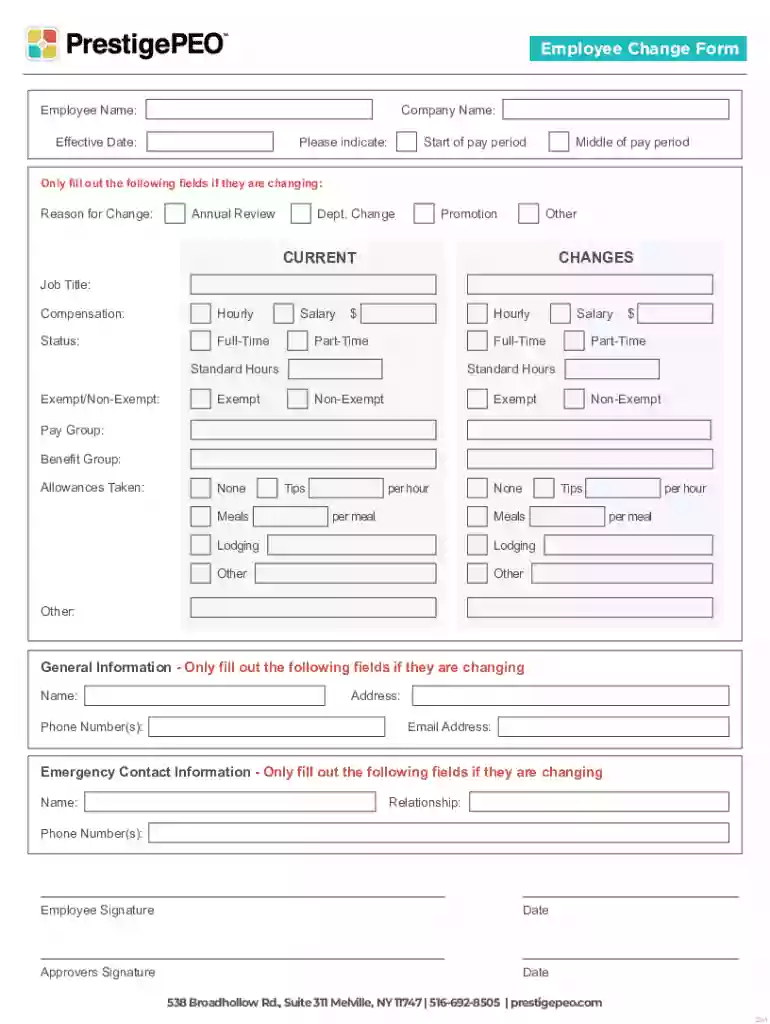
Type text, add images, blackout confidential details, add comments, highlights and more.

Draw your signature, type it, upload its image, or use your mobile device as a signature pad.

Send it via email, link, or fax. You can also download it, export it or print it out.
A "form online" typically refers to a digital document that can be completed and processed on the internet. These forms are designed to facilitate electronic data entry, allowing users to fill out fields on their computer or mobile devices. The primary advantage of online forms is the increased efficiency they offer—there is no need for physical paperwork, and information can be stored, shared, and managed more conveniently.
Using a form online involves a series of steps, beginning with accessing the form through a secure website like DocHub. Users can digitally input the required information into prescribed fields, which may include text boxes, checkboxes, or dropdown menus. Once filled, users often have the option to save, submit, or print the form. It's vital to ensure that each field is correctly filled to avoid errors that could delay processing.
Forms online can be obtained directly through official websites associated with the form's issuer, such as government portals, business websites, or educational institutions. Often, these forms are found in the documentation or resources sections of the site. Users need to download the form in a compatible format, such as PDF or DOC, before proceeding with completion.
Completing online forms efficiently requires a methodical approach. Firstly, gather all necessary information and documents beforehand. The following steps will guide you through a standard process for completing an online form:
Online forms provide substantial benefits such as ease of access, reduced paperwork, and instant submission. They also support eco-friendly practices by minimizing the need for paper. Additionally, online forms can be integrated with databases, facilitating automatic updates and processing, which enhances operational efficiency.
Several groups frequently rely on online forms, including businesses processing employee information, individuals completing tax documents, and students submitting applications. Each group benefits from the streamlined nature of online forms, which allow them to handle large volumes of data efficiently.


Every online form comprises several essential elements designed to ensure it captures the necessary information effectively. These elements typically include:
Understanding these elements helps users navigate and complete forms accurately.
Online forms are legally recognized, especially when they incorporate secure electronic signatures compliant with legislation like the ESIGN Act. This legal framework ensures that documents signed and submitted digitally hold the same weight as their paper counterparts, provided they adhere to proper security protocols.
Some forms, particularly those dealing with legal, educational, or financial matters, may have rules that vary by state. Users must ensure the form complies with local regulations specific to their state. This may involve checking state websites for additional instructions or requirements.
Practical applications for online forms are vast and varied. For example, businesses may use forms to process employee updates like the aforementioned Employee Change Form. Government services might enable taxpayers to complete forms online for quick submission. Educational institutions often use online forms for enrollment and application processes.
We've got more versions of the Employee Change Form form. Select the right Employee Change Form version from the list and start editing it straight away!
At DocHub, your data security is our priority. We follow HIPAA, SOC2, GDPR, and other standards, so you can work on your documents with confidence.


