




01. Edit your form online
Type text, add images, blackout confidential details, add comments, highlights and more.

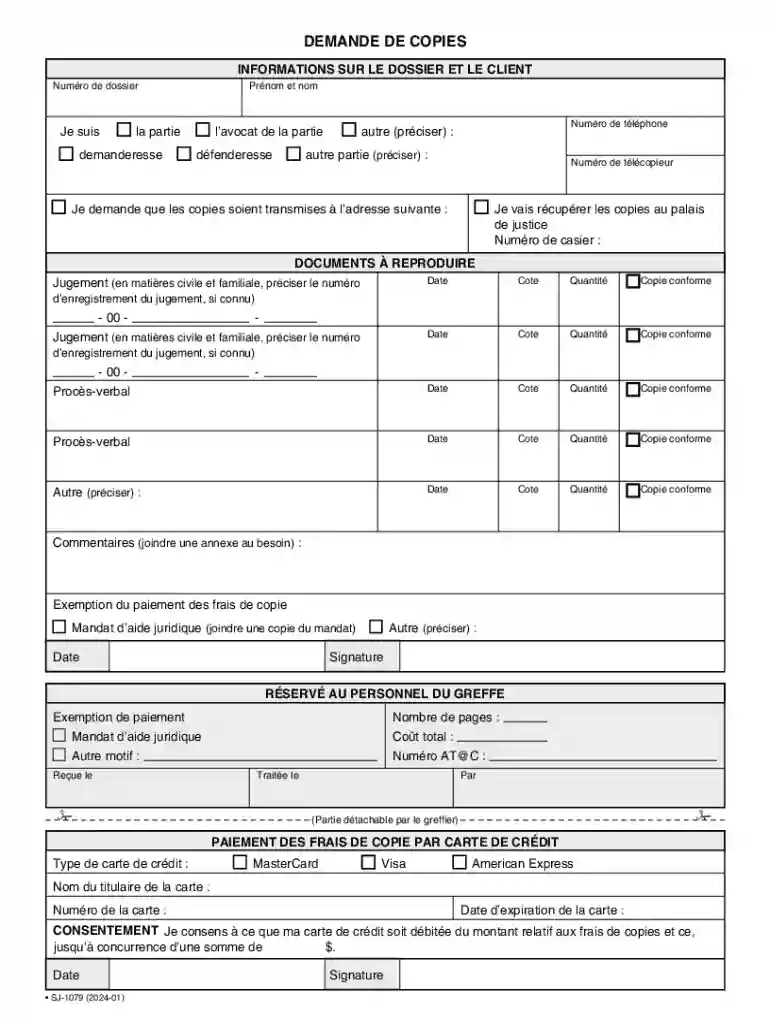
Type text, add images, blackout confidential details, add comments, highlights and more.

Draw your signature, type it, upload its image, or use your mobile device as a signature pad.

Send it via email, link, or fax. You can also download it, export it or print it out.
The term "form online" refers to any document or application that can be accessed, filled out, and submitted through the internet. These digital forms are widespread across various sectors, including government, business, and education. Online forms often replace traditional paper forms, offering convenience, efficiency, and accessibility. They enable users to input data directly, reducing errors associated with manual entry and facilitating faster processing. When discussing "form online," it encompasses not only the digital interface where users input their information but also the backend systems that manage data collection and storage.
To effectively complete a form online, follow these structured steps:
Access the Form: Navigate to the website where the form is hosted. This might require logging in or creating an account.
Review Instructions: Before starting, read any provided instructions or guidelines to ensure you understand the requirements.
Fill in the Required Fields: Enter your information as specified. Required fields are typically marked with an asterisk (*).
Attach Supporting Documents: If the form requires additional documents (e.g., identification, proof of residence), upload these in the specified formats.
Verify Information: Double-check your entries for accuracy to avoid submission errors.
Submit the Form: Once completed, click the submit button. You may receive a confirmation message or email as proof of submission.
Using forms online legally involves adhering to the rules and regulations associated with the form in question. For example, when submitting government forms online, compliance with applicable laws such as privacy regulations is crucial. Understanding the legal framework ensures that personally identifiable information (PII) is protected and only used for its intended purpose. It's vital that entities providing online forms comply with laws like the Electronic Signatures in Global and National Commerce Act (ESIGN Act) to ensure digital signatures are legally binding. Users should be aware that some forms may require additional verification steps to meet legal standards, such as notarization or third-party validation.
Online forms typically consist of several key elements that facilitate data collection:
Regulations regarding online forms can vary significantly from state to state, especially for government-related documents. Certain states may have specific mandates around data privacy, electronic storage, and submission deadlines. For instance, tax forms in California may have different requirements compared to those in New York. Understanding these state-specific rules is crucial for compliance and successful form submission. Businesses that operate in multiple states need to adapt their online forms to comply with each state's regulations to avoid penalties.
When completing a form online, certain documents may be required to verify identities or provide additional information. These can include:
Online forms offer multiple submission methods tailored to the user's circumstances and preferences:
The transition from paper to digital forms offers several advantages:
We've got more versions of the Quebec Court Document Copy Request Form form. Select the right Quebec Court Document Copy Request Form version from the list and start editing it straight away!
At DocHub, your data security is our priority. We follow HIPAA, SOC2, GDPR, and other standards, so you can work on your documents with confidence.


