Definition and Meaning of Form Online
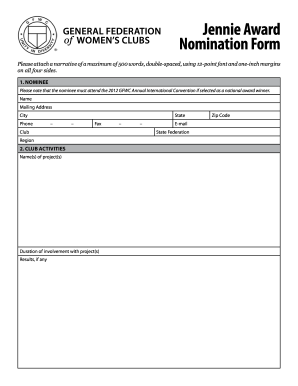
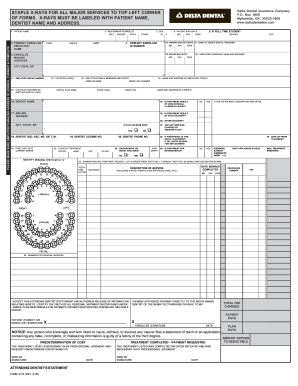
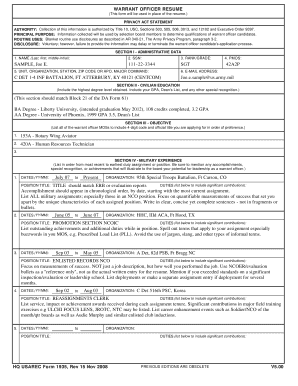
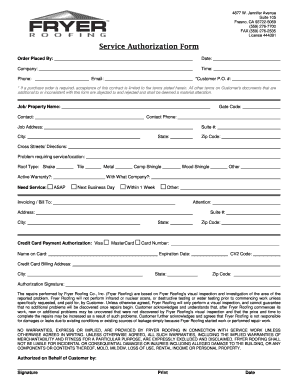
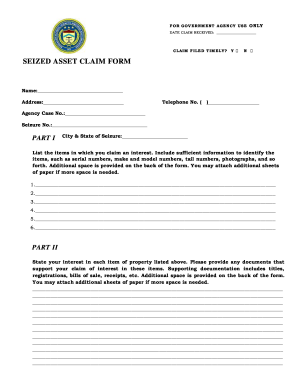
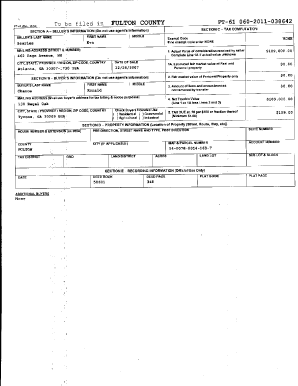
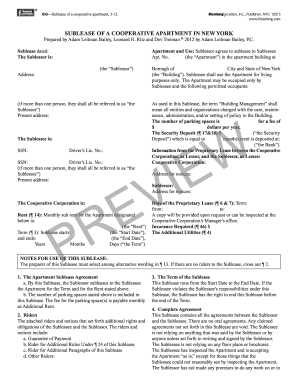
Forms online refer to digital documents that users can fill out and submit electronically over the internet. They streamline processes that traditionally required physical paperwork, offering a faster and more efficient way to gather and process information. They are often used for applications, registrations, and legal agreements, enabling users to input data from any location with internet access. Digital forms can include text fields, checkboxes, dropdown menus, and signature fields, making them versatile tools for collecting varied information.
Steps to Complete the Form Online
- Access the Form: Locate the online form through a website or direct link, ensuring that you are using a secure, official platform.
- Read Instructions: Carefully review any provided instructions to understand the requirements and necessary information.
- Enter Information: Fill in all required fields, ensuring that the information is accurate and complete. Use dropdown menus and checkboxes where applicable.
- Attach Necessary Documents: Upload any supporting documents, such as identification or financial statements, as required by the form.
- Review and Edit: Double-check entries for accuracy and completeness. Use any available preview or edit functions to make corrections.
- Submit: Follow the platform's instructions to submit the form electronically. Ensure you receive a confirmation of submission.
How to Obtain the Form Online
To obtain a form online, navigate to the relevant website, such as a government portal, business website, or application platform. Ensure the site is secure to protect your personal information. Forms may be available in a downloadable format for offline completion or as interactive templates to fill and submit directly online.
Key Elements of the Form Online
- Interactive Fields: Includes text boxes, date pickers, and dropdown menus that adapt to user input.
- Instructions and Guidance: Clear directions throughout the form assist users in completing each section accurately.
- Mandatory Fields: Marked essential fields ensure all necessary information is captured.
- Signature Capabilities: Options for electronic signatures facilitate the finalization of legal documents.
- Validation Features: Automatic checks to ensure required fields are completed and data formats are correct.
Importance of Using Forms Online
Forms online are crucial for improving efficiency and accessibility. They reduce the need for physical storage, minimize processing time, and are environmentally friendly. Digital forms enable users and organizations to expedite workflows, providing real-time data collection and enhanced accuracy, which is particularly beneficial for large-scale data gathering and processing tasks.
Legal Use of the Form Online
The legal use of online forms depends on the jurisdiction and type of document. Compliance with laws such as the Electronic Signatures in Global and National Commerce (ESIGN) Act ensures that digitally signed documents are legally binding. It is essential to use secure platforms with 256-bit SSL encryption and adherence to authentication protocols to protect sensitive information.
Software Compatibility
Online forms are often compatible with various software tools and platforms. Integrations with popular software like DocHub, TurboTax, and QuickBooks enhance workflow by allowing seamless import and export of forms. Compatibility with these tools ensures that forms can be filled, submitted, and managed efficiently within users' existing digital ecosystems.
Practical Examples and Use Cases
- Tax Filing: The IRS provides several forms online for taxpayers to complete their obligations electronically, offering an efficient alternative to paper filing.
- Business Applications: Entrepreneurs can use online forms to register their businesses, apply for licenses, or complete compliance documentation.
- School Registrations: Educational institutions utilize online forms to collect student information, facilitating streamlined enrollment processes.
- Legal Agreements: Forms such as contracts and consent forms are often completed online for convenience and timely execution.